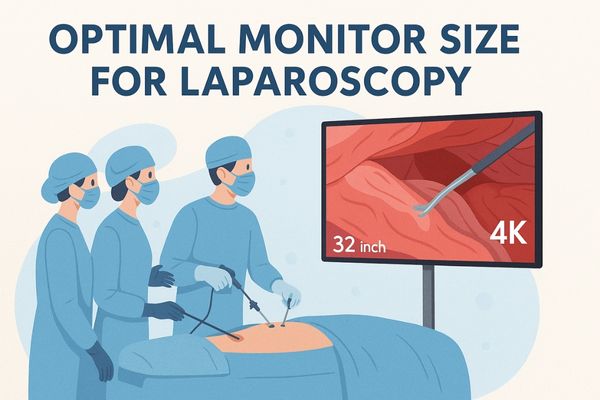
Surgical team performing laparoscopy using a 32-inch 4K monitor for enhanced visualization

Which monitor sizes best support laparoscopic surgeries?

Monitors ranging from 26 to 32 inches generally offer the best support for laparoscopic surgeries. This size range provides an optimal balance between sufficient visual detail for intricate tasks and practical compatibility with standard operating room setups and surgeon ergonomics.
Read More »
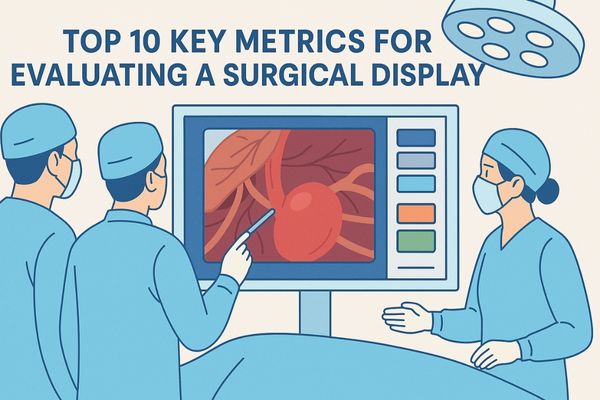
Surgical team evaluating a high-resolution medical display with endoscopic image in an operating room setting

Top 10 Key Metrics for Evaluating a Surgical Display

The top 10 key metrics for evaluating a surgical display include:

Display resolution and pixel density
Brightness levels and luminance uniformity
Contrast ratio
Color accuracy and gamut coverage
Viewing angle
Input latency
DICOM compliance
Anti-reflective coatings
Connectivity options
Durability/hygiene standards

Read More »
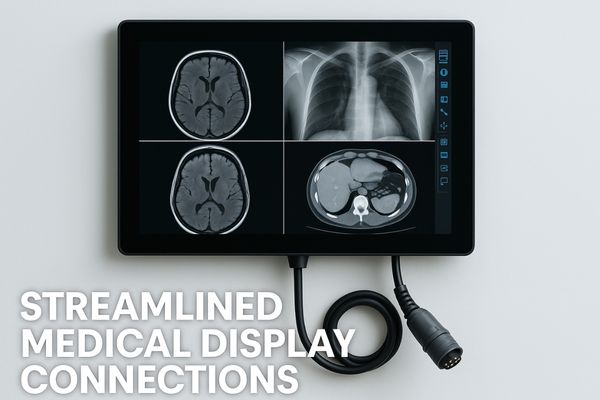
Medical monitor displaying CT and MRI scans connected via a single combo cable with text "Streamlined Medical Display Connections".

What power/signal combo connectors are used in medical displays?

Medical displays increasingly utilize specialized power/signal combo connectors, such as medical-grade multi-pin circular connectors, HDBaseT, or proprietary designs. These consolidate multiple functions like DC power, video (HDMI, SDI, DisplayPort), and control signals (USB, RS232) into a single, robust cable and interface, significantly simplifying connectivity.

Read More »
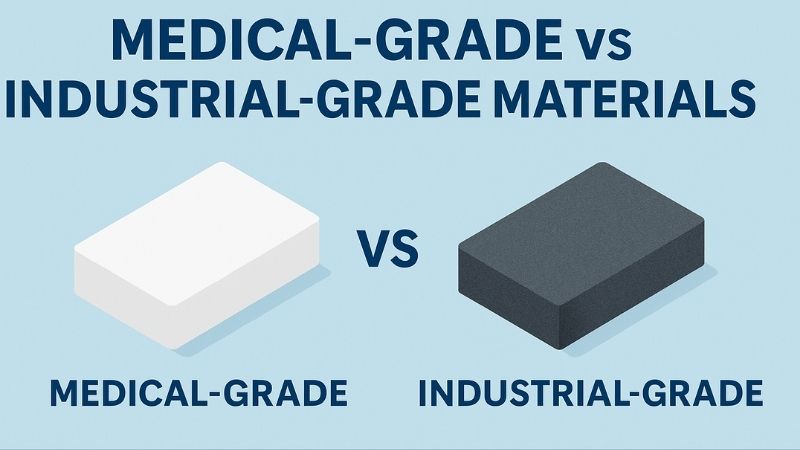
Comparison between medical-grade and industrial-grade materials using two labeled blocks on a blue background, highlighting differences in application and quality.

What is the difference between industrial and medical-grade materials?

Medical-grade materials undergo rigorous biocompatibility testing, ensuring patient safety and sterilization endurance. Industrial materials, robust yet focused on mechanical performance and cost, lack the strict safety and regulatory scrutiny essential for clinical use. This gives medical-grade components superior safety, chemical resistance, and specialized healthcare properties.

Read More »
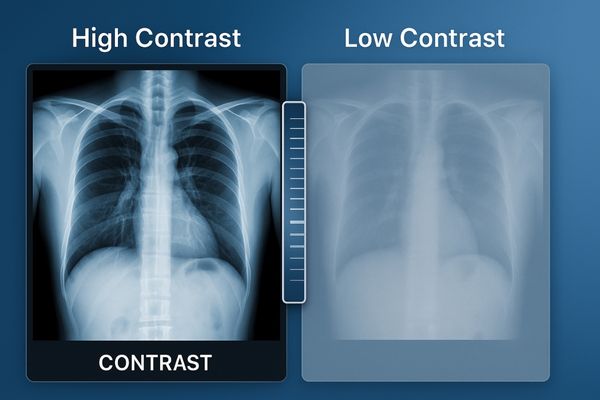
Side-by-side comparison of chest X-rays showing the effect of high contrast versus low contrast on medical image clarity.

What happens when a monitor’s contrast ratio declines?

When a monitor’s contrast ratio declines, images appear washed out, and the ability to distinguish between subtle shades of gray or color diminishes significantly. This flattening of visual depth particularly compromises grayscale-heavy modalities like X-rays and CT scans, potentially leading to missed diagnoses or misinterpretations.

Read More »
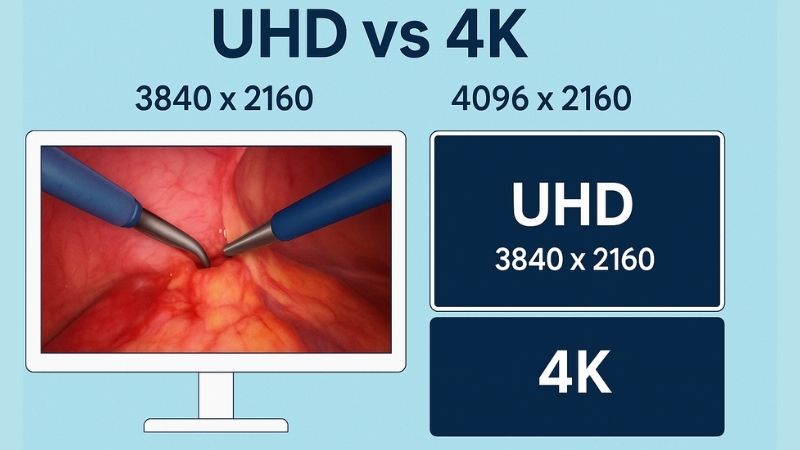
Comparison between UHD (3840x2160) and 4K (4096x2160) resolutions in surgical monitors, featuring a high-resolution surgical image and resolution diagrams.

How is UHD different from 4K in surgical monitor marketing?

While often used interchangeably, “4K” traditionally refers to the cinema standard of 4096×2160 pixels, whereas “UHD” (Ultra High Definition) specifies 3840×2160 pixels. For surgical monitors, UHD is the technically accurate term for this class of high-resolution displays, providing four times the pixels of Full HD.

Read More »
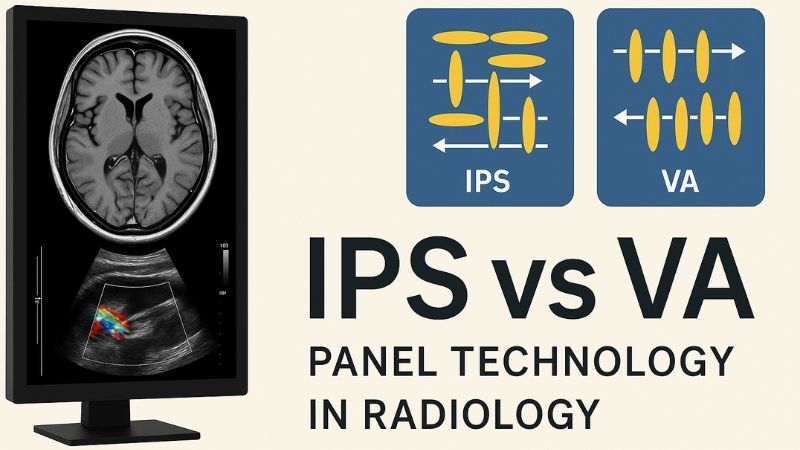
Comparison of IPS and VA panel technology for radiology, showing a medical monitor with brain MRI and Doppler ultrasound, and diagrams of liquid crystal alignment.

IPS vs VA Panels: Which Display Technology Is Better for Radiology?

For radiology, IPS (In-Plane Switching) panels are generally better than VA (Vertical Alignment) panels. IPS technology offers superior color accuracy, wider and more consistent viewing angles, and better grayscale fidelity when viewed off-axis. These characteristics are crucial for accurate diagnostic interpretation and maintaining DICOM compliance, areas where VA panels can exhibit limitations like gamma shift and color distortion at wider angles.

Read More »

Ask For A Quick Quote

We will contact you within 1 working day, please pay attention to the email with the suffix “@reshinmonitors.com”

Ask For A Quick Quote

We will contact you within 1 working day, please pay attention to the email with the suffix “@reshinmonitors.com”