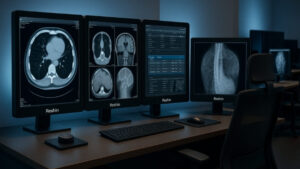
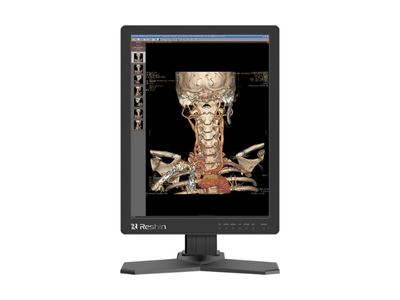
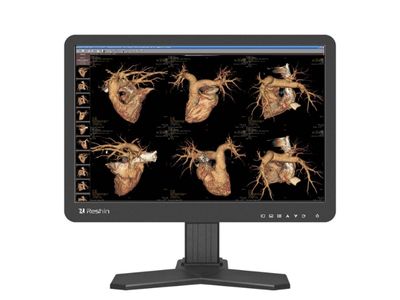
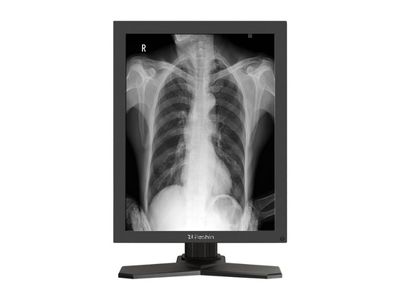
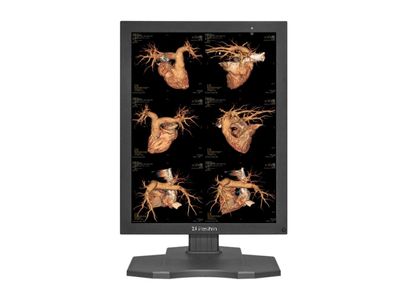
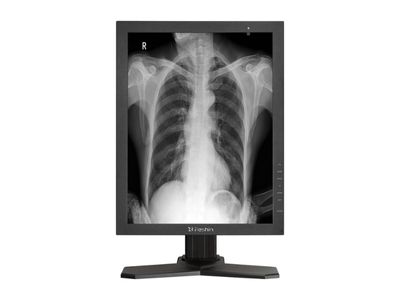
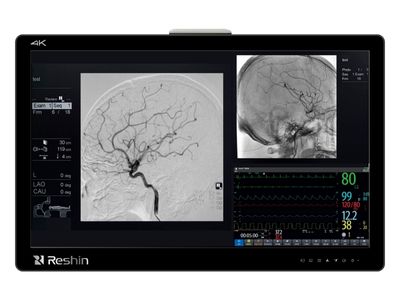
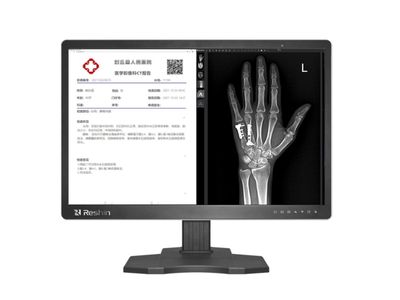
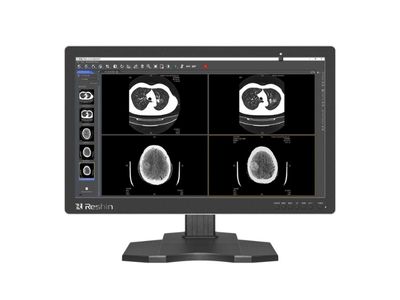
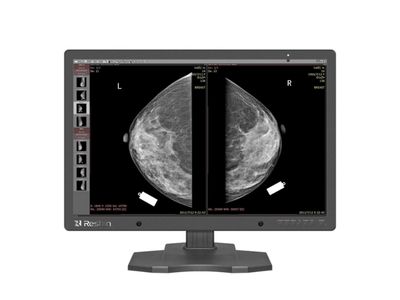
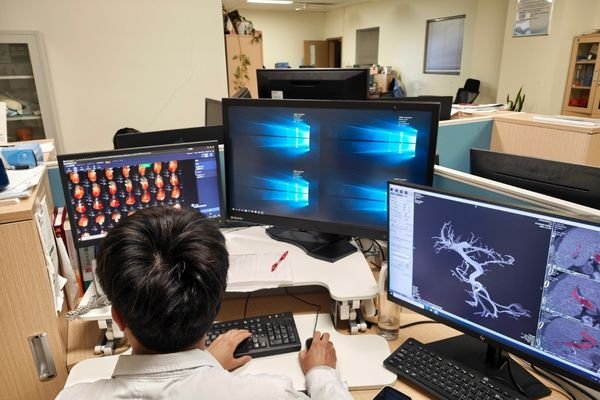
Radiology and Diagnostic Monitors for PACS, CT, MRI and Mammography

Compare Reshin radiology monitor options for DR/CR, CT, MRI, PACS, mammography and multi-modality review by resolution, screen format, brightness and intended workflow.

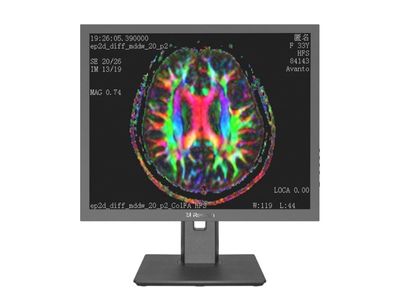
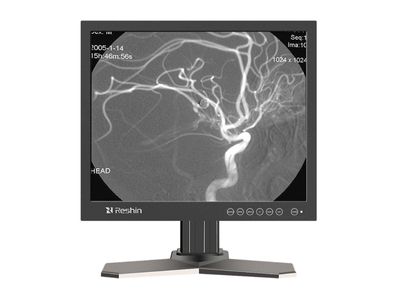
Available directions range from entry-level review displays to 2MP, 3MP, 5MP, 8MP and 12MP diagnostic monitors. DICOM-oriented functions, calibration support and interface configurations vary by model and should be confirmed in the product datasheet.

Quick Radiology Monitor Selection Guide

Match common DR/CR, CT/MRI, PACS, mammography and multi-modality workflows with an initial Reshin monitor direction before reviewing individual model datasheets.

Entry-Level DR/CR & Secondary Review

For basic DR/CR image review, acquisition workstations and secondary viewing applications requiring an entry-level display direction.

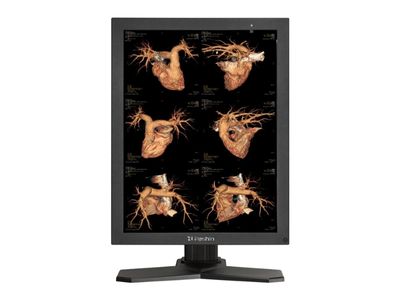
2MP CT / MRI / DR Diagnostic Workstation

Compare these 2MP and 2.3MP directions against the acquisition, clinical review or reading role, required luminance and the intended workstation configuration.

3MP Diagnostic Reading

For higher-resolution grayscale or color image review in CT/MRI and diagnostic workstation programs.

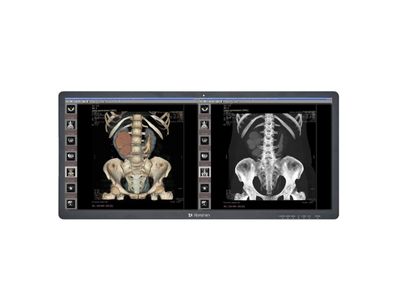
4MP / C-Arm / Dual-Screen Imaging

Compare MD45C and MD46C for 4MP workstation requirements. MD51CHY is a 3440 × 1440 wide-format color display for multi-window review and reporting; it is not a substitute for a dedicated 5MP mammography display.

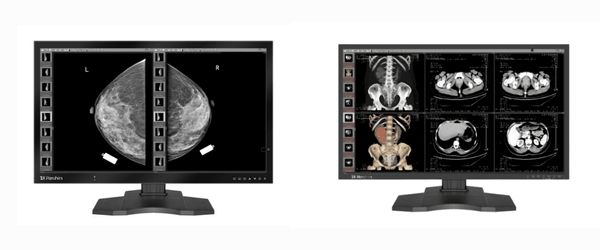
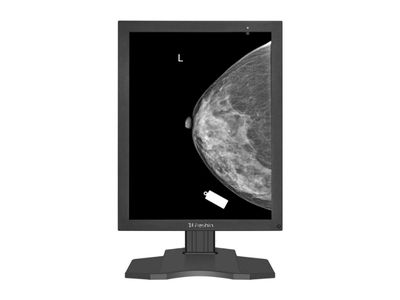
5MP Mammography & Breast Imaging

Review MD50C and MD52G against the intended diagnostic task. For mammography, start with the MD52G product information and confirm the model-specific intended use and target-market requirements before approval.

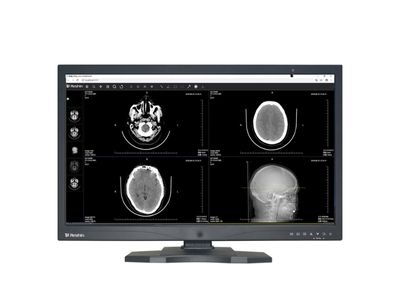
4K / 8MP / 12MP Multi-Modality Review

MD20CTOR is an FHD direction for C-arm workflows; MD80CTOR provides a 4K direction. Review MD85CA and MD120C for higher-resolution workstation layouts. Confirm the display role and signal path before selecting a model.

Model mapping is preliminary. Final selection should be confirmed against the intended use, local requirements, workstation configuration and individual product datasheet.

Radiology Monitor Selection Is Not Only About Resolution

Resolution is only one part of radiology monitor selection. Buyers should also compare imaging modality, reading role, screen format, luminance direction, DICOM-oriented functions, calibration support, workstation layout and replacement requirements. Reshin can help narrow the suitable model direction before datasheet confirmation or sampling.

Radiology Monitor Product Overview

Compare Reshin radiology monitors by resolution, screen format and intended workflow, from entry-level review to 2MP, 3MP, 5MP, 8MP, 12MP and wide-format displays. Grayscale capabilities, calibration support and interfaces vary by model and configuration.

Brightness values shown below are factory-default luminance. For maximum luminance and available calibration specifications, check the individual product page and confirm the datasheet for your selected configuration.

How to Select a Radiology Monitor by Workflow and Resolution

Selecting a radiology monitor should be based on the imaging task, resolution requirement, DICOM-related expectations, workstation setup, and deployment plan. The highest specification is not always necessary, but an under-specified display may create reading inconsistency or replacement problems.

Key Buying Points Before Model Selection

Imaging Modality & Reading Role

DR/CR acquisition, CT/MRI review, PACS reading, mammography and multi-modality comparison may require different display directions.

Resolution & Screen Format

Compare 2MP, 3MP, 5MP, 8MP, 12MP and wide-format directions according to image detail, screen layout and intended review role.

Workstation Setup

Confirm whether the project requires one monitor, matched dual monitors, a wide-format display or a multi-window workstation layout.

Model & Replacement Planning

Review model continuity, approved configuration, replacement direction and expected deployment quantity before sampling or rollout.

Compare the Shortlisted Configurations

Reading Role

Record the imaging modality, primary interpretation or review role, and intended-use statement for each shortlisted model. Resolution alone does not establish suitability or approval.

Luminance Conditions

Compare factory-default, calibrated operating and maximum luminance separately. Record the target setting, ambient conditions and measurement method from the model documentation.

Calibration and QA

Confirm the sensor provision, calibration software, supported measurement method and recurring QA procedure. Record the specification revision and any options required.

Workstation Fit

Check GPU outputs, supported input timings, orientation, mounting and available desk space. Validate the selected configuration with the intended workstation before approval.

Reshin helps buyers compare standard radiology monitor models and select a suitable display direction before purchasing, sampling, or project deployment.

Need a Different Evaluation Path?

For supplier qualification, review the diagnostic monitor manufacturer evaluation. For a regional product portfolio, discuss a distribution partnership for diagnostic monitors. For a required interface, housing or configuration change, request a customization feasibility review.

Radiology Monitor Project Experience

Review how radiology monitor direction was evaluated for an equipment-manufacturer project before sample approval.

Reshin medical display onsite installation in a clinical imaging workstation

Diagnostic Display Support for a Radiology Equipment Manufacturer

The project focused on separating immediate 2MP and 3MP display requirements from possible future higher-resolution needs. Reshin supported workstation-role clarification, model-direction comparison, technical information review and pre-sample planning.

Workstation Scope

DR/CR and CT/MRI

Display Direction

2MP and 3MP

Project Stage

Pre-sample review

Customer identity, project location and selected commercial or technical details are withheld due to confidentiality requirements.

Radiology Monitor Features to Confirm by Model

Use the product table above to shortlist models, then complete this comparison with current model documents. Blank fields are requests for confirmation, not missing test results.

Document fieldShortlisted model AShortlisted model B
Model / configuration / specification revisionTo be confirmedTo be confirmed
Grayscale or color / intended-use scopeTo be confirmedTo be confirmed
Factory-default / operating / maximum luminanceTo be confirmedTo be confirmed
Sensor / calibration software / measurement methodTo be confirmedTo be confirmed
Input timing / orientation / mountingTo be confirmedTo be confirmed
Applicable documents / options / exclusionsTo be confirmedTo be confirmed
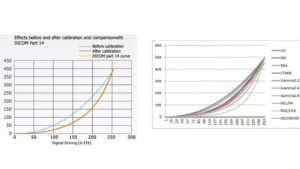
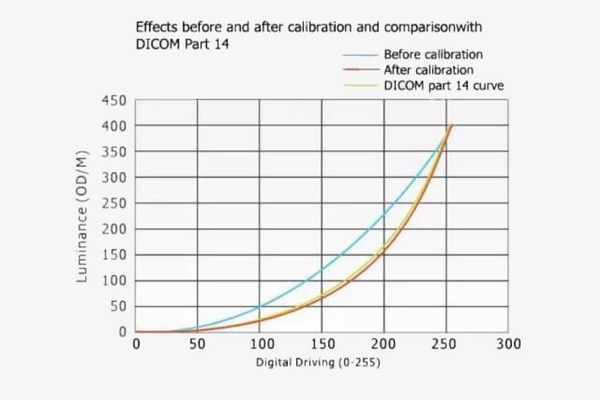
DICOM Part 14 GSDF grayscale calibration curve for a radiology monitor

DICOM Part 14 / GSDF-Oriented Grayscale

Selected diagnostic monitor models support DICOM Part 14 / GSDF-oriented grayscale presentation according to their stated product specifications. Applicable functions should be confirmed against the intended imaging workflow and individual model datasheet.
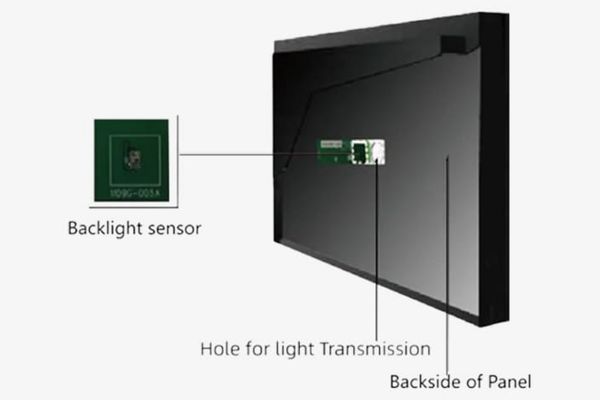
Backlight sensor structure used for radiology monitor luminance stabilization

Luminance Stabilization

Applicable models may use backlight sensing or luminance stabilization functions to help manage brightness behavior over time. Availability and verification methods vary by model and should be reviewed before approval.

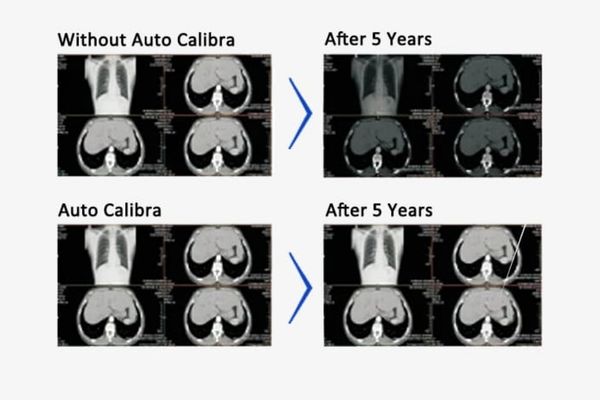
Radiology monitor automatic calibration performance comparison

Calibration Support

Calibration and verification functions vary by diagnostic monitor model. Buyers should review the available calibration method, grayscale and luminance checks, maintenance requirements and applicable verification records against the intended workflow.

Multi-window radiology monitor display modes for medical image comparison

Multi-Window & Display Modes

Selected radiology monitor models support single-input, dual-input or multi-window display layouts for side-by-side comparison and multi-modality image review. Supported layouts and input combinations should be confirmed by model.

Diagnostic monitor with independently adjustable medical imaging input channels

Independent Input & Image Adjustment

Applicable multi-channel models may allow separate input, brightness, gamma or image-setting adjustment for parallel comparison. Available independent-control functions depend on the selected monitor platform and configuration.

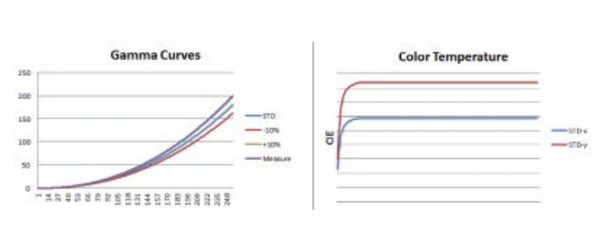
Gamma curve and image correction controls for a radiology diagnostic monitor

Gamma, Geometric & Image-Control Functions

Selected models may include gamma presets, geometric correction, color-temperature settings or other image-control functions. Buyers should confirm which controls apply to the intended model, input source and radiology workflow.

Selected Medical Imaging Project References

These references reflect selected equipment, integration, supply or market relationships involving medical imaging projects. Relationship type and project scope may vary by reference.

Angell Medical Partner Logo Chison Partner Logo Lanmage Partner Logo Lepu Medical Partner Logo Perlove Medical Partner Logo Shinva Partner Logo Sino MDT Partner Logo Sontu Partner Logo United Imaging Partner Logo Vinno Partner Logo WDM Medical Partner Logo Zoncare Partner Logo

Need OEM/ODM or Long-Term Project Support?

Standard radiology monitor models should be evaluated first. Projects requiring branding, housing, interface changes, documentation coordination or longer-term replacement planning can continue to the relevant support page.

Request a Radiology Monitor Selection Review

Looking for radiology monitors for sale? Request a model recommendation and project quotation based on

your imaging workflow and procurement requirements. Share your imaging modality, intended reading role,

target resolution, screen format, workstation layout, interfaces, target market, estimated quantity and current

project stage. Reshin will review suitable model directions and recommended next steps.

FAQ

Compare the intended imaging task, required image detail, screen format, workstation layout and applicable local requirements. Higher resolution is not automatically the best choice for every workflow.

Entry-level, 2MP and 3MP directions are commonly reviewed for DR/CR acquisition, CT/MRI review and defined diagnostic workstation roles. Final selection depends on the intended use and project requirements.

5MP and higher-resolution directions are commonly evaluated for mammography-related and high-detail grayscale workflows. Brightness, grayscale behavior, calibration support and local requirements should also be confirmed.

These directions may be considered for multi-modality review, multi-window comparison, fewer-bezel workstation layouts or higher-resolution imaging requirements.

No. Available grayscale, calibration, luminance-stabilization and image-control functions vary by model. Buyers should confirm the applicable datasheet before approval.

Please provide the imaging modality, reading role, target resolution, screen format, workstation layout, interfaces, quantity, target market and current project stage.

Request a Medical Display Quote

Tell us the application, model or required specification, quantity and destination country. We will review your request and reply by email.