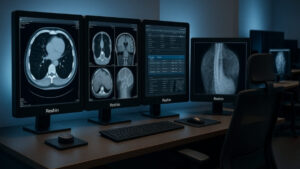
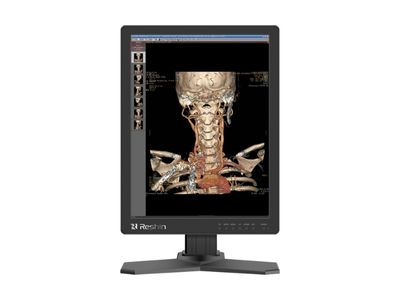
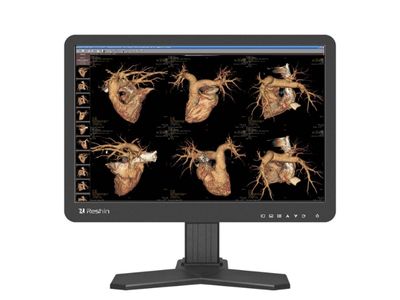
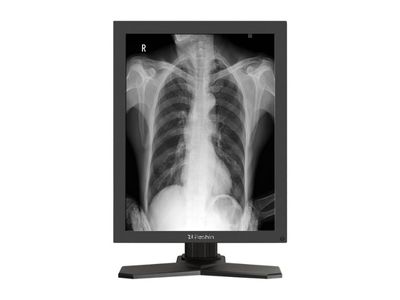
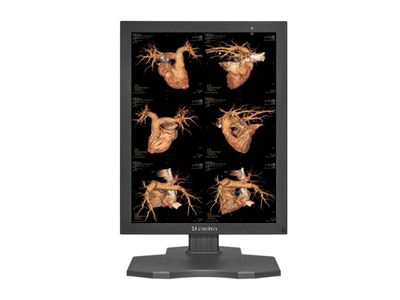
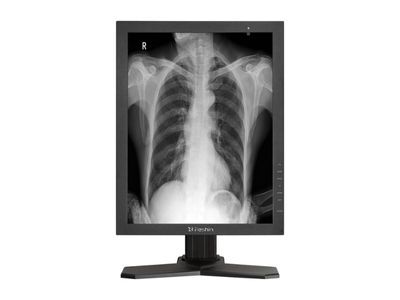
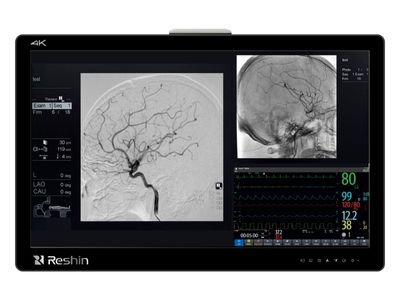
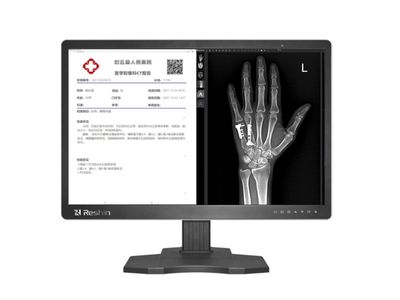
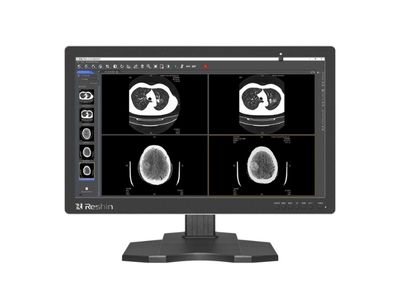
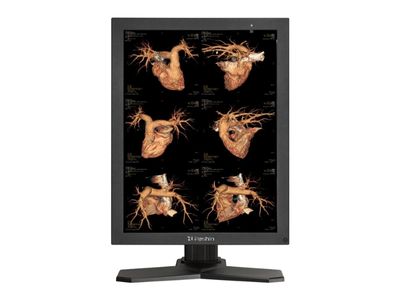
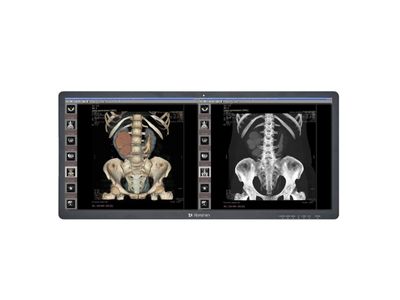
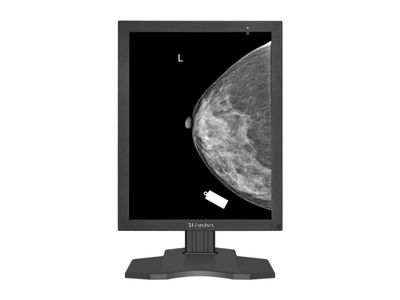
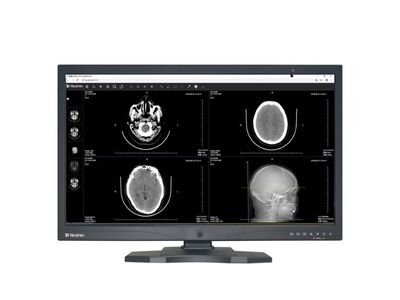
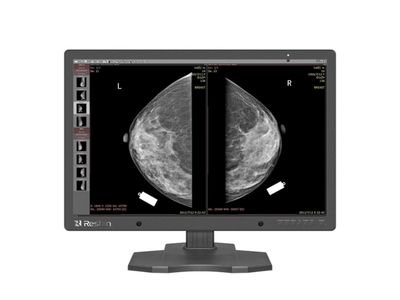
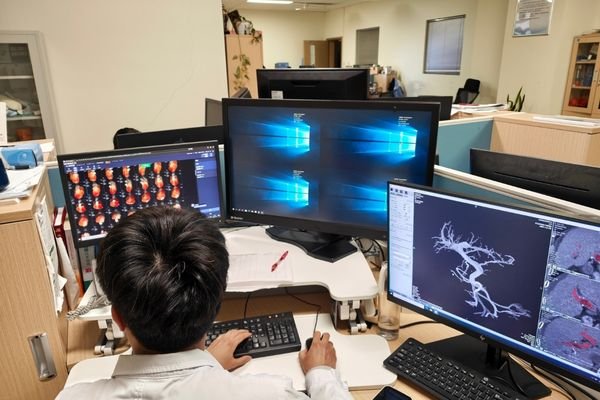
Radiology and Diagnostic Monitors for PACS, CT, MRI and Mammography

DICOM-compliant diagnostic displays for PACS workstations, CT/MRI review, DR/CR imaging, mammography and OEM medical imaging systems.

Quick Radiology Monitor Selection Guide

Match common PACS, CT, MRI, DR/CR and mammography workflows with suitable Reshin diagnostic monitor models.

Entry-Level DR / CR & Clinical Review

For basic DR/CR image review, clinical viewing rooms and entry-level diagnostic display applications.

2MP CT / MRI / DR Diagnostic Workstation

For 2MP radiology reading, DR/CR acquisition workstations, CT/MRI review and PACS display setups.

3MP PACS Diagnostic Reading

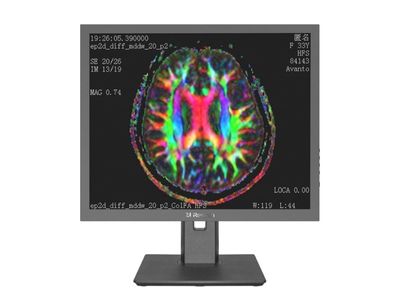
For PACS workstations, CT/MRI diagnostic reading and higher-detail grayscale or color image review.

4MP / C-Arm / Dual-Screen Imaging

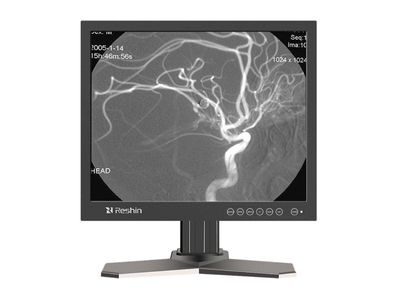
For C-arm systems, dual-screen PACS workflows, ambient-light environments and multi-window image review.

5MP Mammography & Breast Imaging

For mammography, breast imaging review, high-detail grayscale display and diagnostic reading environments.

4K / 8MP / 12MP Multi-Modality Diagnosis

For high-resolution multi-modality workstations, CT/MRI/DR comparison, mammography and advanced diagnostic workflows.

How to Select a Radiology Monitor for PACS, CT, MRI, and Mammography

Selecting a radiology monitor should be based on the imaging task, resolution requirement, DICOM-related expectations, workstation setup, and deployment plan. The highest specification is not always necessary, but an under-specified display may create reading inconsistency or replacement problems.

Key Buying Points Before Model Selection

Imaging Modality

PACS, CT, MRI, X-ray, mammography, ultrasound, and multi-modality review may need different display choices instead of one general monitor direction.

Resolution Level

2MP / 3MP may fit general review, while 5MP, 8MP, or 12MP may fit higher-detail diagnostic tasks or multi-image workflows.

Workstation Setup

Single monitor, dual diagnostic monitors, wide-format screen, or multi-window comparison should match the actual PACS workflow and reading room layout.

Long-Term Use

Calibration records, inspection reports, model continuity, and replacement support should be considered before hospital, OEM, or PACS project deployment.

Quick Resolution Matching Guide

2MP / 3MP

Commonly considered for general clinical review, basic PACS viewing, consultation, and non-primary diagnostic comparison workflows.

5MP

Often evaluated for mammography-related reading, higher grayscale detail, and applications where fine image structure is more important.

8MP / 12MP

Suitable for higher-resolution diagnostic workstations, multi-window review, multi-modality comparison, or wider screen layouts.

Wide Format

Useful when buyers need fewer bezels, more image windows, or a simplified workstation layout for PACS and radiology review.

Reshin helps buyers compare standard radiology monitor models and select a suitable display direction before purchasing, sampling, or project deployment.

Related decision support

For supplier-side evaluation, review our diagnostic monitor manufacturer page. For workstation deployment, see our PACS monitor manufacturer page. For OEM housing, interface, labeling, or configuration needs, visit customized medical display support.

Diagnostic Display Features for Stable Radiology Image Review

Reshin radiology monitors are designed to support consistent image presentation across PACS, CT, MRI, DR/CR and mammography workflows, with DICOM-aligned grayscale performance, luminance stability and flexible display modes.

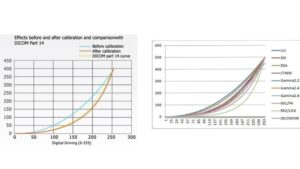
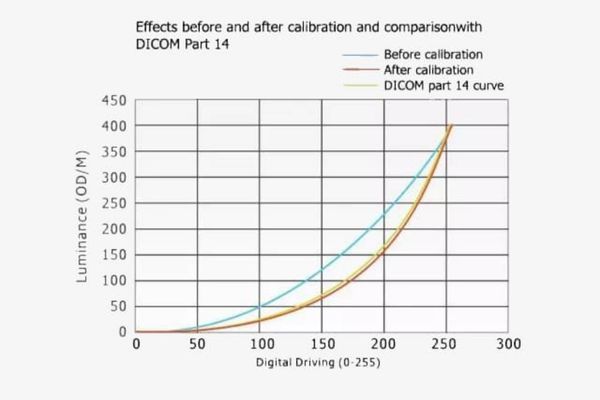
DICOM Part 14 GSDF calibration curve for radiology monitor grayscale consistency

DICOM Part 14 / GSDF Alignment for Radiology Imaging

Reshin diagnostic monitors support DICOM Part 14 / GSDF-based grayscale presentation, helping maintain consistent image appearance across PACS workstations, CT, MRI, DR/CR and mammography review environments.

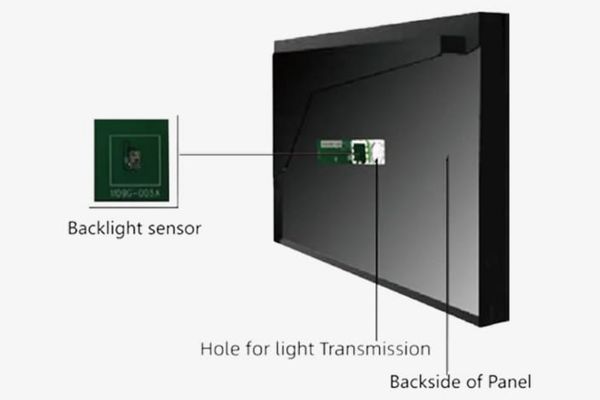
Backlight stabilization sensor structure for radiology diagnostic monitor luminance consistency

Backlight Stabilization for Long-Term Luminance Consistency

Integrated backlight stabilization helps reduce luminance drift during long-term use, supporting more consistent display performance across radiology reading rooms, imaging centers and hospital workstations.

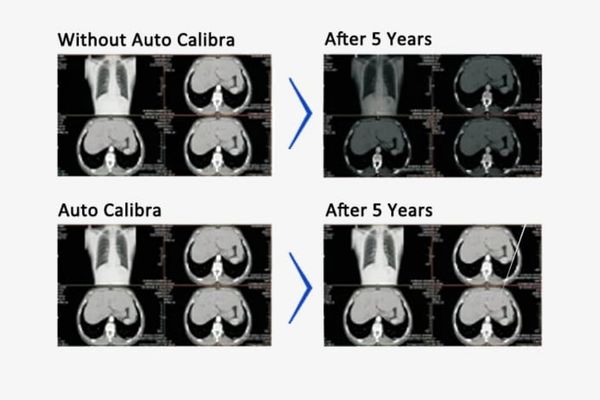
Automatic calibration comparison for consistent diagnostic monitor display performance

Automatic Calibration Support for Consistent Display Performance

Automatic calibration support helps maintain DICOM-aligned luminance and grayscale performance over time, reducing manual maintenance work and supporting consistent display quality across multiple diagnostic workstations.

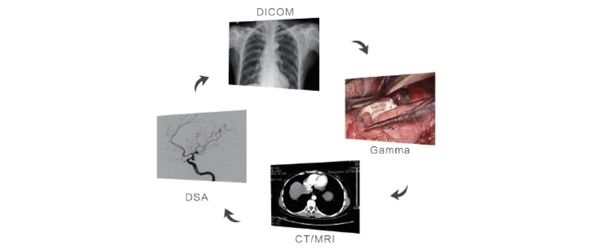
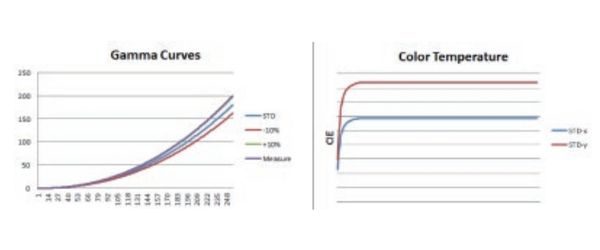
Multi-mode gamma curve display for flexible radiology diagnostic workflows

Multi-Mode Display Layouts for Flexible Diagnostic Workflows

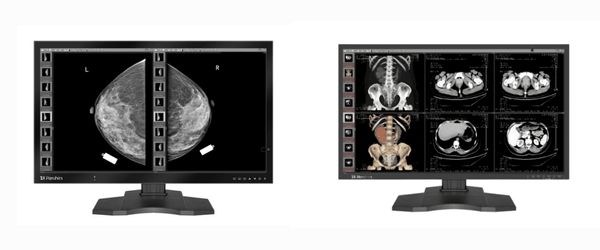
Flexible display modes support single, dual and multi-window viewing for side-by-side comparison, multi-modality image review and PACS workflow integration, helping radiology teams work across CT, MRI, DR/CR and mammography images.

Trusted by Leading Healthcare and Imaging Institutions

Partnerships with leading imaging brands help de-risk PACS deployments and refreshes, supporting reliable long-term service assurance for hospitals and integrators.

Angell Medical Partner Logo Chison Partner Logo Lanmage Partner Logo Lepu Medical Partner Logo Perlove Medical Partner Logo Shinva Partner Logo Sino MDT Partner Logo Sontu Partner Logo United Imaging Partner Logo Vinno Partner Logo WDM Medical Partner Logo Zoncare Partner Logo

Application Scenarios of Radiology Monitors for PACS, CT/MRI, Mammography

Three-Level Medical Facility Layout

Multi-Level Hospitals

From multi-level hospitals to imaging centers, radiology monitors enable standardized setup across PACS and CT/MRI departments, improving governance and rollout speed.

Multi-Modality Imaging Display

Multi-Modality Imaging

High-resolution diagnostic monitors support PACS review for CT/MRI/US/X-ray, enabling accurate side-by-side comparison and fewer rereads.

Intelligent Imaging Collaboration

Collaborative Diagnosis

Diagnostic displays enable multi-disciplinary consultation with standardized image review, supporting confident diagnosis and shorter approval cycles.

Advanced Technology in Radiology Diagnostic Monitors

Adaptive Reading Modes Radiology Monitor

Adaptive Reading Modes for Radiology

Exam-specific reading modes for CT, MRI, and mammography keep gamma and brightness optimized, improving radiology workflow efficiency.

Multi-Channel Independent Radiology Display

Multi-Channel Independent Diagnostic Monitor

Multi-channel architecture allows two inputs to be adjusted independently for parallel comparison, maintaining DICOM performance and consistency.

Small Signal Enhancement Technology Radiology Monitor

Small Signal Enhancement in Imaging

Small-signal enhancement improves subtle structure visibility in low-contrast areas, supporting earlier interpretation in CT, MRI, and ultrasound.

High-Precision Image Correction Radiology Display

High-Precision Image Correction

1:1 and geometric correction keep overlays accurate and cross-modality alignment stable across medical imaging workstations.

Multi-Group Gamma Correction Diagnostic Monitor

Multi-Group Gamma Correction

Built-in gamma groups preset visualization for ultrasound, CT, MRI, and mammography, ensuring DICOM-consistent performance and faster setup.

Consistency Calibration Radiology Display

Consistency Calibration for Diagnostic Monitor

Consistency calibration standardizes grayscale among devices, supporting cross-site acceptance and faster PACS integration with traceable records.

Customized Radiology Monitor Solutions for Clinical Needs

CUSTOM

Customized radiology monitor solutions cover size, brightness, interfaces, and calibration. They fit PACS, CT/MRI, and mammography workflows with flexibility and reliable delivery under OEM/ODM.

🏷️

OBL (Own Brand Labeling) Support

Enable private labeling under your brand with nameplate/label planning, packaging & IFU version control, and documentation consistency aligned to your target market requirements.

🎨

Custom Logo & Branding

Support logo printing/labeling, customized nameplates, and branded packaging. Optional UI/OSD language and default presets help ensure a consistent brand experience.

🧾

Local Registration Support

Provide a registration-ready documentation checklist, technical files, and sample units support to streamline local approval workflows (subject to local regulations and project scope).

Compliance & Certification Documents

Offer a compliance document pack for procurement and review, including relevant declarations, certificates, and test documentation based on the specific model and target market needs.

💡

Cost-Effective Diagnostic Versions

Streamlined configurations trim rarely used functions while retaining DICOM essentials, improving ROI for diagnostic radiology monitors.

🔍

Additional Clinical Features

User-friendly UI and workflow customization reduce training time and change-management cost for PACS, CT/MRI, and mammography teams.

RESHIN medical monitors recognized by global customers, exported to Australia, Japan, Russia, and other countries

AFTER-SALES SERVICE SYSTEM

Customer Satisfaction First

At Reshin, we place customer needs at the center. Our dedicated team provides professional, meticulous, and responsive support to ensure reliable operation of radiology monitors, diagnostic displays, and medical imaging equipment in clinical use.

🔧 INTEGRATED SERVICE CONCEPT From warehouse delivery to on-site installation, our engineers track every step. Regular calibration and debugging are performed to guarantee DICOM-compliant accuracy and stable imaging performance for PACS, CT, MRI, and mammography monitors.

🛡️ FIVE-YEAR WARRANTY COMMITMENT All Reshin radiology and diagnostic monitors come with a 5-year warranty. With independent R&D and production capabilities, our technical team quickly resolves faults on-site. This long-term warranty reduces repair costs and ensures reliable operation for hospitals and imaging centers.

⚡ RAPID RESPONSE MECHANISM Understanding the critical role of medical displays in diagnostics, we established a 3-hour rapid response service. This ensures timely support for radiology monitors and diagnostic imaging systems, reducing downtime and preventing delays in patient diagnosis.

Contact Us

FAQ

The right diagnostic monitor depends on your imaging workflow, resolution requirements and reading environment. For general DR/CR or clinical review, 1MP–2MP monitors may be sufficient. For PACS, CT and MRI workstations, 2MP–3MP diagnostic monitors are commonly used. For mammography or high-detail grayscale review, 5MP, 8MP or 12MP models are usually recommended. Reshin can help recommend suitable models based on your application, workstation setup and project requirements.

A diagnostic monitor is designed for medical imaging workflows where grayscale consistency, luminance stability and image presentation are important. Compared with regular office monitors, diagnostic monitors usually support DICOM Part 14 / GSDF alignment, higher brightness stability, calibration support and medical imaging display modes for PACS, CT, MRI, DR/CR and mammography review environments.

For PACS, CT and MRI image review, 2MP and 3MP diagnostic monitors are commonly selected depending on the level of detail required. 2MP models are suitable for routine review and acquisition workstations, while 3MP models provide higher resolution for diagnostic reading. For multi-modality workstations that require more screen space, 8MP or 12MP models may be considered.

Mammography workflows usually require higher-resolution diagnostic displays for detailed grayscale image review. Reshin offers 5MP, 8MP and 12MP diagnostic monitor options for mammography and multi-modality imaging environments. The final model selection depends on the reading workflow, resolution requirement, brightness requirement and workstation configuration.

Yes. Reshin diagnostic monitors are designed to support DICOM Part 14 / GSDF-based grayscale presentation for radiology imaging applications. This helps maintain more consistent image appearance across PACS, CT, MRI, DR/CR and mammography review workflows. Specific specifications may vary by model, so customers can request datasheets for detailed confirmation.

Yes. Reshin supports OEM and ODM diagnostic monitor projects for medical device manufacturers, imaging system integrators and healthcare equipment suppliers. Customization options may include screen size, brightness, resolution, interface configuration, branding, housing design, labeling, packaging and documentation support based on project requirements.

Ask For A Quick Quote

We will contact you within 1 working day, please pay attention to the email with the suffix “@reshinmonitors.com”

Ask For A Quick Quote

We will contact you within 1 working day, please pay attention to the email with the suffix “@reshinmonitors.com”