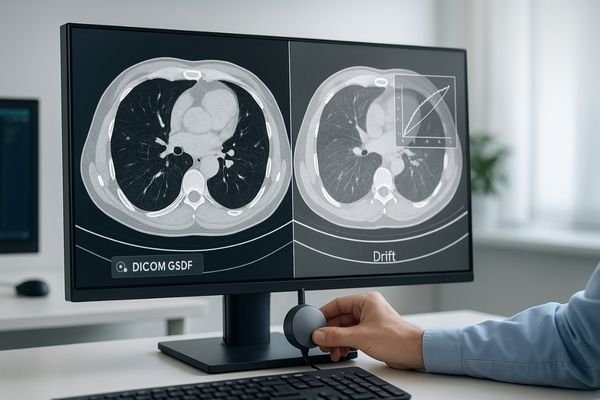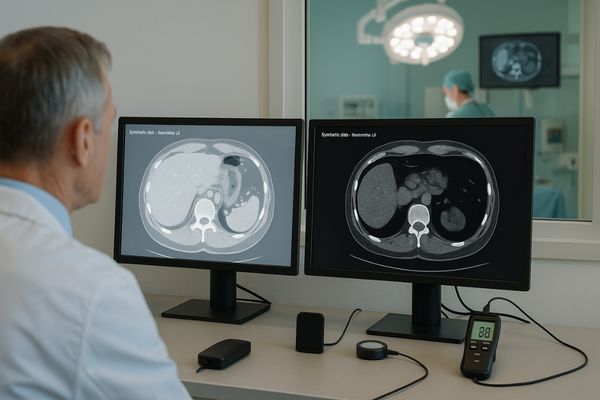
Radiologist compares the same CT study on two displays with different grayscale; calibration probe and lux meter show GSDF calibration and luminance stability

Same CT image, different rooms – why displays look different

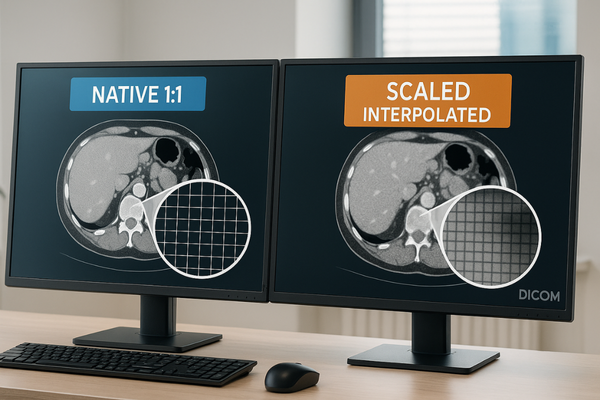
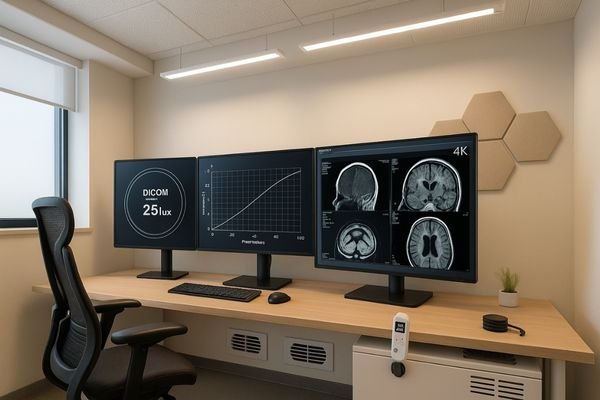
The same CT study should present the same grayscale—room to room. If it doesn’t, the issue isn’t the scan; it’s the display pipeline: calibration, luminance stability, signal path, and ambient light. This guide maps the risks and a practical, auditable fix—GSDF calibration, stabilized luminance, 20–40 lux reading rooms, matched viewer presets, and routine QA—so one CT has one look everywhere.
Read More »
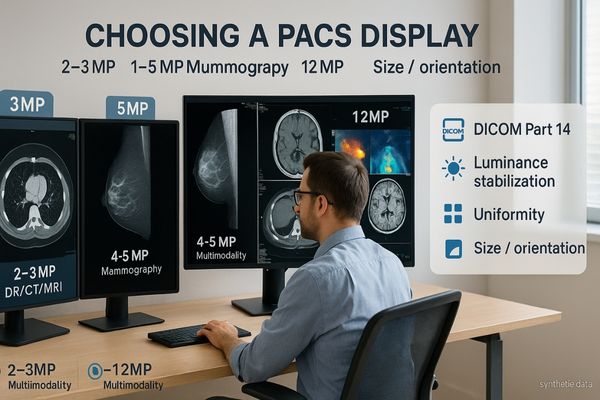
Radiology reading room with multiple PACS displays labeled 2–3MP (general), 4–5MP (mammography/detail), and 8–12MP (multimodality), with notes on DICOM Part 14, luminance stabilization, and uniformity

PACS Workstation Display 2–12MP guide

Pick megapixels by task, not pride: 2–3MP for general PACS and acquisition, 4–5MP when fine detail decides the report (including mammography), 8–12MP when multimodality needs fewer bezels and head turns. Then lock truth in with DICOM Part 14, luminance stabilization, uniformity, and the right size/orientation for the room.

Read More »
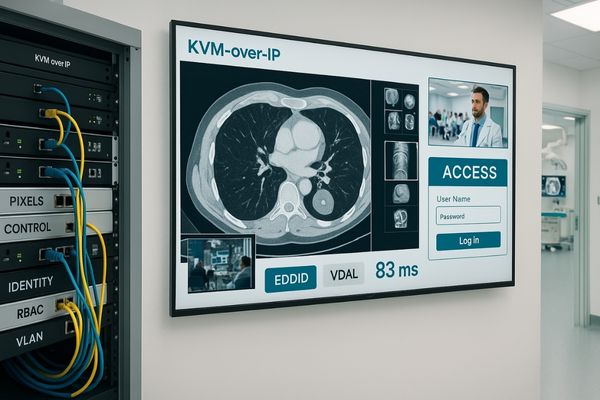
KVM-over-IP architecture linking a secure PACS workstation to conference and OR displays, showing separated streams—Pixels, Control (USB-HID), and Identity—with 4K60 endpoints

From PACS to Conference Displays: KVM-over-IP Integration and Access Segmentation

KVM-over-IP links PACS workstations to conference displays only when pixels, control, and identity are cleanly separated, latency stays deterministic, and access is segmented by role/room. Pair fixed multiview templates with resilient endpoints (4K60, proper EDID, USB-HID backfeed) and audited switching. The result: secure, low-friction sharing from reading room to boardroom—without sacrificing image fidelity or control.

Read More »
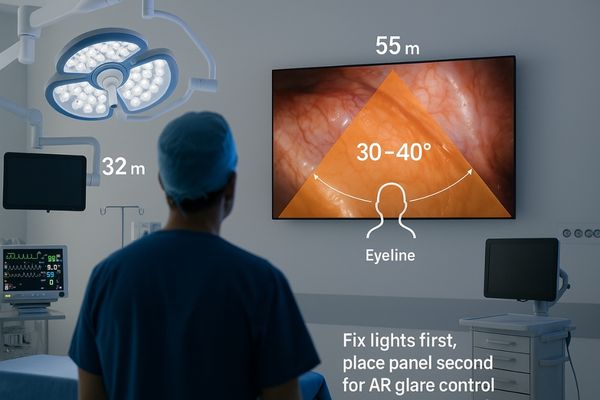
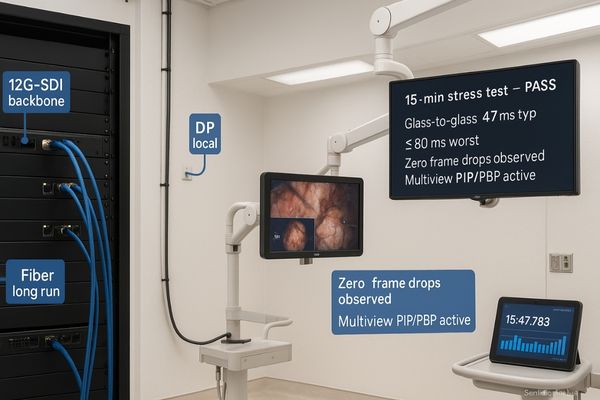
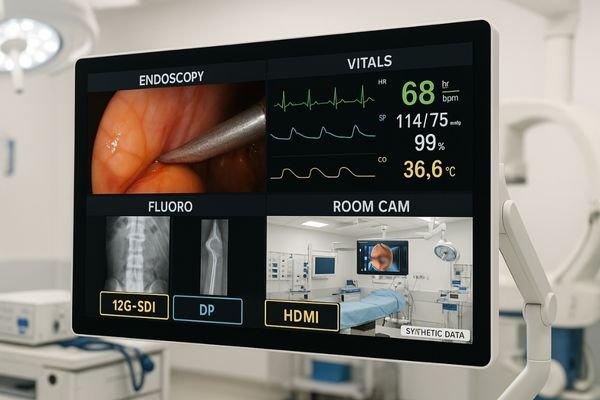
Surgical monitor in an endoscopy suite showing a fixed quad-view layout—Endoscopy, Vitals, Fluoro, and Room Cam—with 12G-SDI, DP, and HDMI labels

Multi-Source on One Screen: PIP/PBP/Quad View Signal Routing and Layout for Endoscopy Suites

Route with purpose and display with discipline: use 12G-SDI for locked 4K60 runs, DP for low-latency near-field, and reserve HDMI for utility. Pick fixed templates—PIP for reference, PBP for co-primary, quad for team awareness—then size panes to legibility thresholds and label them. Zero-drop switching and verified latency turn multiview layouts into safe, repeatable OR practice.

Read More »

Ask For A Quick Quote

We will contact you within 1 working day, please pay attention to the email with the suffix “@reshinmonitors.com”

Ask For A Quick Quote

We will contact you within 1 working day, please pay attention to the email with the suffix “@reshinmonitors.com”