Nick

Explore practical articles on medical display sourcing, OEM cooperation, diagnostic and surgical workflows, compliance preparation, and long-term supply planning.

Radiologist compares the same CT study on two displays with different grayscale; calibration probe and lux meter show GSDF calibration and luminance stability

Same CT image, different rooms – why displays look different

The same CT study should present the same grayscale—room to room. If it doesn’t, the issue isn’t the scan; it’s the display pipeline: calibration, luminance stability, signal path, and ambient light. This guide maps the risks and a practical, auditable fix—GSDF calibration, stabilized luminance, 20–40 lux reading rooms, matched viewer presets, and routine QA—so one CT has one look everywhere.

Read More »
Radiology reading room with multiple PACS displays labeled 2–3MP (general), 4–5MP (mammography/detail), and 8–12MP (multimodality), with notes on DICOM Part 14, luminance stabilization, and uniformity

PACS Workstation Display 2–12MP guide

Pick megapixels by task, not pride: 2–3MP for general PACS and acquisition, 4–5MP when fine detail decides the report (including mammography), 8–12MP when multimodality needs fewer bezels and head turns. Then lock truth in with DICOM Part 14, luminance stabilization, uniformity, and the right size/orientation for the room.

Read More »
KVM-over-IP architecture linking a secure PACS workstation to conference and OR displays, showing separated streams—Pixels, Control (USB-HID), and Identity—with 4K60 endpoints

From PACS to Conference Displays: KVM-over-IP Integration and Access Segmentation

KVM-over-IP links PACS workstations to conference displays only when pixels, control, and identity are cleanly separated, latency stays deterministic, and access is segmented by role/room. Pair fixed multiview templates with resilient endpoints (4K60, proper EDID, USB-HID backfeed) and audited switching. The result: secure, low-friction sharing from reading room to boardroom—without sacrificing image fidelity or control.

Read More »

Featured Insight

Start with the most useful guide for new buyers and OEM teams evaluating medical display suppliers.

Medical monitor procurement scene showing a medical-grade display, validation documents, connected cables, and project materials beyond price comparison

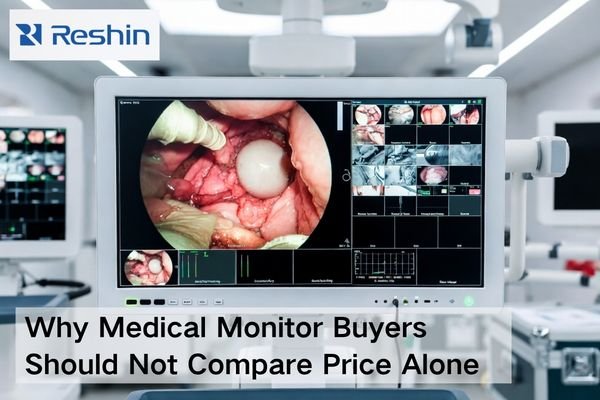
Why Medical Monitor Buyers Should Not Compare Price Alone

Medical monitor buyers should not compare price alone because a quotation only reflects the visible purchase cost, while the real project cost also includes compatibility risk, validation effort, after-sales recovery speed, document readiness, delivery coordination, and future supply stability. A better procurement decision comes from evaluating total project risk, not just the initial number on the quote.

Read More »
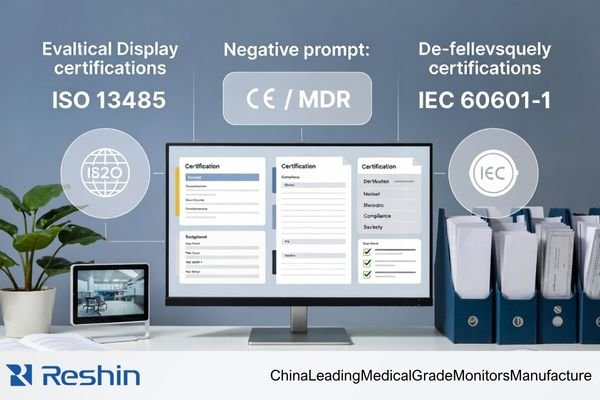
Distributor evaluating a medical display manufacturer’s certifications, including ISO 13485, CE / MDR, and IEC 60601-1 compliance

Which Certifications Actually Matter When Evaluating a Medical Display Manufacturer?

When evaluating a medical display manufacturer from a distributor’s perspective, the focus should not be on the quantity of certificates. The more important task is to identify which certifications and compliance documents actually support medical quality control, product compliance, and documentation readiness. In most cases, ISO 13485, product-related compliance information, and evidence of document traceability matter far more than general company awards or patent counts.

Read More »
Reshin medical display review meeting with buyers discussing product evaluation, specifications, and project requirements in a modern office

Buying a Medical Display from China for the First Time: What Should Be Confirmed

When buying a medical display from China for the first time, the safest approach is to confirm six things early: the exact application scope, alignment between sample and production, documentation support, OEM/customization boundaries, supply continuity, and communication quality. A capable medical display manufacturer should be able to support all six, not just provide a competitive first quotation.

Read More »

Ask For A Quick Quote

We will contact you within 1 working day, please pay attention to the email with the suffix “@reshinmonitors.com”

Ask For A Quick Quote

We will contact you within 1 working day, please pay attention to the email with the suffix “@reshinmonitors.com”