Ophthalmic operating room with dual surgical monitors showing anterior eye surgery and posterior retinal imaging.

How should one select surgical monitors for ophthalmic procedures (anterior and posterior segments)?

Selecting surgical monitors for ophthalmic procedures requires matching display behavior to segment-specific visibility risks: smooth highlight handling and stable brightness for anterior segment work, predictable color and tonal mapping with stable low-level detail for posterior segment procedures. Prioritize clean scaling, consistent low latency, and validated picture modes that prevent drift during procedures.
Read More »
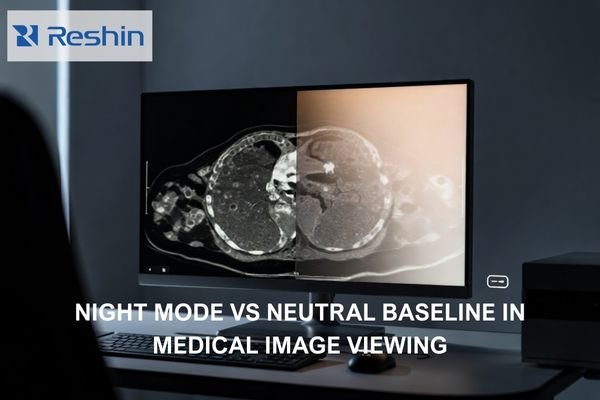
Photorealistic radiology workstation showing a neutral grayscale medical image with a subtle warm Night Mode shift on half the display.

Does Night Mode or “Eye Comfort” Affect Medical Image Viewing?

Night Mode and Eye Comfort features can affect medical image viewing by shifting white point, reducing blue output, and sometimes dimming displays, which can change visual adaptation and perceived contrast. For diagnostic reading, maintain validated baselines and avoid comfort transforms during clinical interpretation, using separation and policy controls for mixed-use workstations. This article explains what changes in the rendering pipeline, how to validate impact in your actual viewer, and how to control the setting so it cannot persist unintentionally.

Read More »
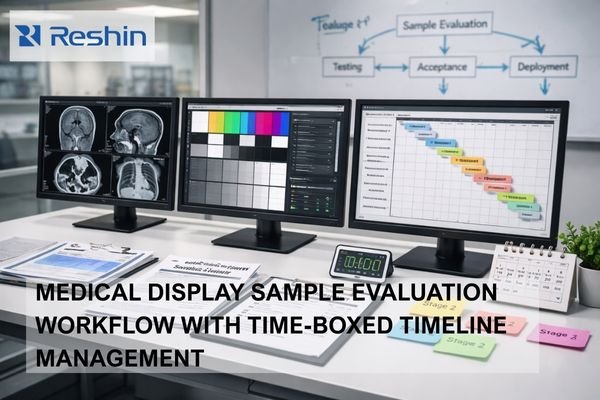
Medical display sample evaluation workstation with three monitors showing imaging tests, calibration patterns and a project timeline, surrounded by checklists, documents and a timer illustrating staged, time-boxed evaluation workflow.

How Should Sample Evaluation Be Done Without Wasting Project Timeline?

Effective sample evaluation requires staged testing with clear pass/fail criteria, time-boxed evaluation windows, and alignment between clinical, IT, and procurement stakeholders on must-pass requirements. Structure evaluation as progressive stages that reduce risk early rather than waiting for perfect final samples, and ensure every finding maps to a decision path (fix, accept, escalate, or de-scope) within 24–48 hours for triage and next-step ownership.

Read More »
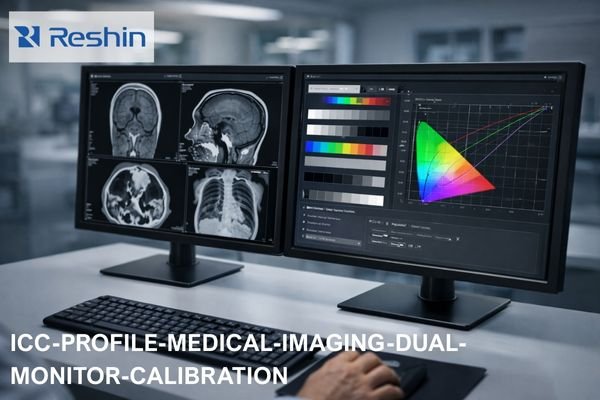
Dual medical imaging monitors on a clinical workstation showing grayscale CT and MRI scans on one screen and ICC color calibration curves and test patterns on the other, illustrating ICC profile management for diagnostic display consistency.

Should You Disable ICC Profiles on Medical Display Monitors?

ICC profile decisions for medical displays depend on your clinical workflow and calibration approach. Prefer disabling or neutralizing OS-level ICC transforms when diagnostic applications and monitors already use validated internal calibration, but consider keeping ICC for color-managed workflows. The key is preventing competing transforms that reduce repeatability across applications and system states.

Read More »
Hospital procurement team reviewing a medical-grade monitor RFP contract and compliance checklist in a conference room with surgical displays on the wall, ensuring compliance, lifecycle control and consistent clinical performance.

When Procuring Medical-Grade Monitors, What Key Clauses Should an RFP Include?

Medical-grade monitor RFPs should include enforceable clauses covering compliance traceability, measurable performance acceptance criteria, documented baseline configurations, and lifecycle controls that prevent drift after updates and replacements. Strong RFP language converts operational requirements into verifiable deliverables with defined test methods and pass/fail criteria.

Read More »
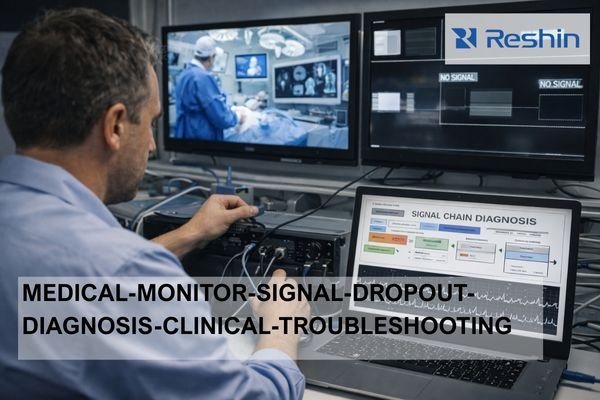
Technician troubleshooting medical-grade monitor signal dropouts in a hospital control room, checking cables while a laptop shows a signal chain diagnosis flowchart and wall displays show surgical video and no-signal warnings.

How to Check Whether Random Dropouts on a Medical grade Monitors Come from the Cable or the Device?

Random dropouts on Medical grade monitors can be diagnosed by testing with direct, short cable connections first to isolate cable issues, then rebuilding the signal chain incrementally to identify device-specific problems. Cable issues typically show physical sensitivity and bandwidth stress patterns, while device issues correlate with specific states, negotiations, and switching events.

Read More »
Engineer verifying CE/MDR compliance for a medical-grade monitor by checking the EU Declaration of Conformity, Notified Body certificate, and CE label in a hospital OR.

How Can Buyers Quickly Verify the Authenticity of CE/MDR Compliance for medical grade monitors?

Buyers can quickly verify CE/MDR compliance authenticity by checking document consistency across the EU Declaration of Conformity, applicable Notified Body certificates, and physical device labeling. The fastest verification focuses on matching legal manufacturer identity and specific device designations across all documentation, rather than relying on CE logos or marketing claims alone.

Read More »
Operating room endoscopy tower connected to a medical-grade surgical monitor, illustrating timing, color encoding, and EDID/handshake compatibility issues.

What Are the Three Most Common Compatibility Problems When Matching Surgical Monitors with Endoscopy Systems?

The three most common compatibility problems when matching surgical monitors with endoscopy systems are timing mismatch (resolution/refresh/scan format), color encoding and range mismatch (RGB vs YCbCr, full vs limited), and negotiation instability through EDID/handshake behavior via intermediate devices. These issues often appear after switching or rebooting rather than during initial setup.

Read More »
Medical-grade surgical monitor displaying microscope video with a magnified detail inset, connected to a surgical microscope system in an operating room setup.

What Type of Surgical Monitor Fits Microsurgery (Microscope Video)?

Microsurgery monitors must preserve fine-detail visualization and stable tone reproduction from surgical microscope video feeds, emphasizing crisp edge definition, low-contrast tissue texture separation, and consistent color rendering throughout extended procedures. Selection should prioritize native timing compatibility, predictable picture behavior, and viewing characteristics that support multiple clinicians observing subtle surgical details simultaneously.

Read More »

Ask For A Quick Quote

We will contact you within 1 working day, please pay attention to the email with the suffix “@reshinmonitors.com”

Ask For A Quick Quote

We will contact you within 1 working day, please pay attention to the email with the suffix “@reshinmonitors.com”