
Reshin develops and manufactures diagnostic display platforms for radiology equipment manufacturers and medical imaging system teams that require DICOM-oriented image behavior, controlled verification, repeatable production and longer-term model continuity.
Typical evaluation inputs include imaging modality, intended reading use, target resolution, screen size, interface requirements, installation conditions, target market and current project stage.
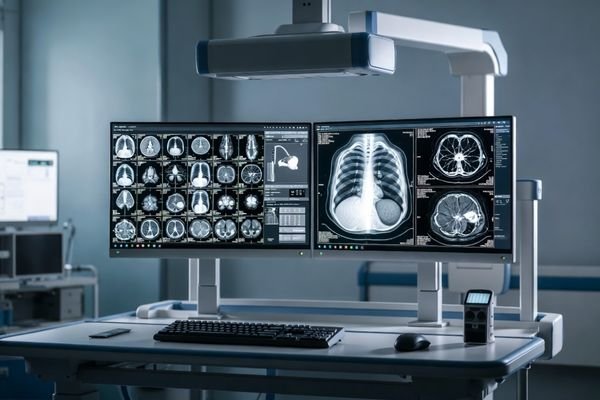
This page is designed for teams that need diagnostic displays as part of a medical imaging system, reading workstation, or repeated deployment program.
For DR/CR, CT, MRI, X-ray and related imaging equipment teams reviewing diagnostic display fit as part of a complete equipment platform.
For integration teams reviewing image behavior, interfaces, installation requirements and diagnostic display continuity across imaging systems.
For teams responsible for display direction, image-performance evaluation, sample approval and configuration control.
For cross-functional buyers reviewing manufacturing controls, documentation, model continuity and longer-term sourcing suitability.
Diagnostic monitor projects are usually evaluated more carefully than standard display selections. Buyers often need to look beyond basic specifications and pay closer attention to grayscale behavior, luminance stability, workflow fit, and longer-term deployment consistency.
The display platform should support DICOM-oriented grayscale review according to the intended imaging workflow and applicable model capability.
Grayscale behavior, luminance stability and consistency across approved units should be reviewed beyond headline panel specifications.
Calibration logic, verification methods, inspection records and agreed acceptance criteria should be understood before sample approval.
Longer-term projects require controlled configurations, revision coordination, replacement planning and predictable model continuity.
Diagnostic monitor projects may require engineering and verification support beyond standard product supply. Reshin can coordinate display behavior, sample criteria, system fit and longer-term configuration planning according to the selected platform and project scope.
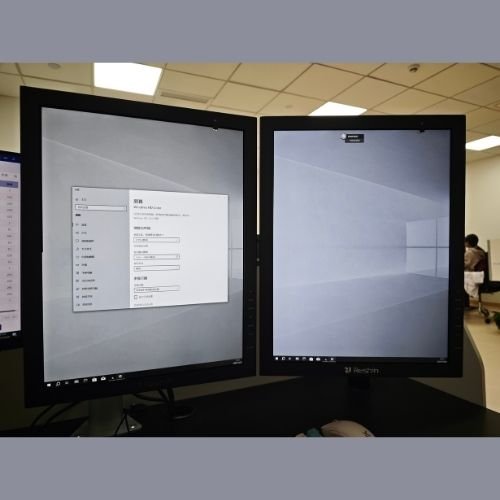
Review grayscale behavior and available gamma or DICOM-oriented functions according to the selected diagnostic model.
Review brightness behavior, consistency requirements, calibration support and agreed verification points.
Review signal interfaces, orientation, mounting conditions and display-side compatibility with the intended equipment.
Review available product information, configuration control, revision planning and longer-term model direction.
Reshin supports diagnostic display projects through requirement alignment, platform review, sample evaluation and controlled continuity planning.
Clarify modality, reading use, target resolution, screen format, interface requirements and project stage.
Review suitable diagnostic monitor platforms, interface behavior, orientation, mounting and equipment-side fit.
Support agreed checks for image behavior, luminance, interfaces, installation fit and available verification records.
Coordinate approved configurations, controlled revisions, replacement direction and longer-term supply expectations.
Continue to the relevant page for diagnostic monitor selection, PACS workstation deployment, radiology equipment integration or controlled display configuration review.
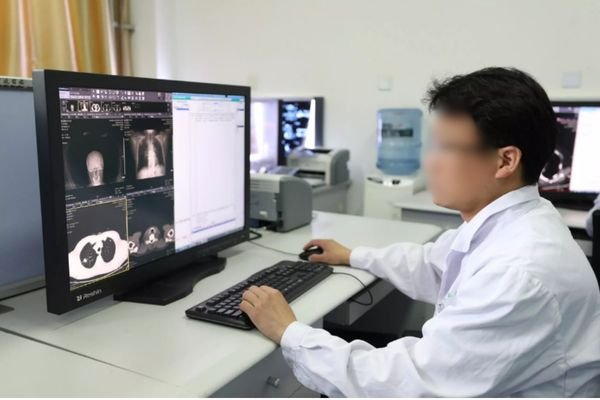
Compare diagnostic monitor options by resolution, screen format, imaging application and model direction before starting product evaluation.
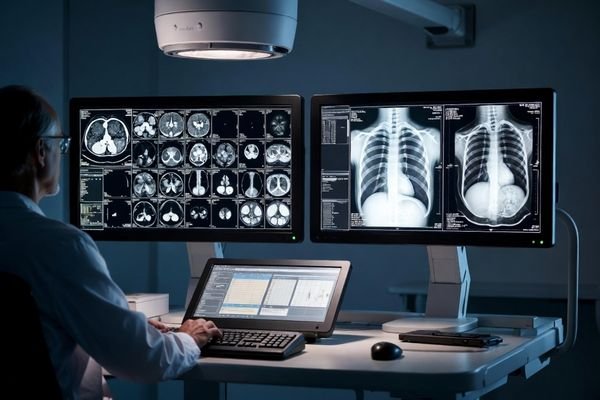
Review display planning for PACS workstations that require practical screen-layout decisions, deployment standardization and longer-term continuity.
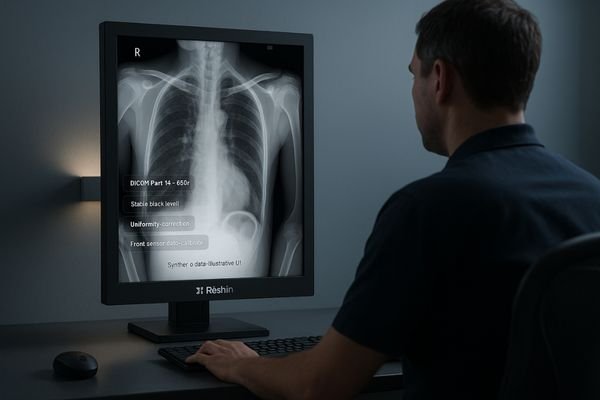
Review display requirements for radiology equipment platforms in which the monitor forms part of acquisition, control or diagnostic review workflows.
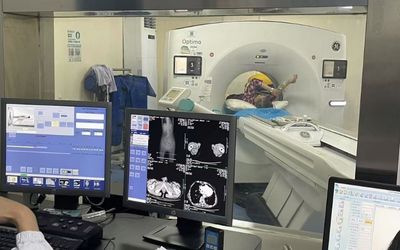
Review controlled changes when an existing diagnostic display platform does not fully match the equipment, interface or installation requirement.
These are common questions from radiology equipment teams, PACS-related project groups, and buyers reviewing diagnostic monitor options for medical imaging use.
This page is intended for radiology equipment manufacturers, medical imaging system teams and buyers evaluating diagnostic monitors as part of structured equipment or longer-term deployment programs.
Buyers should review DICOM-oriented image behavior, grayscale and luminance consistency, calibration and verification support, manufacturing controls, applicable documentation and model continuity.
Buyers can review Reshin’s manufacturing and quality controls, engineering capabilities, applicable certifications, diagnostic project experience and available product documentation.
Yes. Agreed sample checks may cover image behavior, luminance, interfaces, orientation, mounting fit and other criteria related to the selected model and intended equipment.
Controlled changes can be reviewed when a standard platform does not fully match the equipment requirement. Detailed feasibility should be confirmed through the Customized Medical Display process.
Support can include approved configuration control, documented revisions, replacement planning and longer-term model coordination according to the selected platform and project scope.
Supplier evaluation should rely on reviewable evidence rather than product specifications alone. Before sample approval, buyers can review Reshin’s diagnostic display engineering capability, manufacturing controls, applicable certifications, project experience and available documentation.
Review grayscale and luminance support, calibration capability, interface engineering and diagnostic display development experience.
Review production controls, inspection stages, burn-in testing, traceability and controlled change management.
Review public certificates, issuing information and the stated product or quality-system scope.
Review anonymized radiology projects and available product information before sample approval.
Review how Reshin supported diagnostic display direction, technical coordination and pre-sample evaluation for a radiology equipment manufacturer.
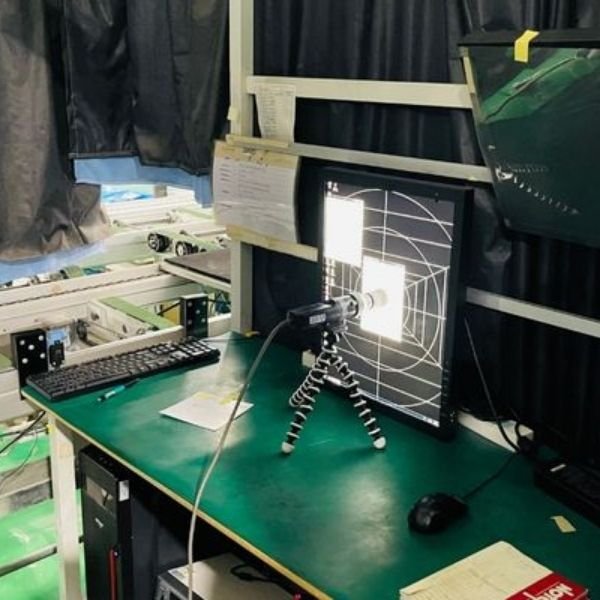
The project focused on defining suitable diagnostic display directions for DR/CR and CT/MRI workstation configurations. Reshin helped separate immediate 2MP and 3MP requirements from possible future higher-resolution needs, while reviewing technical information, workstation compatibility and model continuity before sample evaluation.
Radiology equipment manufacturer
2MP and 3MP diagnostic monitors
Pre-sample project review
Customer identity, project location and selected commercial or technical details are withheld due to confidentiality requirements.
Share your imaging modality or equipment type, intended reading use, target resolution, screen size, interfaces, installation requirements, target market, estimated quantity and current project stage. Reshin will review suitable platform direction, evaluation priorities and recommended next steps.
Review diagnostic display fit for radiology equipment and imaging systems
Define image-performance, interface and installation evaluation priorities
Review model continuity, documentation and project-stage requirements
We use cookies to improve website functionality, analyze site performance, and protect inquiry forms from spam. You can accept all cookies, reject non-essential cookies, or manage your preferences at any time.
WhatsApp Inquiry
We will contact you within one working day. Please watch for an email from an address ending in @reshinmonitors.com.