
Reshin supports display selection and display-side integration for surgical system manufacturers and operating room integrators. Define the source-to-display path, surgeon and shared-view positions, switching behavior and mounting requirements before selecting models.
This scope covers medical displays and agreed display-side adaptations. Video routers, room-control systems, mounts and complete OR installation should be identified separately in the project scope and quotation.
Surgical OEMs & OR Integrators
Surgical Visualization / OR Routing
Model Stability / Lifecycle Planning
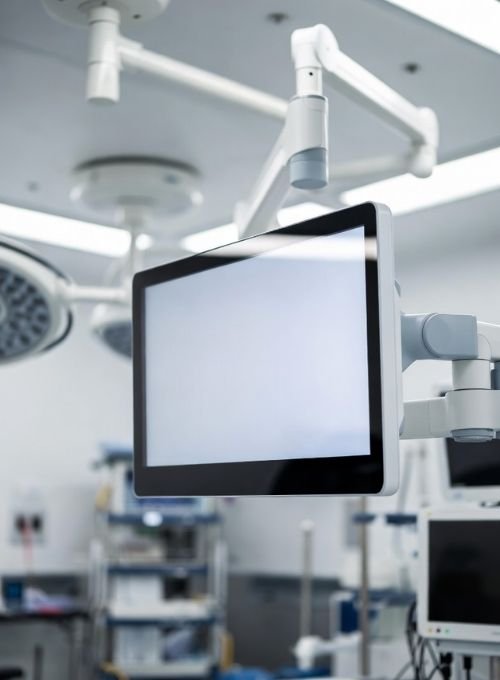
Operating room environments require more than image quality. Display programs must support stable visualization, practical mounting, cleaning-friendly design, and predictable deployment over time.
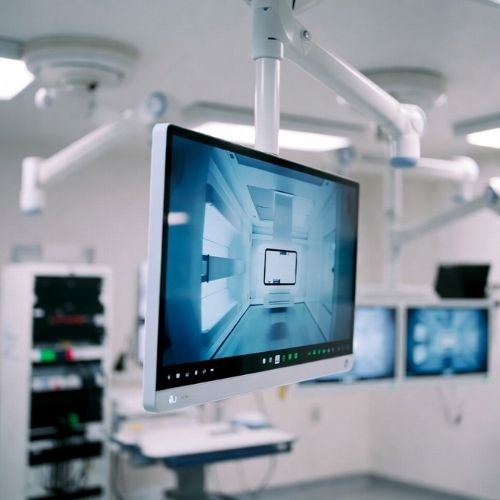
For OR integration projects, teams usually balance image stability, installation fit, maintenance access, and lifecycle control—often under tight deployment schedules.
Consistent image behavior during procedures, source switching, and mode changes.
Practical fit for interfaces, mounts, carts, booms, and wall structures.
Documentation support and controlled change for regulated deployment programs.
Practical note: OR projects often fail on integration details—mounting depth, connector access, cleaning routine fit, and consistent behavior during switching.
Built for modern OR architectures, including surgeon-view displays, routing environments, integrated control setups, and shared-view deployment.
Integration success depends on switch logic, cable routing, mounting access, cleaning workflow, and predictable display behavior on site.
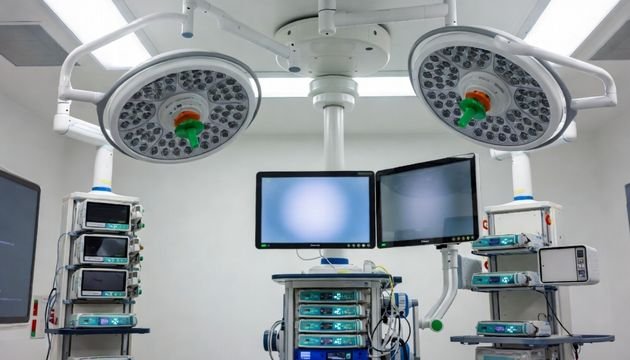
Successful OR integration depends on predictable behavior under switching, continuous use, mounting constraints, and deployment standardization.
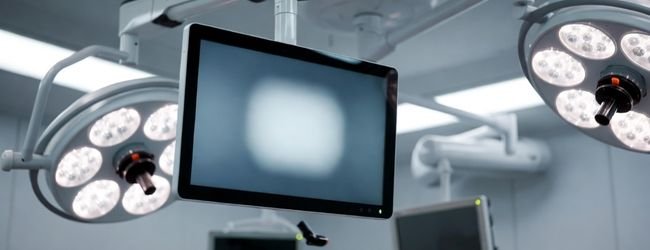
Displays should remain stable through long procedures, minimizing unexpected behavior during source switching, mode changes, and brightness adjustment.
Integration tip: define startup state, last-memory behavior, and OSD lock policy early.
OR carts, arms, and wall mounts impose limits on space, cable access, and cleaning-safe surface design.
Confirm connector direction, service access, and strain relief before finalizing the mount.
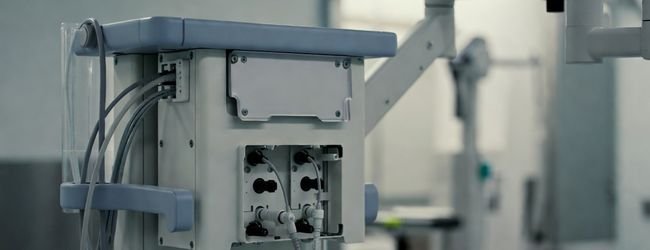
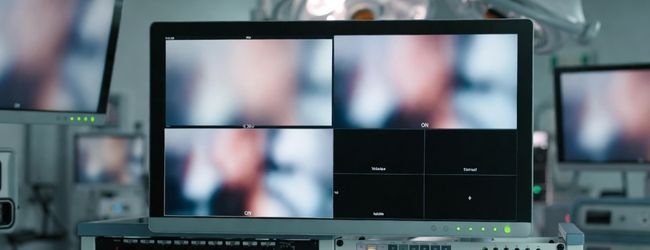
OR display systems often combine multiple inputs, switching logic, and control requirements. Stable response under live use is critical.
Keep it simple: prioritize operator clarity and stable behavior during source changes.
List every camera, processor, workstation, router or converter in the path and its output format.
Define required source changes, permitted blank-screen behavior, startup input, last-state behavior and OSD lock requirements.
Distinguish the surgeon display from shared-view or teaching screens; define distance, size and layout.
Provide boom, cart or wall specifications, load limits, VESA pattern, connector clearance and cleaning requirements.
Test the actual signal chain and mounting configuration before approving the room or repeated rollout.
We support surgical manufacturers and OR integrators through product selection, deployment planning, interface alignment, and lifecycle coordination.
We align display selection with validation timing and deployment needs, helping reduce integration friction from pilot to scale.
Stable output during switching helps support consistent operator experience.
Layout supports cleaning routines and reduces distraction in bright OR environments.
Helps maintain configuration consistency from pilot rooms to broader rollout.
Supports documentation, setup details, and quicker clarification during integration.
Common operating room deployment contexts where display selection affects usability, switching confidence, and long-term maintenance.
Central routing and source switching with standardized display behavior.
Shared-view display setups for surgery and imaging collaboration.
Cable access, stability, and cleaning become primary concerns.
Matched presets and consistent switching across display groups.
Select display categories based on operator role, viewing distance, switching frequency, and mounting constraints in OR deployment.
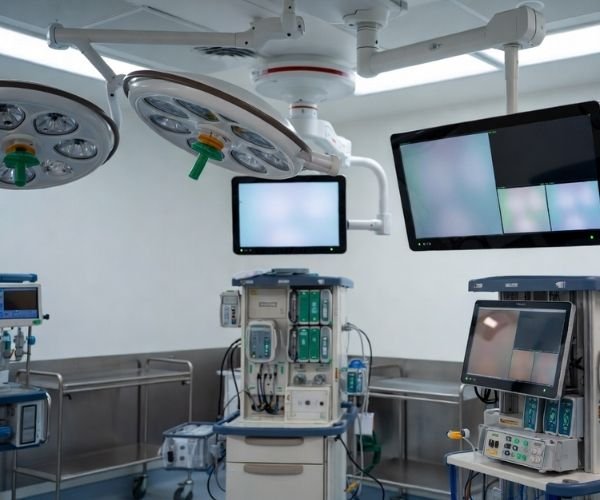
For OR projects, the right display category is the one that stays predictable during switching, fits the mounting environment, and supports long-term rollout planning.
Most project delays come from connector direction, cable strain relief, service access, preset consistency, and behavior during switching.
Define early: startup behavior, OSD lock policy, and “last state” rules for surgical visualization workflows.
For surgeon-view endoscopy and laparoscopic feeds during active procedures.
Prioritize stable performance during long cases, glare control under OR lighting, and easy wipe-down design.
Integration focus: stable switching behavior and ergonomic mounting on arms or booms.
For team visibility, teaching, and shared-view collaboration in the OR.
Choose based on viewing distance, room brightness, and safe mounting structure. Keep presets consistent across rooms.
Integration focus: viewing distance, brightness control, and secure mounting.
For routing environments with multiple inputs, switching logic, and control-room style workflows.
Define layout rules early and keep operation simple during live cases. This category is common in surgical system display OEM integration.
Integration focus: layout rules, source logic, and predictable live behavior..
For quick review, reporting, and auxiliary viewing near OR support areas.
Balance clarity with speed: consistent presets, reliable connections, and minimal setup time for staff rotation.
Integration focus: preset consistency and fast setup across departments.
Compare surgical monitors for live video and shared viewing. For interventional rooms requiring multiple source windows, review the cath lab display category. A category is an initial direction; the source chain and mounting constraints determine the final configuration.
Share your OR workflow and integration constraints. We will respond with practical guidance on display category selection, deployment fit, and lifecycle planning.
For surgical system manufacturers and OR integrators, we focus on reducing integration friction and keeping lifecycle risk low—especially in OR integration display projects.
We usually reply with a shortlist of display categories, integration notes, and lifecycle guidance from an OR deployment perspective.
We use cookies to improve website functionality, analyze site performance, and protect inquiry forms from spam. You can accept all cookies, reject non-essential cookies, or manage your preferences at any time.
WhatsApp Inquiry
Tell us the application, model or required specification, quantity and destination country. We will review your request and reply by email.