
Reshin supports the display side of PACS and imaging workstation integration. Define the reading or review role, number of screens, required resolution, GPU outputs and calibration expectations before choosing monitor models.
PACS software, server storage, networking and workstation computing hardware are separate project responsibilities unless included in an agreed written scope.
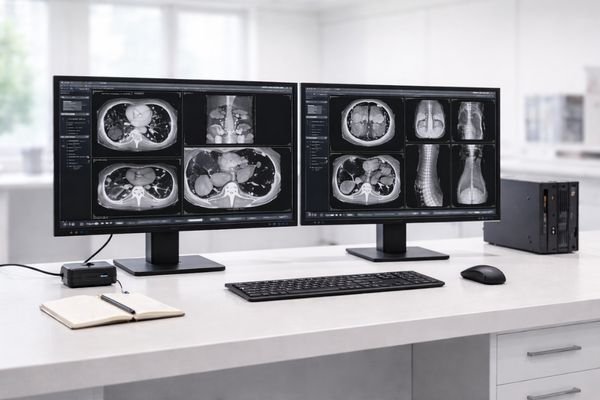
PACS and imaging workstation environments depend on consistent grayscale behavior, repeatable multi-monitor performance, and stable lifecycle planning for regulated deployment.
Consistent grayscale helps support reliable comparison across reading sessions and current-prior review.
Uniform behavior across matched screens reduces field calibration effort and troubleshooting time.
Controlled change helps reduce re-validation work and keeps workstation programs more stable over time.
We work with teams building diagnostic and review workstation programs across imaging workflows, from primary reading stations to image review and reporting environments.
Primary diagnostic stations where grayscale stability and side-by-side matching are essential for fast, confident interpretation.
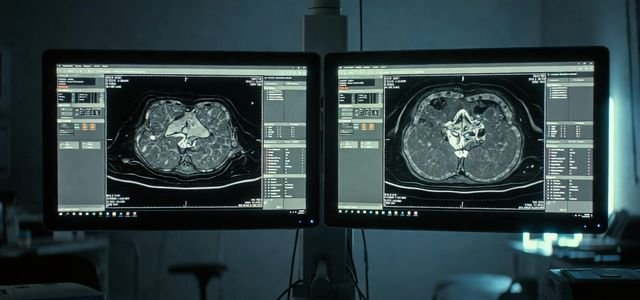
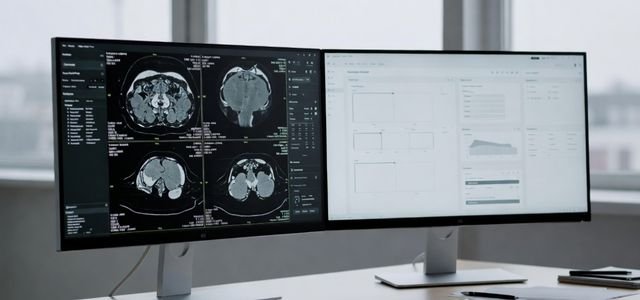
Balanced performance for image review, reporting, and multi-window workflows—designed for reliability in busy departments.
For PACS and workstation rollout, the main risk is not just image quality—it is losing consistency across screens, sites, batches, and lifecycle changes.
Small luminance shifts can reduce consistency for diagnostic reading and comparison tasks.
Inconsistent output across screens increases calibration effort and support load.
Frequent changes can trigger added documentation and re-validation work.
Short-lived models can disrupt rollout plans and long-term workstation programs.
A display mismatch in a diagnostic workstation setup often increases calibration time, field support cost, and rollout delays.
Typical outcomes when problems occur:
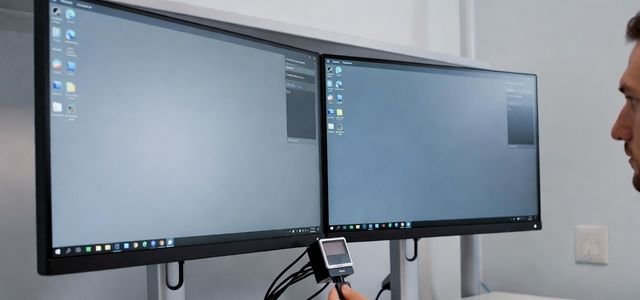
If you are sourcing displays for diagnostic workstations, these criteria help compare options beyond headline specifications—especially for multi-site rollout.
| Check | Information to Provide | Sample Verification |
|---|---|---|
| Reading role | Modality, primary reading or clinical review | Confirm intended use and applicable model documentation. |
| GPU and interfaces | GPU model, output ports, driver and cable path | Confirm native resolution, refresh rate and image output on every screen. |
| Screen layout | Single, matched dual or wide-format; orientation | Confirm layout, orientation and required application windows. |
| Luminance and grayscale | Target luminance, calibration method and test conditions | Record agreed checks for each screen under the same conditions. |
| Rollout baseline | Model, configuration revision, station count and spares | Record the approved baseline and replacement matching process. |
See how Reshin supported a PACS workstation partner in defining repeatable display profiles before multi-room deployment and broader diagnostic monitor evaluation.
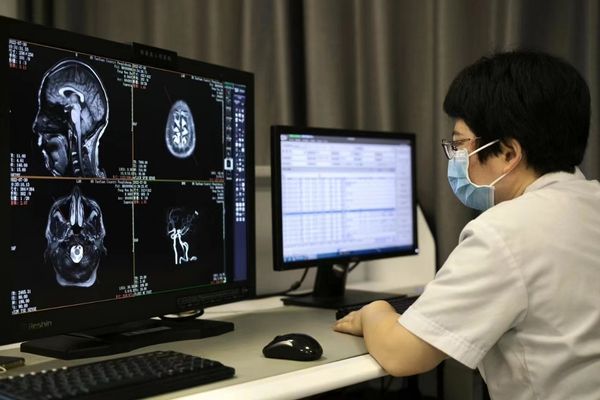
The project focused on separating general image review, diagnostic reading, side-by-side comparison and wide-format workstations into defined deployment profiles. Reshin supported workstation-role mapping, single-screen and dual-monitor configuration review, procurement-scope control and model-continuity planning before broader rollout.
Multi-room PACS workstations
Single, dual and wide-format
Profile and rollout planning
Customer identity, project location and selected deployment details are withheld due to confidentiality requirements.
Common deployment paths for PACS vendors and integrators building standardized workstation environments.
Define a repeatable configuration baseline for the workstation program.
Confirm key documentation needs early to reduce downstream changes.
Scale across hospitals and clinics with predictable multi-monitor behavior.
Maintain stable availability for long-term workstation deployment.
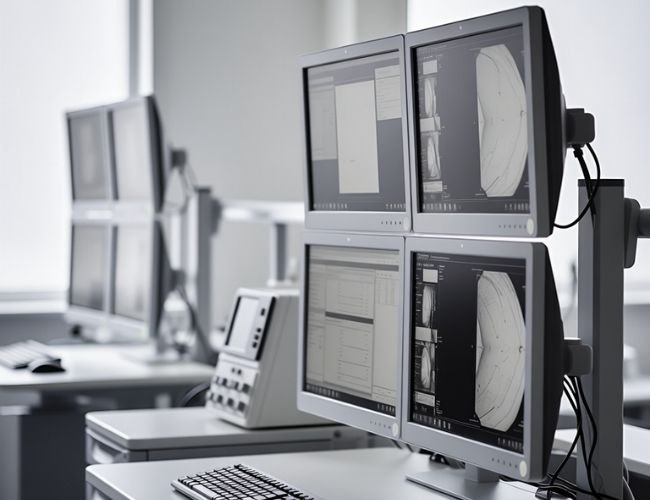
Choose categories based on reading workflow, screen quantity per workstation, and rollout scale.
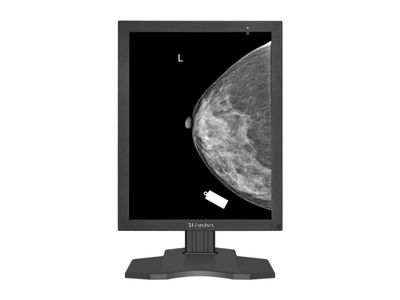
MD52G is a model direction to review when a dedicated 5MP grayscale display is required. Confirm the intended reading task, model-specific documentation and local requirements. It is not the default choice for every PACS workstation.
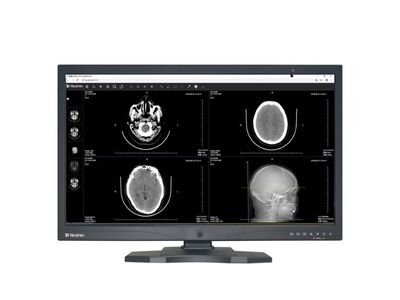
For image review, reporting, and analysis on workstation platforms.
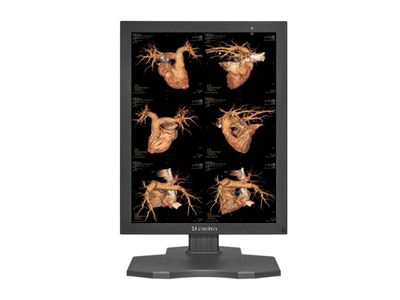
For side-by-side comparison and reporting with matched display behavior across screens.
If you are building or integrating PACS workstations, share your deployment plan and display requirements. We support programs built for diagnostic reading, long-term rollout, and regulated clinical environments.
Workstation type, screen quantity, screen size, expected lifecycle, and validation or documentation needs.
A faster evaluation path, fewer rollout issues, and a more predictable display supply plan.
We use cookies to improve website functionality, analyze site performance, and protect inquiry forms from spam. You can accept all cookies, reject non-essential cookies, or manage your preferences at any time.
Tell us the application, model or required specification, quantity and destination country. We will review your request and reply by email.