Engineer verifying CE/MDR compliance for a medical-grade monitor by checking the EU Declaration of Conformity, Notified Body certificate, and CE label in a hospital OR.

How Can Buyers Quickly Verify the Authenticity of CE/MDR Compliance for medical grade monitors?

Buyers can quickly verify CE/MDR compliance authenticity by checking document consistency across the EU Declaration of Conformity, applicable Notified Body certificates, and physical device labeling. The fastest verification focuses on matching legal manufacturer identity and specific device designations across all documentation, rather than relying on CE logos or marketing claims alone.

Read More »
Operating room endoscopy tower connected to a medical-grade surgical monitor, illustrating timing, color encoding, and EDID/handshake compatibility issues.

What Are the Three Most Common Compatibility Problems When Matching Surgical Monitors with Endoscopy Systems?

The three most common compatibility problems when matching surgical monitors with endoscopy systems are timing mismatch (resolution/refresh/scan format), color encoding and range mismatch (RGB vs YCbCr, full vs limited), and negotiation instability through EDID/handshake behavior via intermediate devices. These issues often appear after switching or rebooting rather than during initial setup.

Read More »
Medical-grade surgical monitor displaying microscope video with a magnified detail inset, connected to a surgical microscope system in an operating room setup.

What Type of Surgical Monitor Fits Microsurgery (Microscope Video)?

Microsurgery monitors must preserve fine-detail visualization and stable tone reproduction from surgical microscope video feeds, emphasizing crisp edge definition, low-contrast tissue texture separation, and consistent color rendering throughout extended procedures. Selection should prioritize native timing compatibility, predictable picture behavior, and viewing characteristics that support multiple clinicians observing subtle surgical details simultaneously.

Read More »
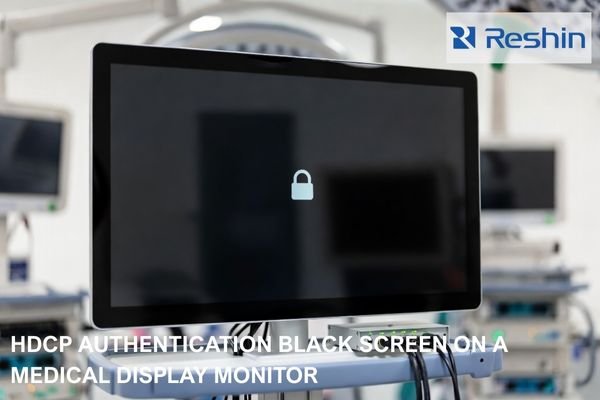
Medical-grade surgical monitor showing a black screen with a padlock icon, connected through a video switcher and cables in an OR signal chain, illustrating HDCP authentication failure.

What Is HDCP, and Can It Cause a Medical Display Monitor to Go Black?

HDCP (High-bandwidth Digital Content Protection) is a content protection mechanism that adds authentication requirements to digital video connections. HDCP can cause medical displays to go black when authentication fails between source and display, even when basic video timing and connections appear correct, particularly during switching, wake events, or routing changes in complex OR signal chains.

Read More »
Operating room display showing side-by-side white-light and fluorescence-guided surgery images with mode switching panel

What Special Requirements Does Fluorescence-Guided Surgery Put on Surgical Monitors?

Fluorescence-guided surgery requires surgical monitors to support stable low-level contrast discrimination, consistent color handling across white-light and fluorescence modes, minimal switching latency, and predictable behavior during the frequent state transitions that occur throughout procedures. These requirements extend beyond basic image quality to include system-level reliability, repeatable modes, and stable overlay presentation.

Read More »
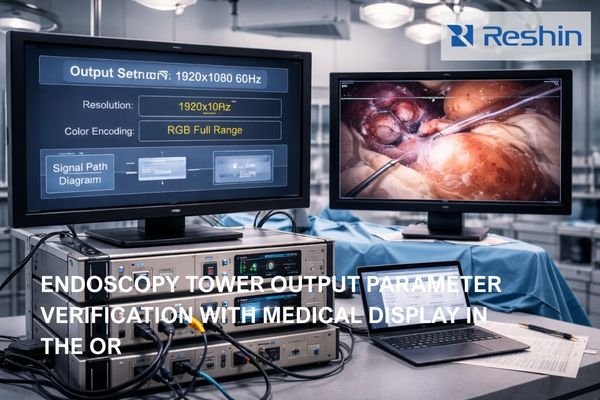
Operating room endoscopy tower with monitor showing output settings and second display showing live endoscopic image for video parameter verification

What Output Parameters Should You Confirm Before Connecting an Endoscopy Tower to a Medical Display Monitor?

Before connecting an endoscopy tower to a medical display, confirm a pre-connection checklist: timing (resolution, refresh rate, scan format), color encoding (RGB vs YCbCr and range behavior), and the exact signal-chain path used in the OR. The goal is a single known-good video mode that remains stable and repeatable across power cycles and input switching during procedures.

Read More »
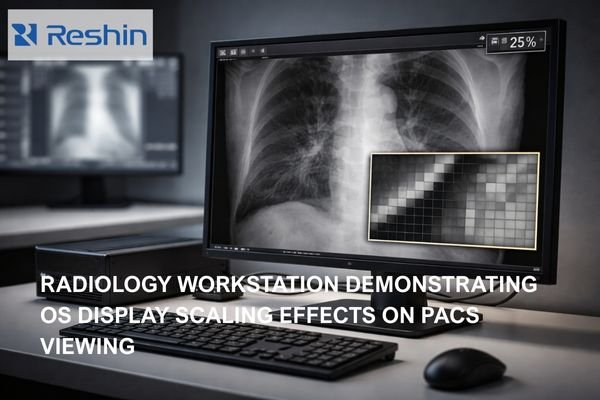
Modern radiology workstation showing diagnostic monitor with medical image displaying pixel test patch comparing crisp 1:1 mapping versus softened scaled output

Why Does OS Display Scaling Affect PACS Viewing?

OS display scaling affects PACS viewing by introducing resampling between application rendering and final display output, potentially breaking 1:1 pixel mapping even when PACS viewers report “100%” zoom. This scaling can soften edges, alter noise texture, and create inconsistent diagnostic presentation across workstations with different scaling configurations or DPI settings.

Read More »
Arab Health 50 outdoor sign at Dubai World Trade Centre (DWTC), Dubai — WHX Dubai (formerly Arab Health) healthcare exhibition venue

Reshin at WHX Dubai 2026 (Formerly Arab Health): Medical Display Solutions for Surgery and Diagnosis

WHX Dubai 2026 (formerly Arab Health) is widely regarded as one of the Middle East’s leading healthcare technology exhibitions, running February 9–12, 2026 at Dubai World Trade Centre. During the show, Reshin will demonstrate surgical and diagnostic display solutions built for reliable system integration—stable signal handling, predictable switching behavior, and deployment-ready configuration thinking that supports demanding clinical workflows.

Read More »
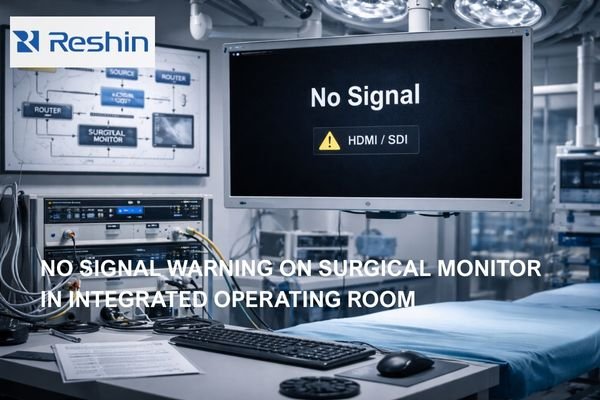
Operating room surgical monitor showing No Signal HDMI SDI warning with OR video routing equipment in the background

How to Quickly Troubleshoot “No Signal” on a Surgical Monitor?

“No signal” on surgical monitors typically indicates the display cannot lock to a valid video mode due to source configuration, signal chain negotiation failures, or device state transitions. Quick troubleshooting isolates whether the issue originates from the source, intermediate devices, or monitor configuration by testing direct connections and forcing standardized, known-good modes.

Read More »

Ask For A Quick Quote

We will contact you within 1 working day, please pay attention to the email with the suffix “@reshinmonitors.com”

Ask For A Quick Quote

We will contact you within 1 working day, please pay attention to the email with the suffix “@reshinmonitors.com”