Selecting the right medical display manufacturer is less about comparing specs and more about reducing operational risk across deployment, validation, and long-term support.
To choose a medical display manufacturer, clarify your real deployment needs, verify fleet-level consistency and change control, confirm audit-ready documentation and quality systems, compare serviceability and lifecycle commitments, and validate everything through a controlled pilot in your clinical environment.
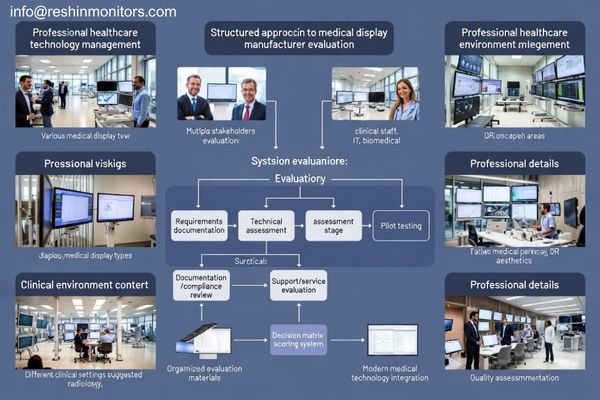
In healthcare technology integration1 projects, manufacturer decisions shape daily operations long after the purchase: uptime expectations, quality control workload, and the cost of downtime are all influenced by how products are built, documented, supported, and kept consistent over time. A structured evaluation approach helps reduce rollout surprises and makes it easier to keep displays aligned with clinical requirements as standards, workflows, and rooms evolve.
What should you clarify internally before evaluating manufacturers?
Internal requirements clarification prevents misaligned manufacturer selection and ensures evaluation criteria match operational reality.
Before comparing manufacturers, define your clinical use cases, integration constraints, and acceptance/QC ownership so you evaluate partners against what you can actually operate and maintain.
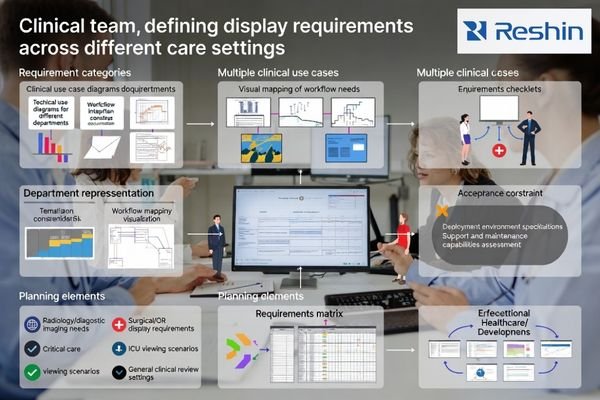
From healthcare IT integration2 work, the biggest avoidable mistakes happen when constraints are discovered late. Lock down the practical boundaries early: which rooms and workflows you must support (radiology reading, OR/endoscopy, ICU review, ward viewing), how intensively displays will be used, and who owns acceptance testing and ongoing QC.
Clinical Use Case Definition and Workflow Integration
Clear use case definition helps you separate requirements that are truly clinical from those that are merely “nice to have.” It also clarifies what must be stable across the fleet, such as interface behavior, mounting approach, cleaning routines, and integration endpoints that affect how reliably displays fit daily workflows.
Success Metrics and Operational Goals Alignment
Define success in measurable terms such as uptime targets, time-to-repair expectations, calibration/QC cadence, documentation needs, and lifecycle horizon. When success metrics are explicit, it becomes easier to compare manufacturers on operational fit rather than on marketing-driven specification breadth.
Finally, consolidate infrastructure constraints into one deployment checklist: power distribution limits, mounting systems, cable management standards, environmental conditions, and room-to-room standardization goals. When these are defined up front, manufacturer recommendations and pilot plans become faster and more reliable.
How do you assess product reliability and consistency at scale?
Reliability evaluation must focus on consistency across multiple units and extended timeframes rather than single-unit performance validation.
Reliability is proven when behavior stays consistent across many units, rooms, and years, supported by controlled manufacturing variability, traceability, and disciplined change management.
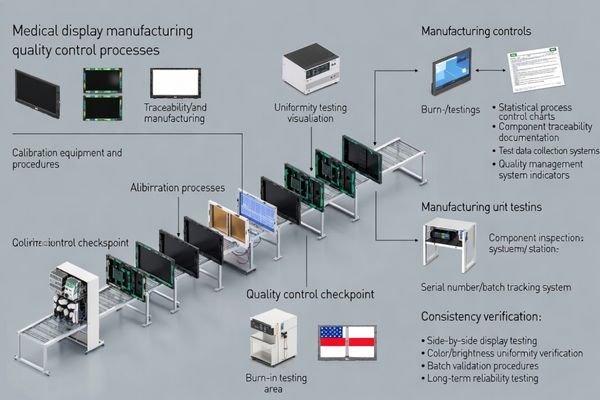
Based on projects involving PACS and KVM integration partners, the most important reliability question3 is whether the manufacturer can keep performance predictable while production runs and supply chains evolve. Ask how they control variability across panel sourcing, factory calibration, burn-in coverage, and functional test gates, and how issues are traced back to a batch with corrective action.
Change control matters just as much as initial build quality. Mid-cycle firmware updates or component substitutions should not quietly change color behavior, latency feel, or interface stability. The strongest manufacturers can explain how changes are reviewed, communicated, and validated so field behavior does not drift over time.
Most importantly, look for evidence of repeatable acceptance and re-validation workflows. When you deploy 20 or 200 displays, you need a practical way to confirm units behave the same at install and remain aligned later, without turning clinical staff into ongoing troubleshooters.
What compliance, documentation, and quality systems matter most?
Medical environment compliance requires comprehensive documentation and quality systems that support regulatory requirements and operational validation.
In medical environments, quality is inseparable from documentation: you need audit-ready evidence of what was built, tested, changed, and maintained, not just certificates.
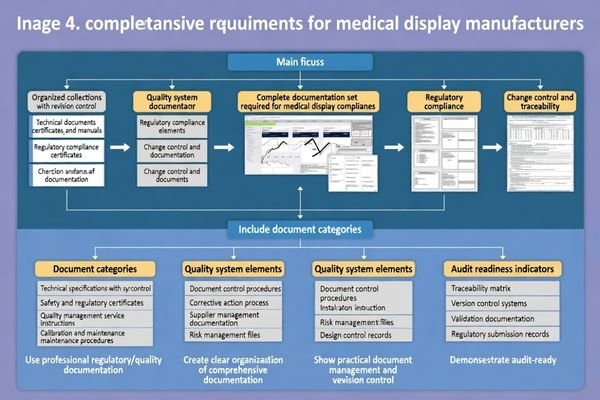
When reviewing unsuccessful deployments, a common gap is that documentation exists but does not support real acceptance, repeatability, or change control. Beyond certificates, manufacturers should provide clear artifacts for calibration behavior, safety considerations, cleaning compatibility, and integration guidance, because these make deployments defensible and repeatable across rooms and departments.
| Documentation category | What to request | Why it matters | Evidence to look for |
|---|---|---|---|
| Technical specifications4 | Interfaces, environmental limits, performance tolerances | Defines measurable acceptance criteria | Stable revisions and clear testable limits |
| Safety and regulatory | Safety/EMC reports and safety guidance | Supports risk and audit requirements | Third-party test evidence and revision control |
| Quality management | Quality system overview and change procedures | Shows discipline behind consistency | Traceability, CAPA approach, supplier controls |
| Installation and service | Mounting, cleaning, maintenance instructions | Enables standardized deployment | Field-ready guides and repeatable steps |
| Change control | Notification method and impact analysis | Prevents silent behavior drift | Clear revision history and impact documentation |
Use the table as a practical checklist: you are not only collecting documents, you are checking whether the documents are stable over time, revision-controlled, and usable for acceptance and future re-validation. If your environment requires formal validation, a manufacturer with predictable documentation and change communication reduces ongoing internal burden when workflows, software, or standards change.
How do serviceability, support, and lifecycle planning affect total cost?
Total cost of ownership depends more on operational factors than initial purchase price throughout extended equipment lifecycles.
Total cost is driven less by purchase price than by downtime, repair logistics, spare parts availability, and the manufacturer’s ability to keep your fleet stable through lifecycle transitions.
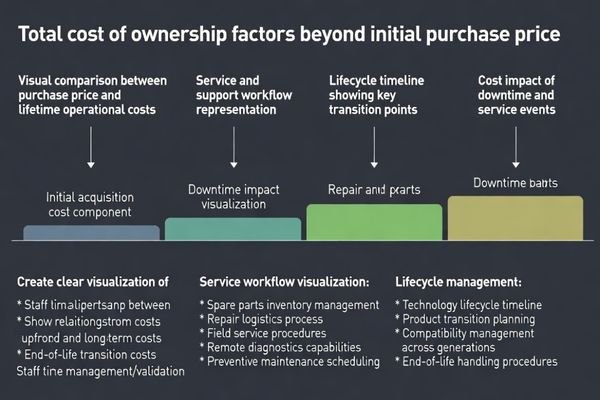
In practice, serviceability determines how long a room stays impacted when something fails. Compare manufacturers on spare parts availability5, typical turnaround times, repair logistics, and whether common failures can be resolved without lengthy room downtime. Also evaluate how support is structured: escalation clarity, diagnostic responsiveness for intermittent issues, and the ability to keep field units aligned with validated configurations.
Lifecycle policies often decide whether upgrades feel controlled or chaotic. Ask how long supply continuity is supported, how end-of-life transitions are handled, and whether upgrade paths avoid forcing a redesign of mounts, cables, or workflow tooling that your facility has already standardized.
How do you run a manufacturer pilot to validate real-world performance and support?
Controlled pilot programs provide the most reliable method for validating manufacturer capabilities under actual operational conditions.
A controlled pilot validates what brochures cannot: stable behavior in your real rooms, repeatable acceptance results, and support processes you can rely on during the full lifecycle.
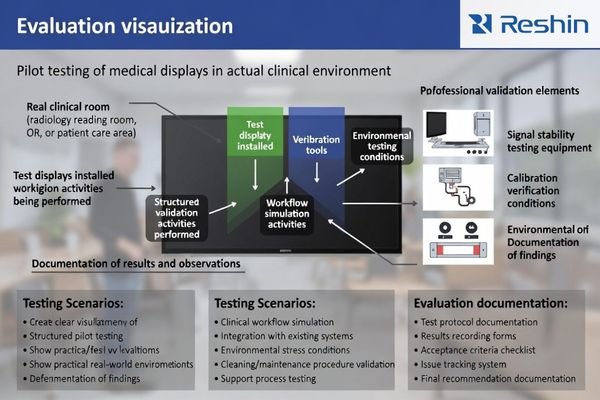
From an engineering standpoint, the pilot should be short, controlled, and designed to expose the triggers that cause problems in production—switching behavior, routine movement, cleaning steps, and day-to-day operational stress.
Pilot Design and Success Criteria Definition
Define pilot success criteria6 that match your deployment plan: stable signal behavior in the target rooms, acceptable latency feel for the use case, a workable calibration/QC routine, and documentation completeness that supports acceptance and future re-validation. Use the same mounting style, cable routing, and cleaning routine you will use at scale, so results are representative.
Support Process Validation During Pilot Phase
Evaluate support as rigorously as hardware: response time expectations, escalation clarity, parts availability, and how change control and field feedback are handled. A strong pilot outcome is not just “it works,” but “issues are handled predictably and documented clearly.”
A pilot that produces repeatable acceptance results, audit-ready documentation, and predictable support workflows is the strongest evidence the manufacturer can scale with you over years of clinical use.
FAQ
Should I choose a manufacturer based mainly on panel specs and brightness?
Specs matter, but clinical reliability depends more on consistency, processing stability, and how the manufacturer controls changes over time; prioritize verifiable behavior in your real workflow over theoretical specifications.
What is the most overlooked risk when buying a fleet of medical displays?
Unit-to-unit variability and mid-cycle changes that alter behavior; without repeatable acceptance tests and change control, fleets drift and troubleshooting becomes routine rather than exceptional.
How can I evaluate service quality before committing?
Ask for typical turnaround times, spare parts availability, escalation processes, and how they handle intermittent issues; also check whether they support standardized field validation steps.
Do I need different manufacturers for OR displays and diagnostic reading displays?
Not always, but you should verify that a single manufacturer can meet both sets of priorities with evidence and documentation; otherwise, split by use case to reduce risk.
What should I request in a proof-of-concept or pilot?
A repeatable acceptance checklist covering signal stability, latency feel, calibration and QC workflow, documentation completeness, and service escalation tested in your real rooms with actual clinical workflows.
How do I avoid locked-in dependence on one vendor?
Standardize interfaces and mounting where possible, require transparent documentation and change notices, and keep validation artifacts so you can compare alternatives over time as needs evolve.
Conclusion
Choosing a medical display manufacturer is ultimately about reducing operational risk through consistency, controlled change management, defensible documentation, and support that keeps fleets stable over time. When requirements are defined clearly and validated in real clinical rooms, selection becomes repeatable rather than dependent on marketing materials.
Our experience at Reshin shows that the strongest outcomes come from aligning use cases to measurable acceptance criteria and using a controlled pilot to confirm both product behavior and support readiness. This approach reduces rollout surprises, improves uptime predictability, and lowers the long-term operational burden of maintaining medical displays across the facility lifecycle.
✉️ info@reshinmonitors.com
🌐 https://reshinmonitors.com/
-
Exploring this resource will provide insights into effective strategies and methodologies for successful healthcare technology integration. ↩
-
Exploring this resource will provide insights into effective strategies and common pitfalls in healthcare IT integration. ↩
-
Understanding reliability questions can help ensure consistent performance in evolving production and supply chains. ↩
-
Understanding best practices for technical specifications can enhance your documentation’s effectiveness and ensure compliance. ↩
-
Understanding spare parts availability is crucial for minimizing downtime and ensuring efficient repairs in your facility. ↩
-
Understanding pilot success criteria can help ensure your project meets its goals and is scalable. ↩