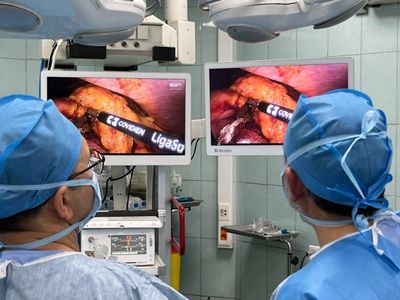
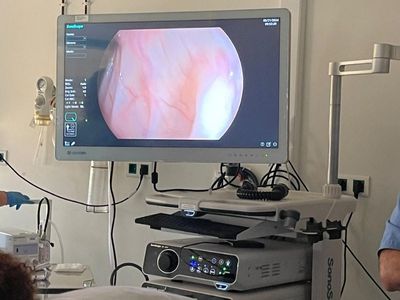
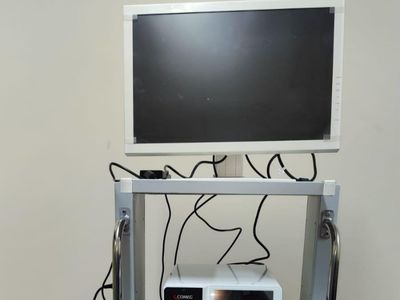
Compare Reshin surgical and endoscopy monitor options for endoscopy carts, minimally invasive surgery systems and operating-room imaging by screen size, resolution, brightness, video inputs and intended installation.
Available directions range from compact HD and FHD displays to 27-inch and 32-inch 4K surgical monitors, high-brightness models and 43-inch or 55-inch large-format OR displays. Interfaces, optical features and display functions vary by model and should be confirmed in the applicable datasheet.
Match common endoscopy, minimally invasive surgery and operating-room display requirements with an initial Reshin model direction before reviewing individual product datasheets.
For compact endoscopy carts, ENT systems and basic HD visualization where installation space is limited.
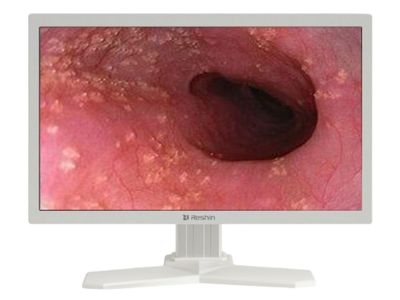
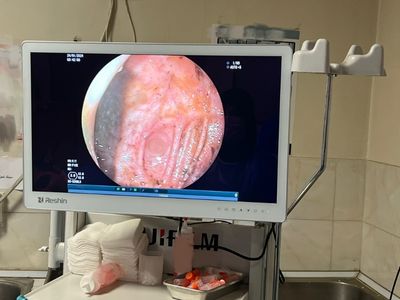
For gastrointestinal endoscopy, procedural video systems and FHD display workflows requiring a compact widescreen format.
For endoscopy carts and surgical imaging platforms requiring either an FHD baseline or a compact 4K direction.
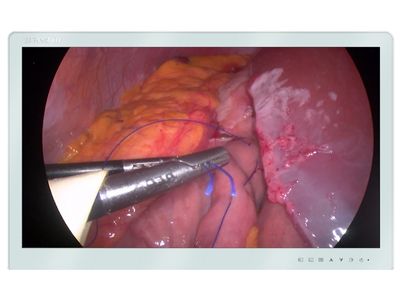
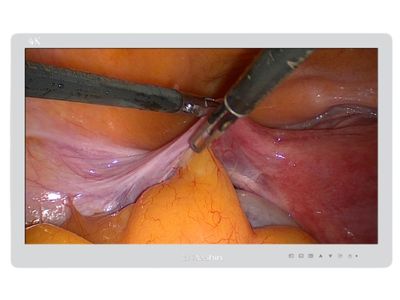
For laparoscopy, arthroscopy, urology and other minimally invasive systems requiring a 4K processor-to-display path.
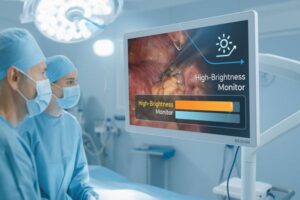
For projects requiring higher luminance under bright room lighting, longer viewing distances or specific installation conditions.
Model mapping is preliminary. Final selection should be confirmed against the processor output, required interfaces, viewing distance, installation conditions and individual product datasheet.
Reshin surgical monitor models cover compact HD and FHD endoscopy displays, 27-inch and 32-inch 4K surgical monitors, high-brightness models and 43-inch or 55-inch large-format OR displays. Available interfaces, front-surface options, brightness levels, multi-input functions and image-control features vary by model and should be confirmed in the applicable datasheet.
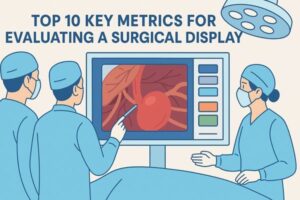
Choosing a surgical monitor, endoscopy monitor, or 4K surgical display should be based on procedure type, video source, screen size, installation method, and OR workflow. The right model should fit the surgical system rather than only look stronger in specifications.
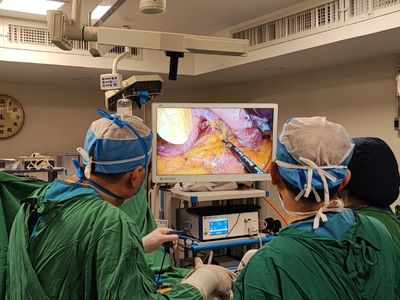
Endoscopy towers, laparoscopy, arthroscopy, ENT, urology, hybrid OR and shared-view systems may require different screen sizes, viewing distances and display directions.
Compare HD, FHD and 4K directions together with screen size, processor output, viewing distance and available installation space.
Confirm resolution, frame rate and available outputs such as HDMI, DP, DVI, 3G-SDI or 12G-SDI before selecting a monitor. PIP, PBP or multi-source requirements should also be defined in advance.
Review mounting, front surface, glare, cleaning routine, cable access, liquid protection expectations and operating-room lighting before model approval.
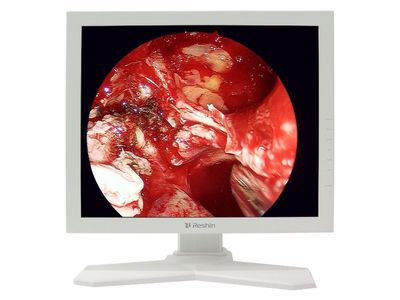
Often considered for standard endoscopy, general surgical viewing, mobile carts, and projects where stable real-time display is the main requirement.
Commonly evaluated for laparoscopic, arthroscopic, ENT, urology, and minimally invasive surgery systems that need sharper image detail.
Suitable for shared-view OR displays, hybrid operating rooms, multi-user viewing, and wall-mounted or ceiling-mounted surgical display setups.
Useful when buyers need PIP, PBP, quad-view, endoscopy feed, vitals, PACS image, ultrasound, or room camera sources shown together.
Reshin helps buyers compare standard surgical monitor models and review project requirements before quotation, sampling, or OEM integration.
For supplier qualification, review Surgical Monitor Manufacturer. For processor-chain and tower integration, review Endoscopy System Solutions. For routing, switching and shared-view OR deployment, review Operating Room Solutions. For housing, interfaces, front-layer or branding changes, review Customized Medical Display.
Review how FHD and 4K surgical monitor directions were evaluated for an endoscopy tower project before sample approval.
The project focused on defining suitable FHD and 4K display directions according to the video processor output, tower structure and future system roadmap. Reshin supported interface, mounting, cable-access and model-continuity review before sample evaluation.
Endoscopy tower integration
FHD and 4K monitors
Processor and tower fit
Customer identity, project location and selected system or commercial details are withheld due to confidentiality requirements.
Use the examples below to compare common surgical monitor directions for endoscopy towers, 4K minimally invasive systems, multi-source workflows and large-format OR viewing. Final selection should be confirmed against the processor output, required interfaces, installation conditions and individual product datasheet.
Surgical video workflows may require HDMI, DP, DVI, SDI or other input configurations depending on the imaging source, resolution and installation method. Reshin can help match monitor models to integration requirements.
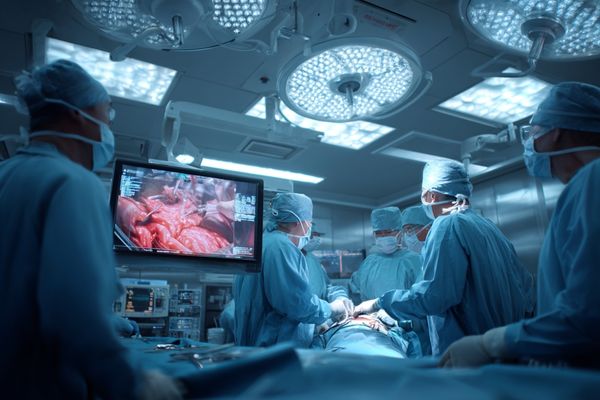
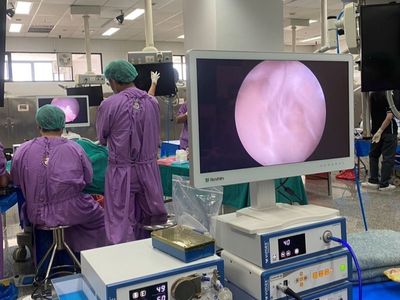
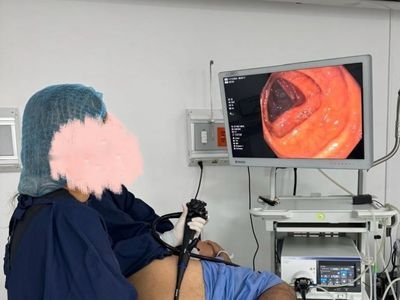
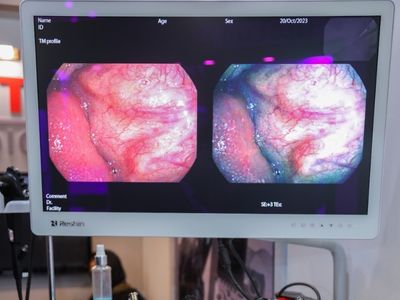
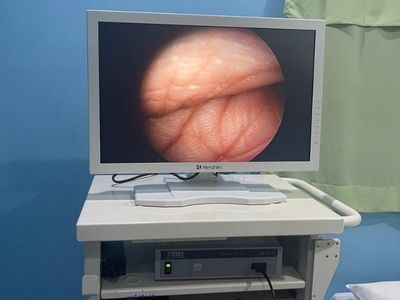
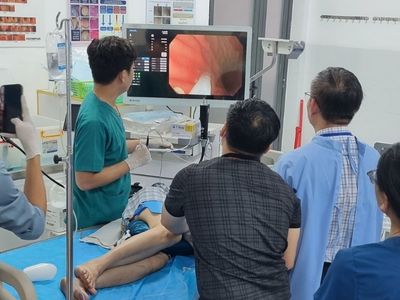
These examples show common environments in which surgical monitors may be evaluated. Final model selection should be based on the actual video source, resolution, viewing distance, screen size, mounting, room lighting and local project requirements.
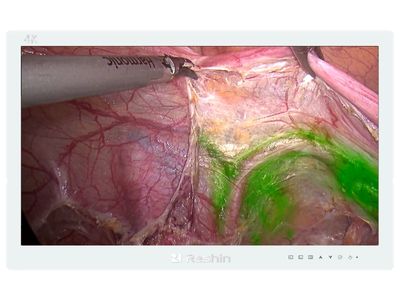
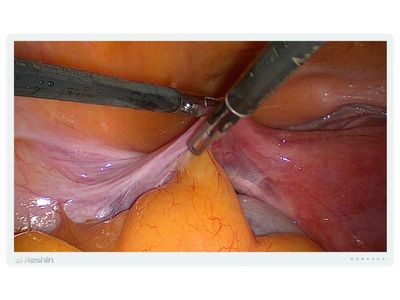
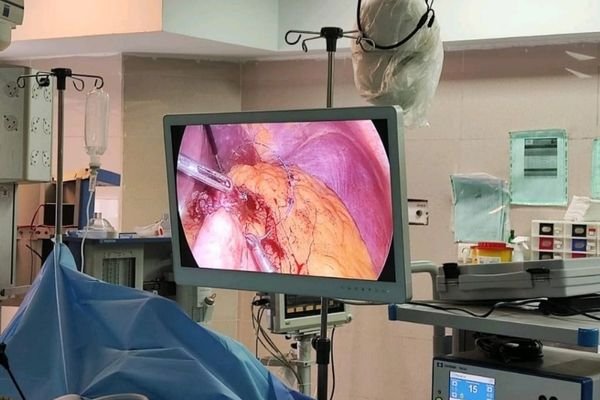
For general surgery and endoscopy workflows requiring real-time video display. Review processor output, screen size, viewing distance, interfaces and mounting conditions.
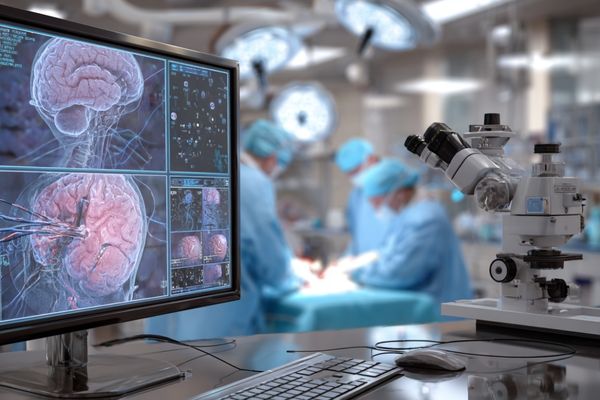
For shared-view or image-review environments where higher resolution or multiple video sources may be required. Confirm source compatibility, screen format and installation method.
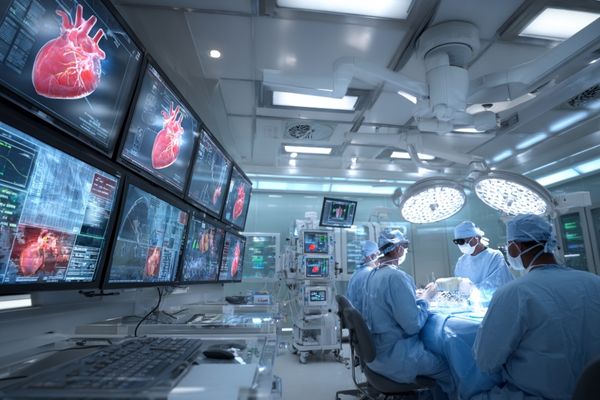
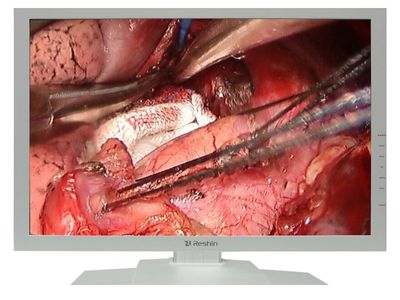
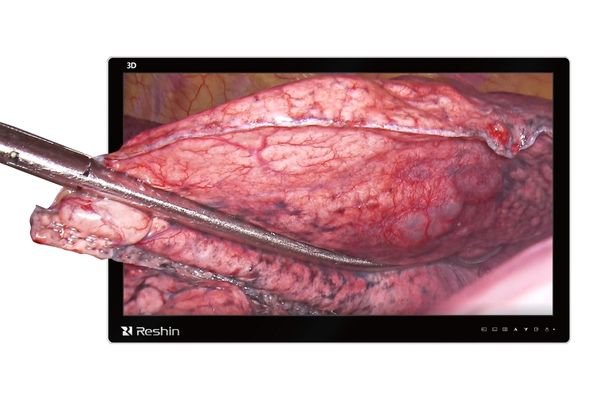
For cardiac and thoracic procedure rooms using endoscopy, fluoroscopy or other video sources. Review interface requirements, latency expectations and viewing distance.

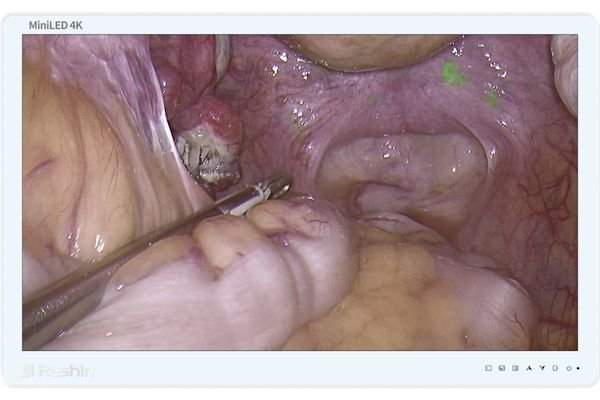
For arthroscopy systems requiring close-range joint and instrument visualization. Compare FHD and 4K directions against processor output and cart or arm installation.
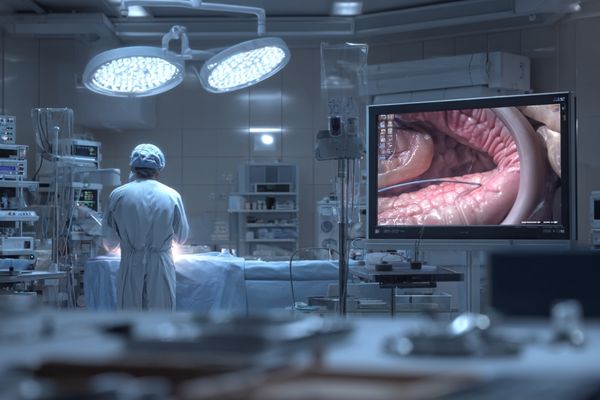
For ENT endoscopy systems where compact display size, viewing distance and tower integration are key model-selection factors.
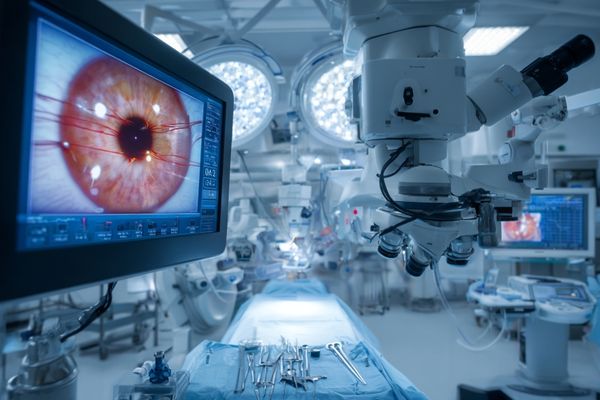
For ophthalmic imaging systems that may require higher-resolution video input and specific mounting or viewing conditions. Confirm compatibility with the intended image source.
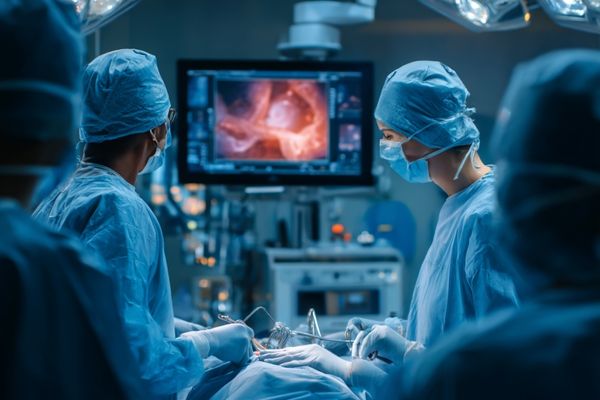
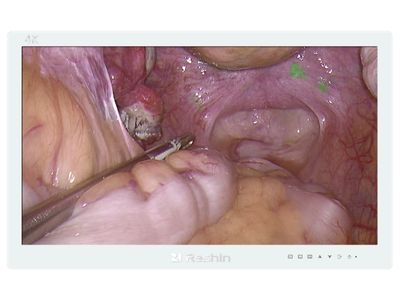
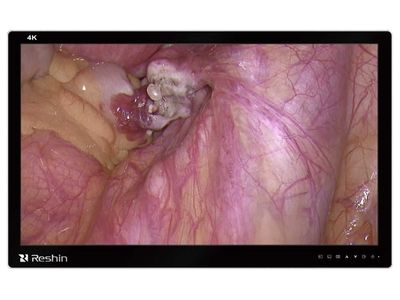
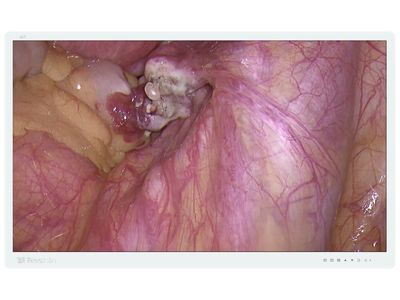
For hysteroscopy and related gynecological imaging workflows. Review processor output, screen size, color settings, signal interfaces and installation conditions.
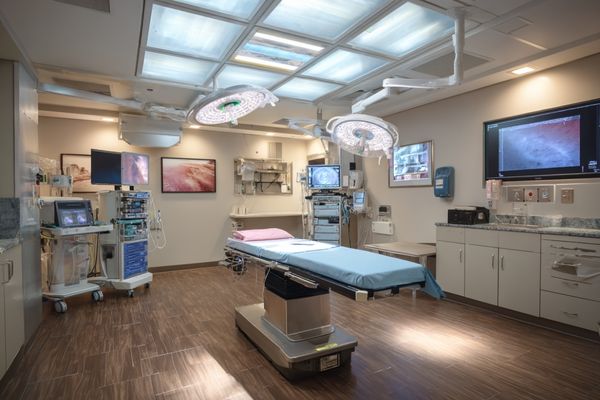
For pediatric surgical systems where equipment footprint, viewing distance and installation constraints may influence display selection.
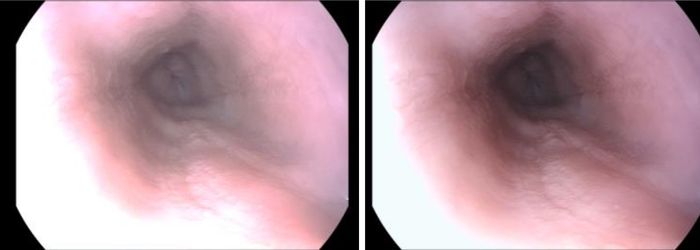
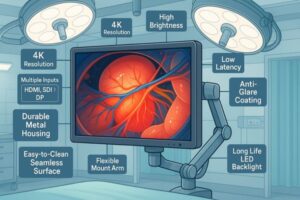
Available video-processing, color, input, optical and image-control functions vary by model. Buyers should confirm applicable features against the processor output, intended workflow and individual product datasheet.
Applicable models may support HDMI, DP, DVI, SDI, PIP, PBP or multi-source layouts. Supported combinations should be confirmed by model.
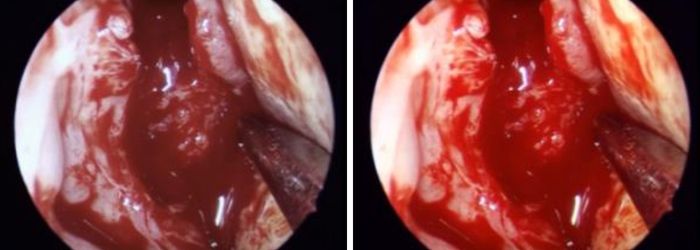
Applicable models may provide color-temperature, gamma, saturation or other image-adjustment functions for endoscopy and surgical visualization.
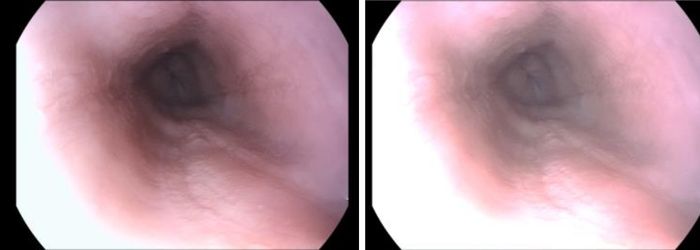
Selected models are designed for real-time surgical video workflows. Actual latency behavior should be reviewed with the intended processor, resolution, frame rate and input path.
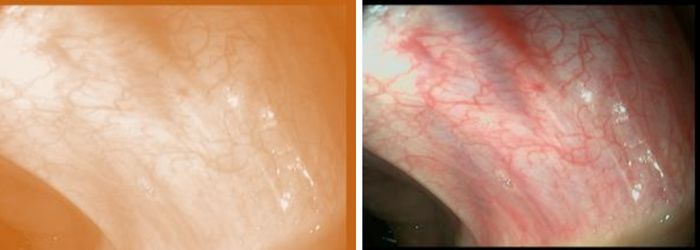
Selected models may include anti-reflective glass, optical bonding or flat front-surface options according to installation and cleaning requirements.
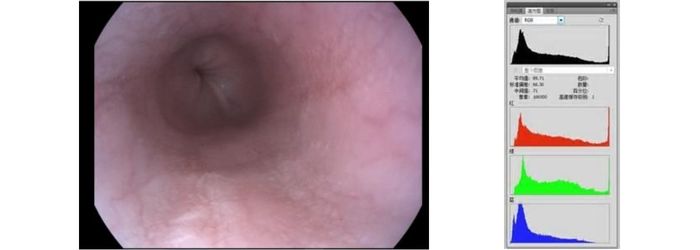
Selected models may support HDR or contrast-control functions according to the input source and product specification.
Standard surgical monitor models should be evaluated first. Projects requiring processor-chain integration, OR routing, housing changes, interface adjustments, front-surface options or branding can continue to the relevant support page.
Compare the processor output, intended procedure, required image detail, screen size, viewing distance and installation conditions. Higher resolution is not automatically necessary for every project.
Compact 19-inch to 24-inch directions are commonly reviewed for space-limited endoscopy carts, while 27-inch and 32-inch displays may be considered for larger towers, MIS systems or 4K visualization.
Large-format displays may be considered for shared viewing, wall or arm installation, teaching, hybrid ORs and multi-person observation.
Confirm resolution, frame rate, color format and outputs such as HDMI, DP, DVI, 3G-SDI or 12G-SDI before selecting a monitor.
No. Available inputs, brightness, optical options, PIP/PBP, HDR and image-control functions vary by model and configuration. Buyers should confirm the individual datasheet.
Please provide the system type, processor output, intended procedure, preferred screen size, resolution, interfaces, mounting requirements, target market, quantity and project stage.
We use cookies to improve website functionality, analyze site performance, and protect inquiry forms from spam. You can accept all cookies, reject non-essential cookies, or manage your preferences at any time.
WhatsApp Inquiry
We will contact you within one working day. Please watch for an email from an address ending in @reshinmonitors.com.