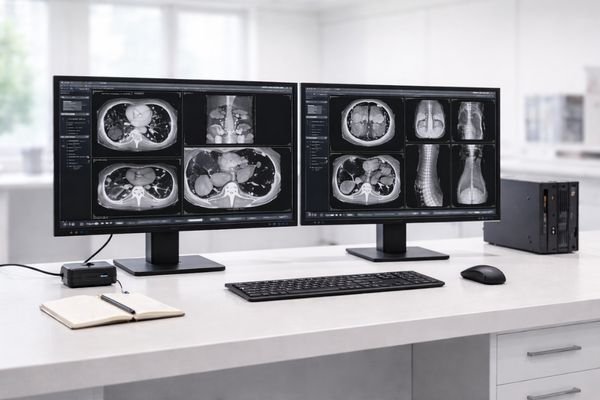
OEM-ready displays for PACS vendors and imaging workstation integrators—built for diagnostic reading, imaging review, and reporting with stable grayscale and lifecycle consistency.
PACS platforms and imaging workstations are used continuously for image review, comparison, reporting, and clinical decision-making. Displays in these environments must maintain stable grayscale performance, predictable luminance behavior, and long-term availability for regulated deployments.
Consistent presentation supports reliable comparisons across sites.
When radiologists compare prior and current studies, unexpected luminance drift and inconsistent curves can slow decisions and increase repeat checks.
Uniform output reduces field tuning and troubleshooting effort.
Integrators building dual / triple screens need predictable behavior across units and batches, especially when scaling to multiple hospitals.
Controlled change helps reduce re-validation overhead.
For PACS vendors and long-term programs, a stable supply strategy matters as much as peak specs—keeping workstation builds consistent over time.
We work with system teams building diagnostic and review stations across imaging modalities—supporting both integration and long-term field deployment.
Primary diagnostic stations where grayscale stability and side-by-side matching are essential for fast, confident interpretation.
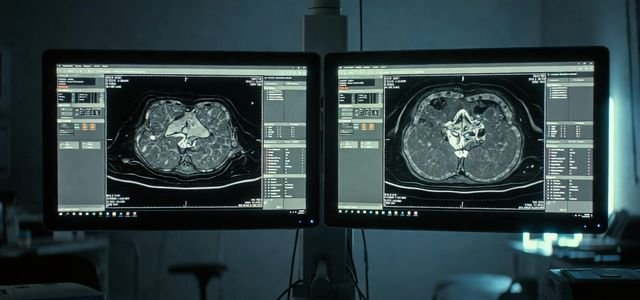
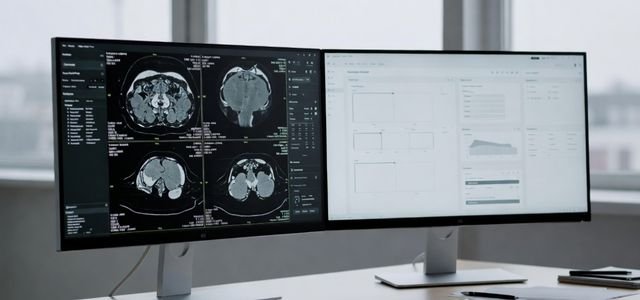
Balanced performance for image review, reporting, and multi-window workflows—designed for reliability in busy departments.
The toughest part for integrators is keeping the same performance across batches and sites—especially when validation and change control are involved.
Small changes over time can impact consistency for diagnostic reading and comparison tasks.
Inconsistent output across screens increases calibration time and support load.
Frequent changes can trigger additional documentation and system re-validation cycles.
Short-lived models can disrupt rollout plans for PACS display OEM programs.
A display mismatch—especially in a diagnostic workstation display setup—often turns into: extra calibration time, added field support costs, and delays in rollout schedules.
Typical outcomes when problems occur:
If you’re sourcing a diagnostic workstation display, these criteria help you evaluate beyond headline specs—especially for multi-site rollout.
| Evaluation Area | What Integrators Often Experience | What to Prefer (Recommended) |
|---|---|---|
| Grayscale consistency | Different batches behave slightly differently; long uptime introduces drift. | Stable grayscale behavior with predictable performance for diagnostic reading. |
| Multi-monitor matching | More time spent on matching and field calibration across dual / triple setups. | Uniform output designed for multi-monitor environments. |
| Lifecycle & change control | Frequent model/panel updates trigger re-validation and documentation updates. | Long lifecycle supply aligned to regulated projects and stable workstation builds. |
| Integration readiness | Mounting, I/O, documentation, and rollout details become last-minute blockers. | Integration-friendly approach with clear documentation and deployment coordination. |
| Total rollout cost | Lower unit price but higher support and commissioning overhead. | Lower total cost via fewer field issues and less re-validation effort. |
These are common deployment paths for PACS vendors and integrators building standardized workstation environments.
Confirm performance targets and define a repeatable configuration baseline for the workstation platform.
Coordinate key documentation needs early to reduce downstream changes and re-validation work.
Scale to hospitals and clinics with consistent multi-monitor behavior and predictable integration details.
Maintain stable availability to support long-term PACS workstation programs and standardized deployments.
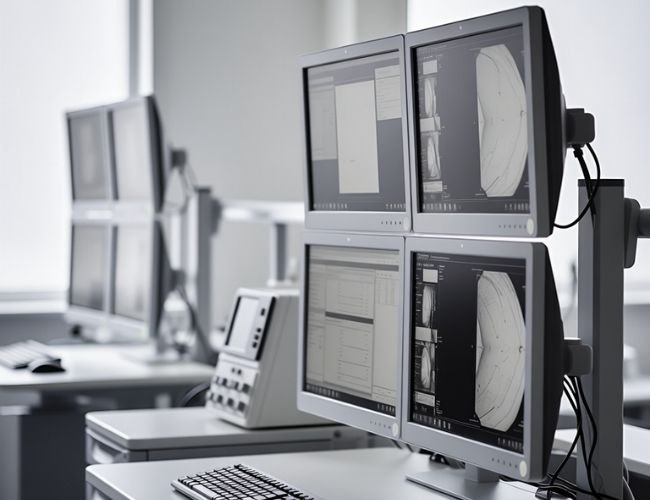
Pick categories based on workflow intensity, number of screens per workstation, and rollout scale. These categories commonly map to PACS diagnostic reading and imaging review environments.
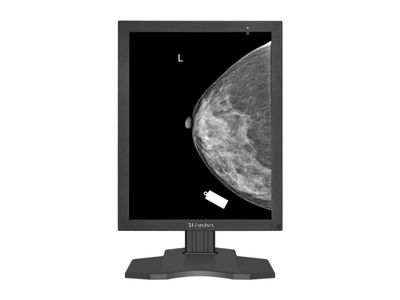
For diagnostic reading where stable grayscale and consistent presentation are the priority.
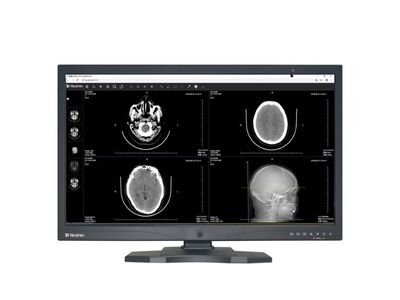
For multi-window imaging review, reporting, and analysis on workstation platforms.
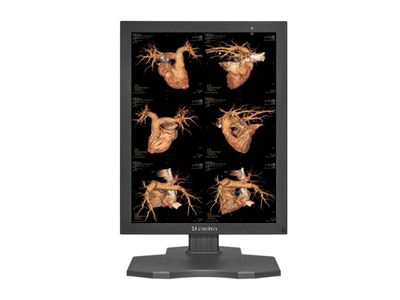
For side-by-side comparison and reporting with matched behavior across monitors.
If you’re developing or integrating PACS platforms and need a reliable PACS monitor supplier, we support OEM display programs built for diagnostic reading, long-term deployment, and regulated clinical environments.
Workstation type, target resolution, number of displays per station, expected lifecycle, and any validation / documentation needs.
Faster integration, fewer field issues, and a more predictable supply plan for your diagnostic workstation display program.
To provide the best experiences, we use technologies like cookies to store and/or access device information, Consenting to thesetechnologies will allow us to process data such as browsing behavior or unique lDs on this site, Not consenting or withdrawing consentmay adversely affect certain features and functions.
We will contact you within 1 working day, please pay attention to the email with the suffix “@reshinmonitors.com”.
We will contact you within 1 working day, please pay attention to the email with the suffix “@reshinmonitors.com”.