
For surgical system manufacturers and OR integrators who need stable, cleanable, and long-lifecycle displays, Reshin delivers predictable performance for operating room workflows—across multi-source video routing, surgical visualization, and platform integration.
Surgical System Manufacturers & OR Integrators
Operating Room / Surgical Visualization / OR Integration
Long-term model locking & lifecycle planning
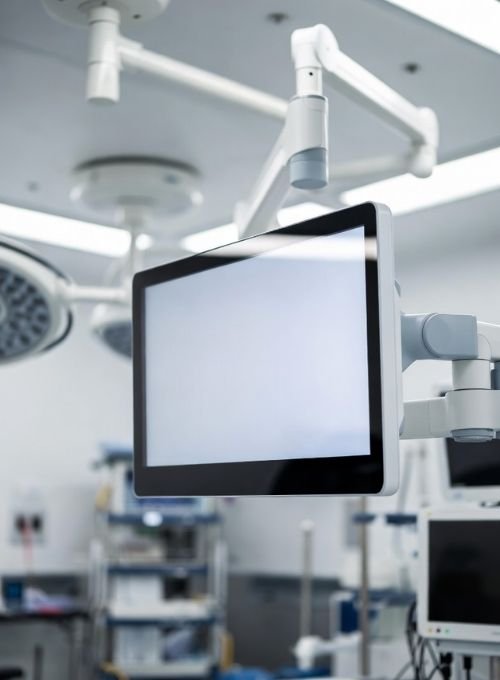
Surgical environments demand more than image clarity—displays must support continuous operation, multi-source video, and straightforward cleaning. A reliable surgical monitor supplier also needs to align with OEM schedules, validation processes, and multi-year deployment plans.
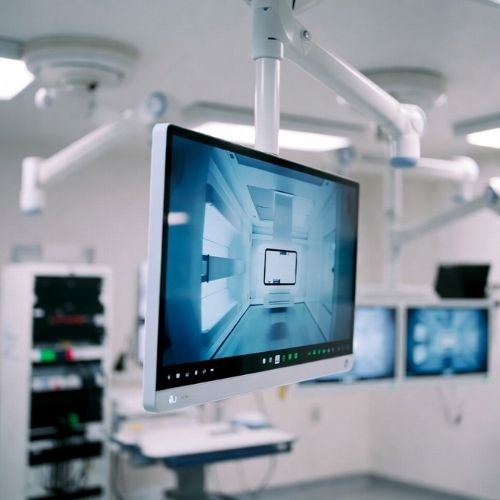
You’re balancing video fidelity, reliability, and installation ergonomics—often under time pressure during system commissioning and clinical training.
Consistent image performance during long procedures, with predictable behavior across video sources and modes.
Interfaces, mounting options, and control design that adapt to carts, booms, and routing workflows.
Model continuity, documentation support, and change control to keep regulated projects stable over time.
Practical note: Many OR projects fail not on “specs”, but on integration details—mounting depth, connector access, cleaning routines, and predictable image behavior under switching.
Built for modern OR architectures—supporting surgical visualization, routing, and integration layers commonly used by system manufacturers and integrators.
Designs focus on “integration reality”: switching, cabling routes, mounting constraints, and clinical cleaning routines.
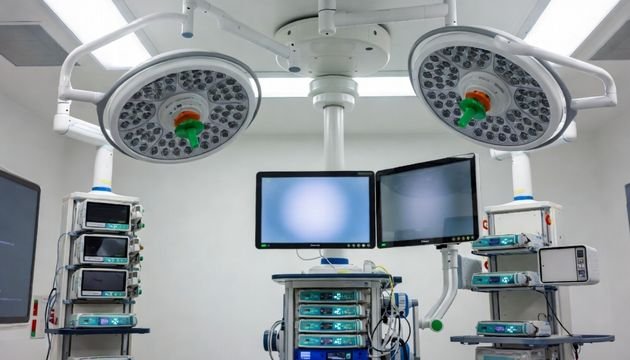
Integration success depends on predictable behavior under real OR constraints—multi-source switching, continuous use, and deployment standardization across hospitals.
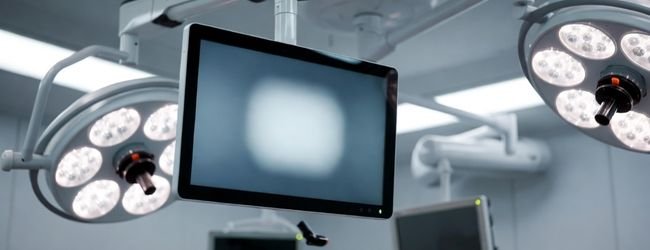
Displays must remain stable during long cases, minimizing unexpected behavior during video switching, mode changes, or brightness adjustments.
Integration tip: define display behavior in your system spec (startup state, last-memory behavior, OSD lock policy).
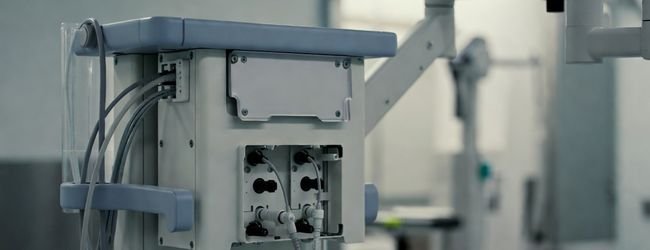
OR carts, arms, and wall mounts impose strict space and cable access requirements. Surfaces must be easy to wipe, with minimal crevices that trap liquids.
Consider early: connector orientation, strain relief, and service access without removing the mount.
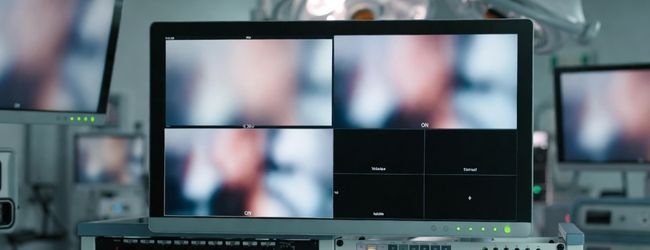
OR integration display setups often include multiple inputs, split layouts, and routing logic. Image consistency and switching responsiveness become part of user trust.
Keep it simple: prioritize “operator clarity” over excessive display modes during live procedures.
We work with integrators and manufacturers as a long-term partner—supporting product selection, integration, deployment, and lifecycle planning.
We align with your integration timeline and validation approach, helping reduce deployment friction from pilot to scale.
Designed for stable output under switching, enabling consistent operator experience across systems.
Layout supports cleaning routines and reduces operational distractions in bright OR environments.
From pilot rooms to multi-hospital rollouts, we help keep configuration consistent.
Support documentation, integration details, and quick clarification when issues appear on site.
Common operating room deployment patterns where display selection affects usability, workflow speed, and maintenance.
Central routing + multi-source switching with standardized display behavior.
Combining imaging and surgery, often requiring larger displays for shared viewing.
Cable access, stability, and surface cleaning become primary concerns.
Surgeon + assistant + nurse views with consistent settings across displays.
Instead of packing everything into tables, we recommend selecting categories based on role, viewing distance, switching frequency, and mounting constraints—especially for OR integration display deployments.
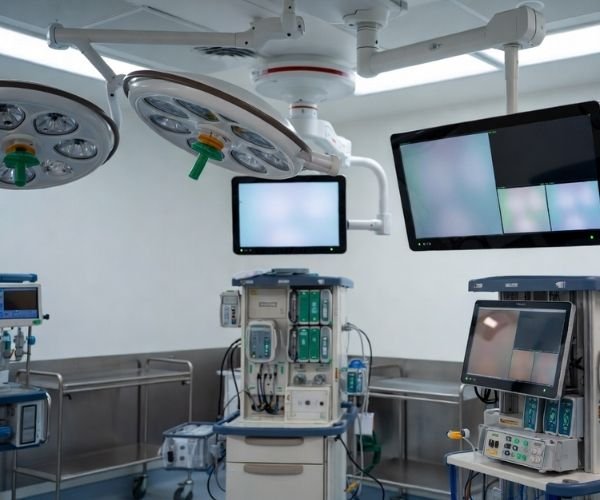
For surgical systems, the “best display” is often the one that stays predictable under switching, supports cleaning routines, and scales across multi-room deployments—this is why OEM teams look for a stable surgical monitor supplier early in the program.
Most issues don’t come from headline specs—they come from details: cable strain relief, service access, preset consistency, and ensuring an operating room display behaves the same across installations.
Define early: startup behavior, OSD lock policy, and “last state” rules for surgical visualization workflows.
For surgeon-facing endoscopy / laparoscopic feeds and near-field operation. Often the core medical display for surgical system.
Prioritize stable performance during long cases, glare control under OR lighting, and easy wipe-down design.
Integration focus: predictable switching behavior + ergonomic mounting on arms/booms.
For team visibility, teaching, and hybrid OR collaboration—especially when multiple roles need the same view.
Choose based on viewing distance, room brightness, and safe mounting structure. Keep presets consistent across rooms.
Integration focus: viewing distance + glare + mounting safety and cable routing.
For routing environments requiring split layouts, switching logic, and control-room style workflows.
Define layout rules early and keep operation simple during live cases. This category is common in surgical system display OEM integration.
Integration focus: multi-input management + layout rules + stable behavior under switching.
For quick review, reporting, and auxiliary viewing near OR areas—supporting workflow efficiency.
Balance clarity with speed: consistent presets, reliable connections, and minimal setup time for staff rotation.
Integration focus: consistent presets + low friction setup across departments.
Share your OR workflow and integration constraints. We’ll respond with a practical recommendation for operating room display selection and deployment consistency.
For surgical system manufacturers and OR integrators, we focus on reducing integration friction and keeping lifecycle risk low—especially in OR integration display projects.
We typically reply with a short category shortlist, integration notes, and lifecycle guidance from a surgical monitor supplier perspective.
To provide the best experiences, we use technologies like cookies to store and/or access device information, Consenting to thesetechnologies will allow us to process data such as browsing behavior or unique lDs on this site, Not consenting or withdrawing consentmay adversely affect certain features and functions.
We will contact you within 1 working day, please pay attention to the email with the suffix “@reshinmonitors.com”.
We will contact you within 1 working day, please pay attention to the email with the suffix “@reshinmonitors.com”.