Compliance desk with a medical-grade monitor and organized technical documentation binders, featuring a small CE stamp to represent CE marking requirements.

What Core Documents Are Needed for CE Marking of medical grade monitors?

Core CE documents typically include: device description and variants, a risk management file, a requirements-to-evidence matrix, safety/EMC and performance verification reports, controlled labeling/IFU, and PMS/PMCF/vigilance plans. Delays most often come from inconsistent claims across marketing, labeling, and evidence, or missing traceability from requirements to test reports.

Read More »
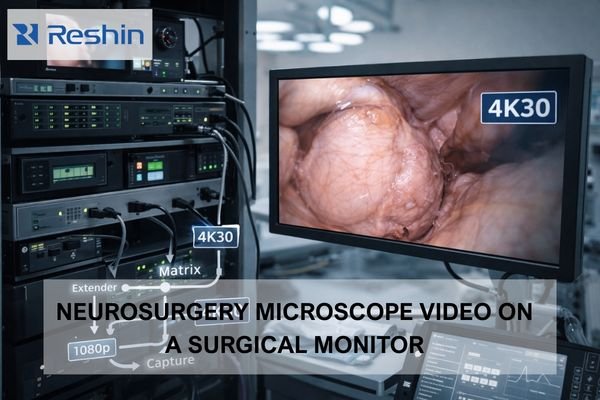
4K30 endoscopy surgical monitor connected to an OR routing rack, showing how the signal chain can downgrade to 1080p.

When an Endoscopy System Outputs 4K30, How Can a Surgical Monitor Avoid Forced Downgrade?

When endoscopy systems output 4K30, surgical monitors can avoid forced downgrade by stabilizing the negotiated mode across the full chain: lock one known-good 4K30 format (resolution + refresh + chroma + bit depth + timing), manage EDID/handshake behavior across routing devices, and validate switching, recording on/off, and power-cycle responses so the system does not fall back to a lower mode. This article provides a practical downgrade “cause map,” a pre-go-live stress test routine, and a baseline package you can reuse across rooms.

Read More »
Reshin team photo at the 2026 annual gala in Shenzhen, celebrating a manufacturing-first year for surgical displays

Reshin Annual Gala 2026 Held in Shenzhen: Manufacturing-First, Looking Ahead to a New Year for Surgical Displays

Reshin’s 2026 annual gala in Shenzhen brought colleagues across functions together to reinforce manufacturing-first priorities for surgical display development. The event emphasized quality gates, traceability, and OR-readiness as system outcomes, showing how medical-grade reliability depends on repeatable delivery, disciplined change control, verification routines, and steady cross-team collaboration from design through field deployment.

Read More »
Ophthalmic operating room with dual surgical monitors showing anterior eye surgery and posterior retinal imaging.

How should one select surgical monitors for ophthalmic procedures (anterior and posterior segments)?

Selecting surgical monitors for ophthalmic procedures requires matching display behavior to segment-specific visibility risks: smooth highlight handling and stable brightness for anterior segment work, predictable color and tonal mapping with stable low-level detail for posterior segment procedures. Prioritize clean scaling, consistent low latency, and validated picture modes that prevent drift during procedures.

Read More »
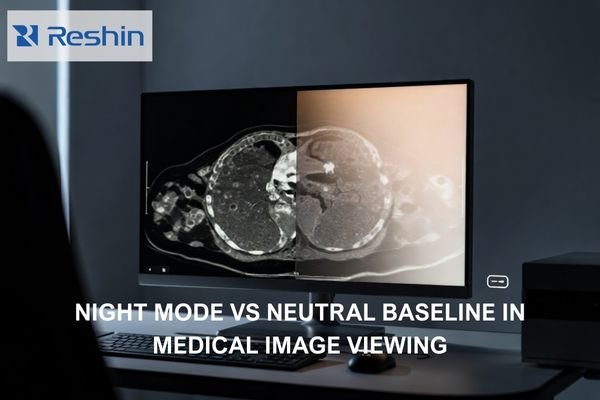
Photorealistic radiology workstation showing a neutral grayscale medical image with a subtle warm Night Mode shift on half the display.

Does Night Mode or “Eye Comfort” Affect Medical Image Viewing?

Night Mode and Eye Comfort features can affect medical image viewing by shifting white point, reducing blue output, and sometimes dimming displays, which can change visual adaptation and perceived contrast. For diagnostic reading, maintain validated baselines and avoid comfort transforms during clinical interpretation, using separation and policy controls for mixed-use workstations. This article explains what changes in the rendering pipeline, how to validate impact in your actual viewer, and how to control the setting so it cannot persist unintentionally.

Read More »
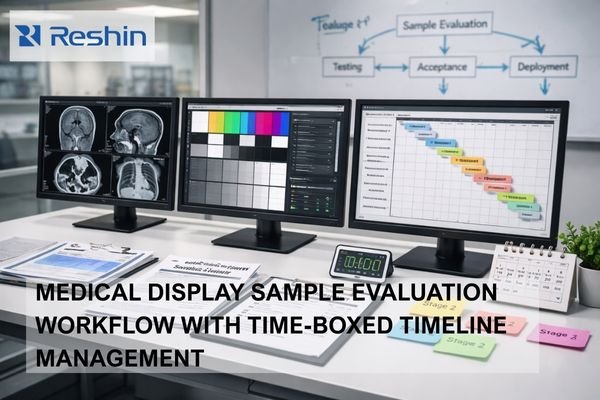
Medical display sample evaluation workstation with three monitors showing imaging tests, calibration patterns and a project timeline, surrounded by checklists, documents and a timer illustrating staged, time-boxed evaluation workflow.

How Should Sample Evaluation Be Done Without Wasting Project Timeline?

Effective sample evaluation requires staged testing with clear pass/fail criteria, time-boxed evaluation windows, and alignment between clinical, IT, and procurement stakeholders on must-pass requirements. Structure evaluation as progressive stages that reduce risk early rather than waiting for perfect final samples, and ensure every finding maps to a decision path (fix, accept, escalate, or de-scope) within 24–48 hours for triage and next-step ownership.

Read More »
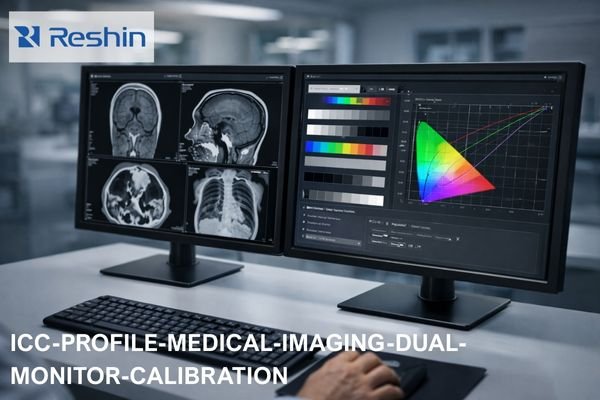
Dual medical imaging monitors on a clinical workstation showing grayscale CT and MRI scans on one screen and ICC color calibration curves and test patterns on the other, illustrating ICC profile management for diagnostic display consistency.

Should You Disable ICC Profiles on Medical Display Monitors?

ICC profile decisions for medical displays depend on your clinical workflow and calibration approach. Prefer disabling or neutralizing OS-level ICC transforms when diagnostic applications and monitors already use validated internal calibration, but consider keeping ICC for color-managed workflows. The key is preventing competing transforms that reduce repeatability across applications and system states.

Read More »
Hospital procurement team reviewing a medical-grade monitor RFP contract and compliance checklist in a conference room with surgical displays on the wall, ensuring compliance, lifecycle control and consistent clinical performance.

When Procuring Medical-Grade Monitors, What Key Clauses Should an RFP Include?

Medical-grade monitor RFPs should include enforceable clauses covering compliance traceability, measurable performance acceptance criteria, documented baseline configurations, and lifecycle controls that prevent drift after updates and replacements. Strong RFP language converts operational requirements into verifiable deliverables with defined test methods and pass/fail criteria.

Read More »
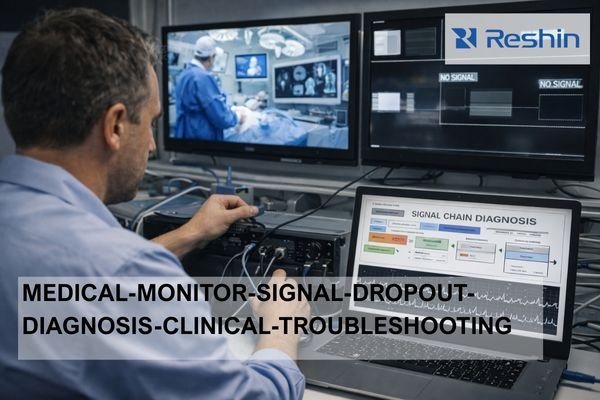
Technician troubleshooting medical-grade monitor signal dropouts in a hospital control room, checking cables while a laptop shows a signal chain diagnosis flowchart and wall displays show surgical video and no-signal warnings.

How to Check Whether Random Dropouts on a Medical grade Monitors Come from the Cable or the Device?

Random dropouts on Medical grade monitors can be diagnosed by testing with direct, short cable connections first to isolate cable issues, then rebuilding the signal chain incrementally to identify device-specific problems. Cable issues typically show physical sensitivity and bandwidth stress patterns, while device issues correlate with specific states, negotiations, and switching events.

Read More »

Ask For A Quick Quote

We will contact you within 1 working day, please pay attention to the email with the suffix “@reshinmonitors.com”

Ask For A Quick Quote

We will contact you within 1 working day, please pay attention to the email with the suffix “@reshinmonitors.com”