
Reshin supports radiology equipment manufacturers, PACS integrators, and diagnostic workstation projects with display solutions built for image consistency, DICOM-oriented workflows, and long-term deployment continuity.
Typical project inputs include modality type, target resolution, screen size, interface requirements, workstation fit, and deployment scope.
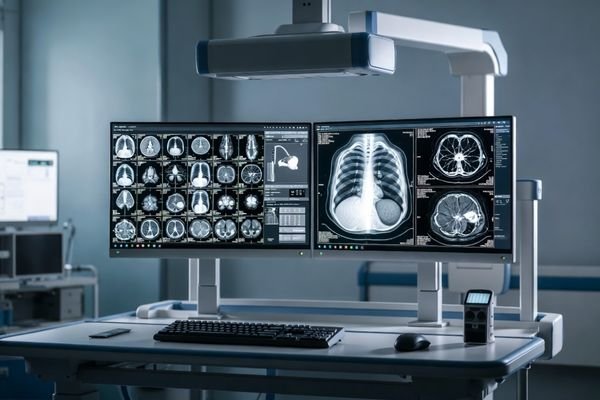
This page is designed for teams that need diagnostic displays as part of a medical imaging system, reading workstation, or repeated deployment program.
For imaging system teams evaluating display fit as part of broader equipment platforms.
For projects that require stable reading performance and practical workstation coordination.
For teams reviewing display direction, image behavior, and long-term product continuity.
For buyers who need to balance specification fit, evaluation logic, and supply planning.
Diagnostic monitor projects are usually evaluated more carefully than standard display selections. Buyers often need to look beyond basic specifications and pay closer attention to grayscale behavior, luminance stability, workflow fit, and longer-term deployment consistency.
The display direction should support diagnostic image review rather than only consumer-style panel comparison.
Stable grayscale presentation and luminance behavior are often more important than headline specs.
Interface behavior, installation direction, and workstation fit all affect real deployment results.
Multi-unit and longer-term projects usually need more predictable continuity and replacement planning
Diagnostic display projects often require more than a standard monitor supply. Buyers usually need practical support around reading behavior, workstation fit, and project continuity.
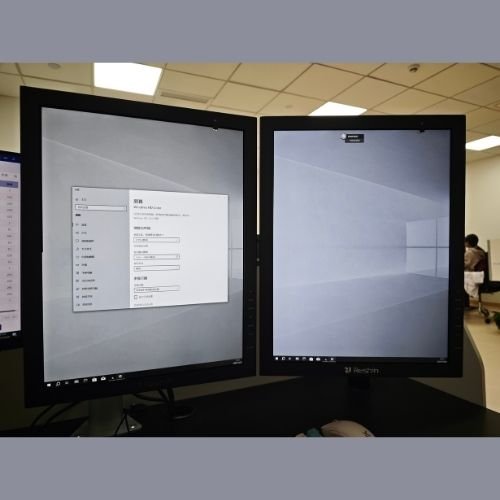
Supports diagnostic imaging tasks across different resolution needs and practical clinical reading environments.
Designed to align with grayscale-oriented review expectations in diagnostic image interpretation settings.
Focused on brightness consistency, dependable output, and smoother reading use over repeated project cycles.
Suitable for PACS systems, radiology workstations, and diagnostic projects that require practical equipment matching.
We work closely with medical device manufacturers to help ensure stable performance in practical diagnostic environments.
We support diagnostic display projects that need structure matching, interface planning, and long-term deployment coordination. For imaging systems that require practical integration, OEM support should improve project fit rather than add unnecessary complexity.
Review imaging system type, screen direction, and project expectations.
Evaluate interface behavior, workstation fit, and deployment structure.
Support sample review, image behavior checks, and early-stage project discussion.
Consider supply continuity, controlled changes, and longer-term deployment needs.
Diagnostic displays are often selected for reading workstations, PACS-connected environments, and medical imaging platforms that require dependable grayscale behavior, workflow fit, and longer-term deployment consistency.
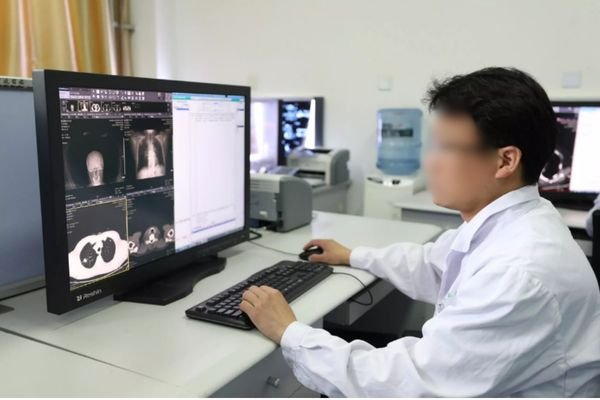
Suitable for reading tasks that require grayscale consistency, stable luminance, and dependable workstation performance.
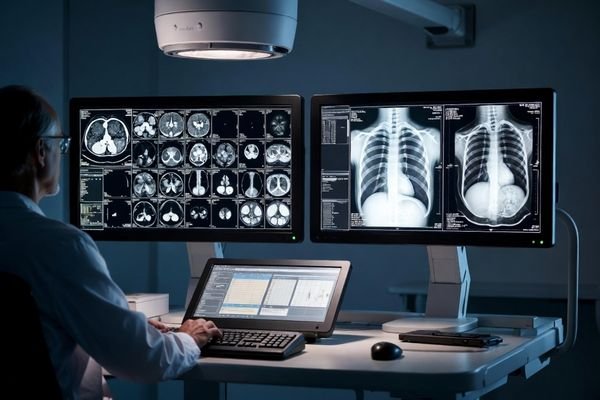
Designed for PACS-related display use where image review, reporting processes, and data visibility need to work together.
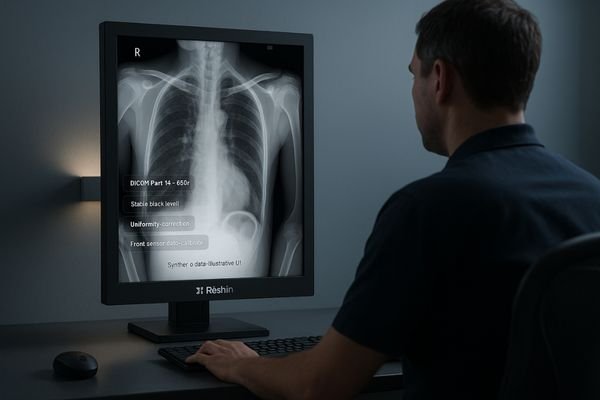
Can be integrated into imaging platforms that require reliable display output, stable visual quality, and practical OEM support.
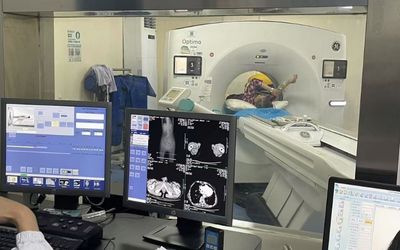
Well suited for healthcare settings where dependable diagnostic monitor support improves daily image review continuity.
These are common questions from radiology equipment teams, PACS-related project groups, and buyers reviewing diagnostic monitor options for medical imaging use.
It is mainly intended for radiology systems, PACS workflows, diagnostic workstations, and medical imaging platforms that need dependable reading support.
Buyers often review grayscale behavior, luminance stability, reading workflow fit, and whether the model suits longer-term deployment.
Yes. This page is designed for diagnostic display projects that need practical integration into workstations, platforms, and imaging systems.
It is more focused on project-based diagnostic display selection for equipment teams, system groups, and structured deployment planning.
Sharing reading use, preferred resolution, workstation type, interface expectations, and project stage helps make evaluation more practical.
When buyers evaluate a diagnostic monitor manufacturer, the decision should not rely only on brightness, resolution, or price. For radiology, PACS, CT, MRI, mammography, and diagnostic workstation projects, the display must match the reading task, DICOM-related expectations, workstation setup, and deployment plan.
Reshin helps buyers compare standard diagnostic monitor models or review OEM project requirements before model selection.
CT, MRI, X-ray, mammography, PACS review, and multi-modality comparison may require different resolution levels.
Grayscale behavior, luminance stability, calibration logic, and inspection records should be reviewed before deployment.
Interface, orientation, mounting, graphics card support, and single/dual-screen setup should match the actual workstation.
Stable model supply and replacement planning help reduce inconsistency in repeated projects.
Share your imaging system type, target resolution, screen size, interface requirements, and deployment plan. Our team can help you identify a more suitable diagnostic display direction for your project.
Discuss display fit for radiology and PACS workflows
Review integration needs for structure and interface planning
Evaluate deployment direction for imaging and workstation projects
We use cookies to improve website functionality, analyze site performance, and protect inquiry forms from spam. You can accept all cookies, reject non-essential cookies, or manage your preferences at any time.
We will contact you within 1 working day, please pay attention to the email with the suffix “@reshinmonitors.com”.