
Reshin is a PACS monitor manufacturer supporting radiology workstations, clinical review environments, and medical imaging systems that require dependable image presentation, stable daily operation, and practical workflow compatibility.
We help workstation builders, imaging teams, and integration partners evaluate display fit for reading use, review continuity, and longer-term deployment planning.
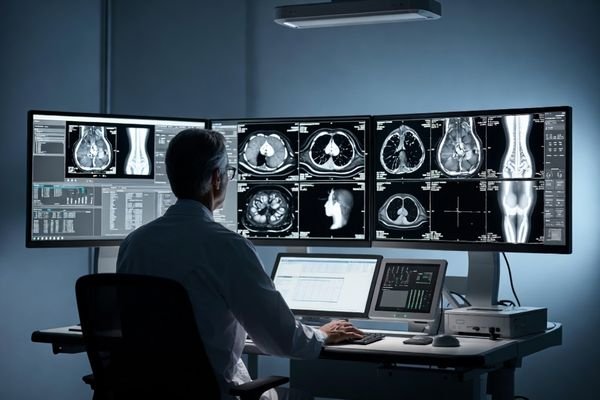
This page is mainly for PACS system developers, radiology workstation teams, medical imaging integrators, and product groups that need dependable display performance for image review, reporting flow, and long-term workstation use.
For software and hardware teams building PACS platforms that need stable display support for reading workflows.
For projects that need dependable display behavior for image review, reporting tasks, and workstation deployment.
For integration projects that require practical display fit across imaging systems and review environments.
For review-oriented environments that combine image visibility, workstation logic, and daily clinical use.
PACS monitor projects are rarely decided by size or resolution alone. In reading and review environments, buyers often need to consider image presentation consistency, reporting workflow fit, multi-station deployment, and stable daily use over longer periods.
This is why a suitable PACS display is usually evaluated as part of the wider workstation and imaging workflow, not as a standalone display purchase.
PACS environments often depend on stable image presentation across repeated review and reporting tasks.
The display should fit reporting stations, connected review terminals, and practical workstation deployment.
Buyers often review whether the display can support longer sessions and dependable daily operation.
PACS projects may also require stable model direction for multi-station and longer-term deployment planning.
A suitable PACS display should support image review consistency, reporting workflow stability, and dependable daily use in workstation environments. These points are often central when evaluating display options for PACS and clinical review systems.
Supports reliable image display across repeated review sessions, users, and workstation-based reading tasks.
Helps maintain dependable viewing conditions during longer-term use and continuous workstation operation.
Display format should align with review depth, workstation layout, and imaging workflow requirements.
A suitable PACS display should fit reporting stations, review terminals, and connected imaging processes.
Displays used in workstation environments should support stable performance across repeated daily use.
Reshin supports PACS-related display projects for clinical review, reporting workstations, and imaging systems that need practical workflow compatibility, stable operation, and dependable deployment support.
Designed to support image review and day-to-day workstation use with stable display behavior.
Suitable for longer workstation sessions where dependable operation matters across repeated use.
Supports reporting stations, review terminals, and connected PACS-related imaging processes.
Helps teams configure display direction for practical workstation and imaging review environments.
For PACS integrators and radiology workstation projects, choosing a PACS monitor manufacturer is not only about selecting a diagnostic display. The monitor must support the review workflow, workstation layout, DICOM-related expectations, IT compatibility, and future replacement plan.
Reshin helps buyers select standard PACS monitor models or review display requirements for OEM workstation deployment.
Diagnostic reading, clinical review, reporting, consultation, teaching, and multi-modality comparison may require different display formats.
Single screen, dual-screen PACS workstation, wide-format display, or high-resolution diagnostic display should match the layout.
Signal input, graphics card support, mounting, and display orientation should be checked before deployment.
Model continuity, spare unit planning, and stable supply help reduce inconsistency across departments or sites.
As a PACS display manufacturer, Reshin supports workstation and imaging platform projects that need display matching, system integration discussion, and longer-term deployment planning. OEM support should improve workflow fit instead of creating avoidable complexity.
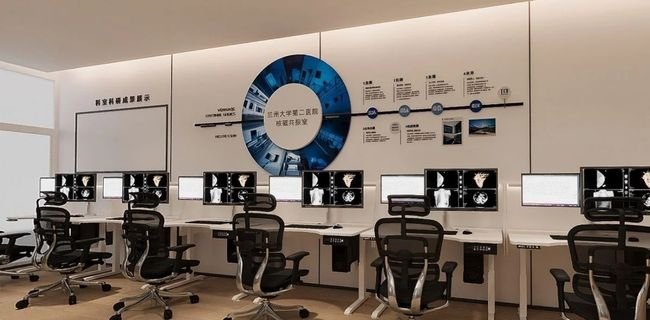
PACS displays are commonly used in radiology workstations, clinical review stations, and medical imaging environments where review continuity, workstation compatibility, and dependable daily operation are important.
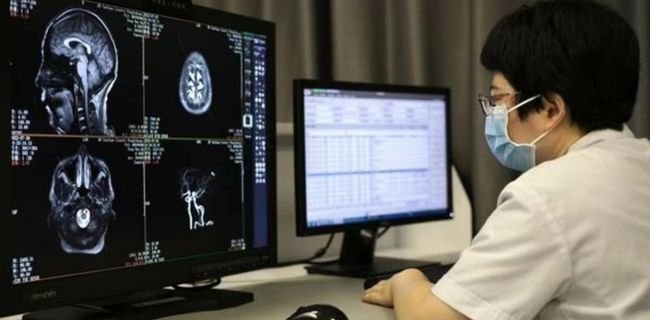
A practical fit for workstation environments handling image review and reporting where dependable daily performance is required.
Suitable for review points that need clear image visibility and reliable display support for comparison and communication.
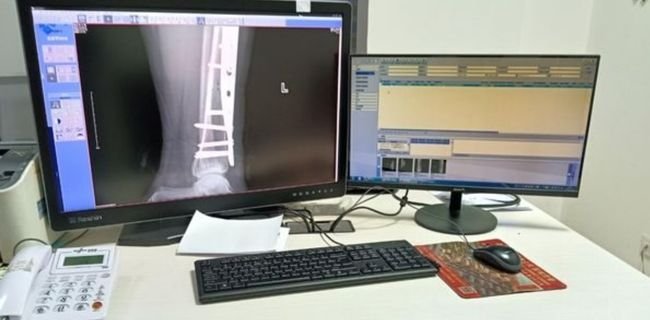
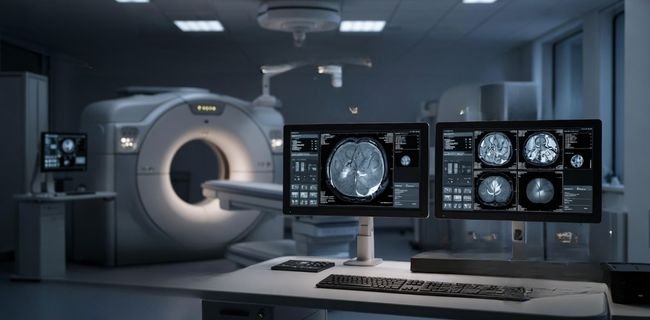
Used with integrated imaging platforms and workstation systems where display fit should match the wider review process.
Supports information-driven clinical settings that combine PACS terminals, review stations, and operational workflows.
These are common questions from PACS system teams, radiology workstation groups, and imaging project partners reviewing display options for workstation use.
It is mainly intended for radiology workstations, PACS environments, clinical review stations, and imaging platform projects.
Buyers often review display consistency, workflow fit, long-hour stability, and workstation-side deployment expectations.
Yes. This page is focused on PACS and workstation projects that need practical system-side display compatibility.
Sharing review use, resolution preference, workstation type, interface needs, and project stage helps a lot.
They can support projects that involve structured review workflows and longer daily workstation operation.
Yes. Many projects also involve workflow fit, system matching, longer use stability, and deployment planning.
It is more focused on workstation, PACS, and imaging-side projects rather than general hospital procurement only.
Yes. PACS projects often need steadier model direction and more practical long-term deployment support.
We focus on how the display fits review use in PACS and medical imaging environments.
We work with system builders and integrators who need display fit for broader workstation architecture.
For sourcing teams, continuity and implementation stability matter as much as initial matching.
We support custom fit for interface, structure, and project-side workstation configuration needs.
For long-term PACS and workstation projects, buyers often look for a supplier that understands review workflows, practical integration, and steadier deployment continuity across repeated use environments.
Contact Reshin to discuss your PACS display requirements and identify a more suitable direction for radiology workstations, review environments, or medical imaging systems. Whether you are sourcing a standard display or planning a project-based solution, our team can help make the discussion more practical and efficient.
We use cookies to improve website functionality, analyze site performance, and protect inquiry forms from spam. You can accept all cookies, reject non-essential cookies, or manage your preferences at any time.
We will contact you within 1 working day, please pay attention to the email with the suffix “@reshinmonitors.com”.