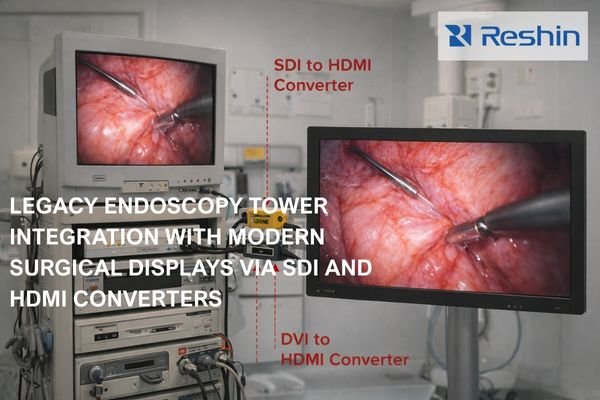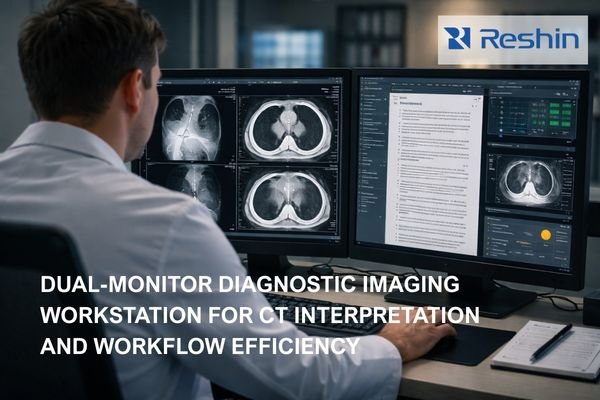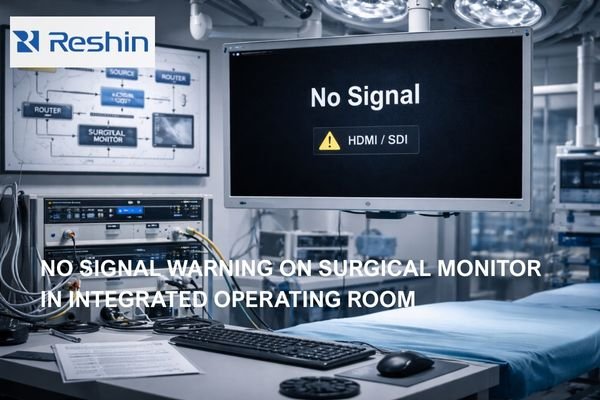
Operating room surgical monitor showing No Signal HDMI SDI warning with OR video routing equipment in the background

How to Quickly Troubleshoot “No Signal” on a Surgical Monitor?

“No signal” on surgical monitors typically indicates the display cannot lock to a valid video mode due to source configuration, signal chain negotiation failures, or device state transitions. Quick troubleshooting isolates whether the issue originates from the source, intermediate devices, or monitor configuration by testing direct connections and forcing standardized, known-good modes.
Read More »
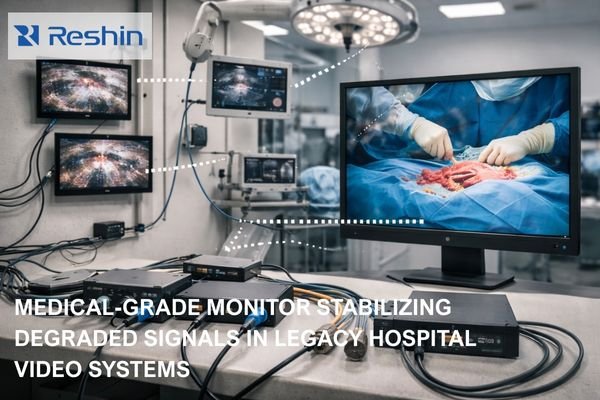
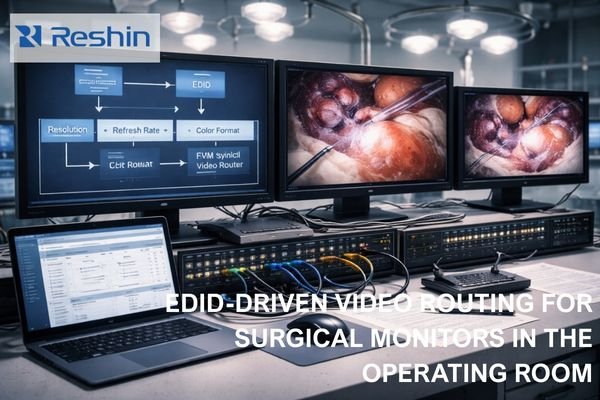
Operating room video workstation with three surgical monitors showing EDID diagram and live endoscopic images over a routed signal chain

What Is EDID, and Why Does It Affect Surgical Monitor Compatibility?

EDID (Extended Display Identification Data) is the capability information that surgical monitors provide to video sources, influencing what resolution, refresh rate, and color format the source will output. In OR environments with complex routing chains, EDID inconsistencies can trigger EDID mismatch behavior—no signal failures, unstable switching, or silent mode changes—reducing workflow predictability when it matters most.

Read More »
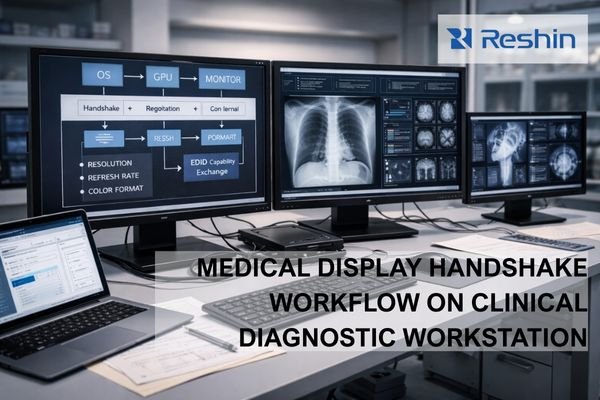
Clinical diagnostic workstation with three medical monitors showing handshake negotiation diagram and radiology images

What Is a “Handshake,” and Why Do Medical Displays Fail Handshakes?

A handshake is the negotiation process between a workstation and medical display to establish compatible signal parameters like resolution, refresh rate, and color format. Medical displays are particularly susceptible to handshake failures due to complex signal chains, intermediate devices, and strict consistency requirements that make “works most of the time” operationally unacceptable.

Read More »
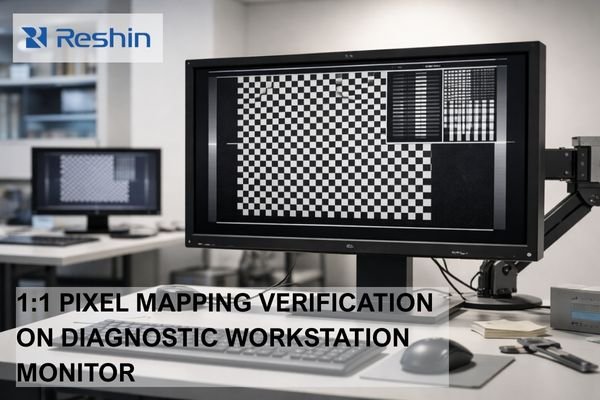
Diagnostic workstation monitor displaying 1-pixel checkerboard test pattern for verifying true 1:1 pixel mapping

How to Verify 1:1 Pixel Mapping on Diagnostic Monitors?

1:1 pixel mapping ensures that each image pixel from the PACS viewer is displayed by exactly one physical pixel on the monitor panel, with no scaling or interpolation. Verifying true 1:1 mapping requires systematic testing of the complete display pipeline—OS settings, GPU configuration, cable interface, and monitor scaling modes—because any single misconfiguration can introduce resampling that affects diagnostic confidence.

Read More »
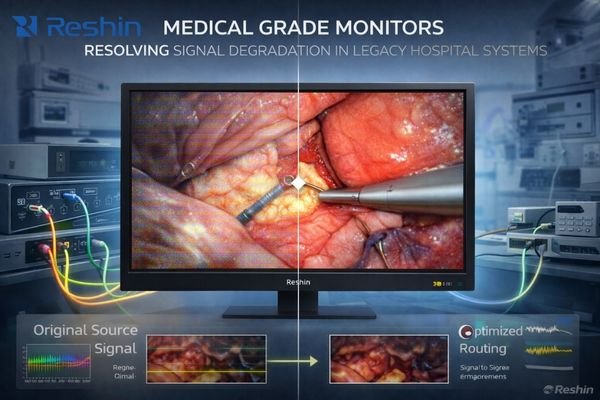
Modern medical monitor resolving signal degradation in legacy hospital systems.

How do signal capabilities of medical grade monitors affect latency and image quality in OR routing?

Medical-grade monitor signal capabilities directly determine whether OR routing systems can maintain native signal paths with minimal conversion, which is critical for preserving both surgical image quality and low latency. When monitors accept the routed formats natively, the system can avoid unnecessary scaling and re-timing stages; when sync handling is stable, switching is less likely to trigger disruptive re-lock events (forced re-synchronization) that interrupt workflow.

Read More »

Ask For A Quick Quote

We will contact you within 1 working day, please pay attention to the email with the suffix “@reshinmonitors.com”

Ask For A Quick Quote

We will contact you within 1 working day, please pay attention to the email with the suffix “@reshinmonitors.com”