Category: Technology Insights

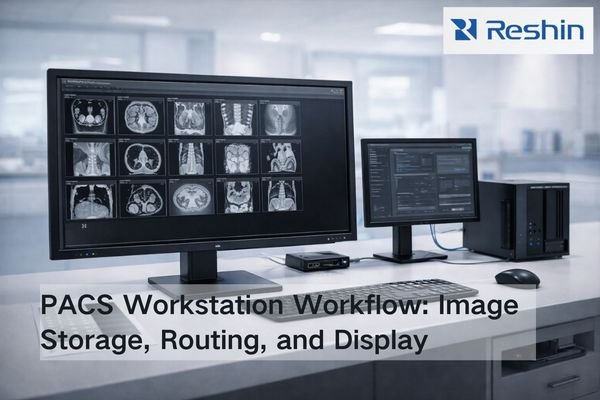
Bright radiology IT workspace showing a PACS workstation monitor beside network storage and a switch, illustrating image distribution to radiology workflows

What is PACS and how does it affect radiology monitor workflows?

PACS (Picture Archiving and Communication System) is the image backbone that stores, organizes, and delivers studies across radiology. It shapes monitor workflows through PACS viewers and hanging protocols—how images are laid out, rendered, windowed, and compared with priors—so diagnostic display performance must be validated inside real PACS workflows, not in isolation.

Read More »
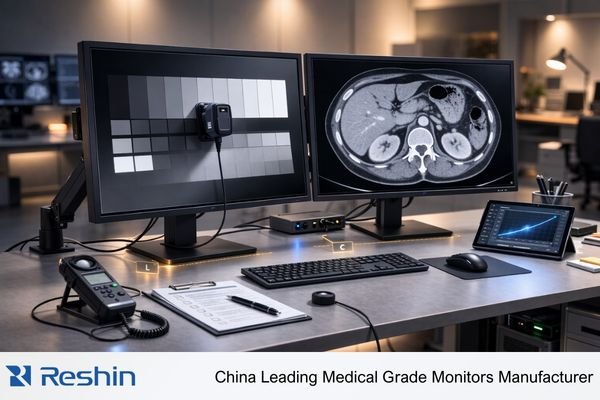
Medical-grade monitor beside a consumer display in a clinical room, showing consistent DICOM-style grayscale and a non-graphic endoscopy inset

A Brief Introduction to Medical Grade Monitors?

A medical-grade monitors is a specialized display built for clinical environments. It shows images from medical equipment like CT scanners or endoscopes with high accuracy and stability. This is essential for applications like surgery and radiology diagnosis, ensuring doctors see precise information to make critical decisions.

Read More »
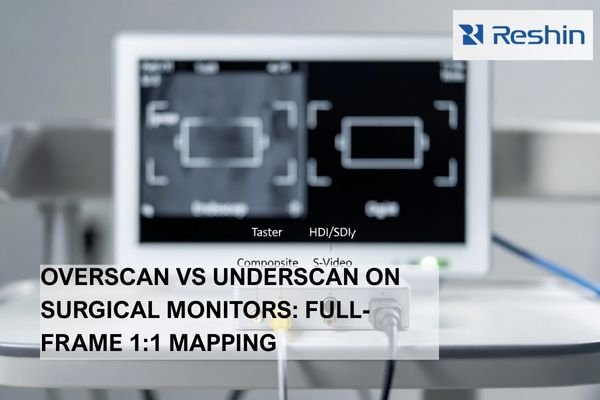
Medical display with Composite and S-Video connectors beside a digital cable, illustrating legacy analog inputs and converter-based transition in OR video routing

Do Medical Displays Still Need Composite/S-Video Inputs?

Most modern OR workflows don’t need Composite/S-Video on every medical display. However, long-lifecycle legacy devices can still justify analog support at specific endpoints or through converters. The decision should be inventory-driven: identify which sources are still analog, estimate the downtime impact if they fail, and standardize on digital while keeping a validated fallback for critical legacy feeds.

Read More »
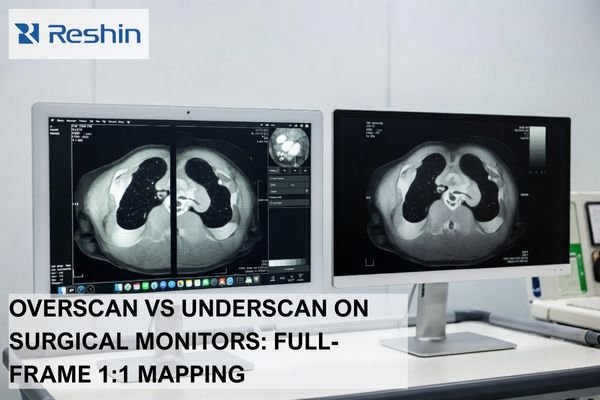
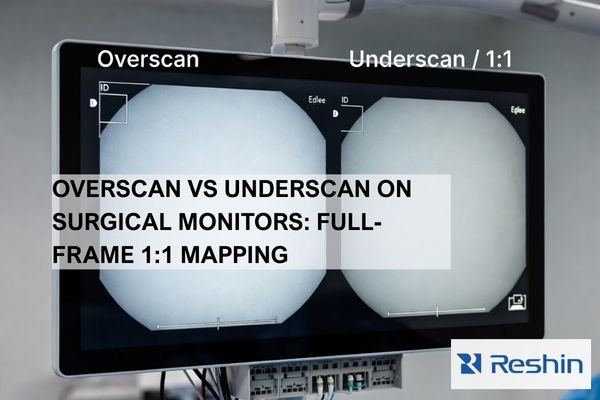
Surgical monitor showing overscan vs underscan with cropped edge UI on one side and full-frame 1:1 pixel mapping on the other

How Should You Set Overscan/Underscan on Surgical Monitors?

For most OR video chains, the safest default is underscan / 1:1 pixel mapping so the full frame remains visible, including edge UI such as scale bars, measurement markers, patient identifiers, and warning banners. Use overscan only as a last resort to hide unavoidable edge artifacts that cannot be corrected upstream, and keep it minimal because scaling can soften detail, alter geometry, and reduce consistency across side-by-side surgical monitors.

Read More »
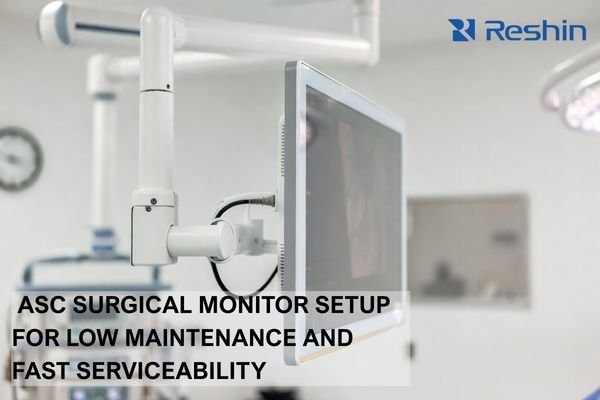
Boom-mounted ASC surgical monitor with sealed cleanable front and strain-relieved cables for reduced maintenance and downtime

How Should Ambulatory Surgery Centers Choose Surgical Monitors to Reduce Maintenance?

Ambulatory Surgery Centers should choose surgical monitors by prioritizing predictable signal behavior, OR-ready cleanability with sealed housings, robust mounting with strain relief, and fast serviceability. In ASC environments, time-to-restore is the critical KPI: small issues like intermittent video, connector looseness, or cleaning-related wear can quickly cascade into delayed cases, rescheduled lists, and lost revenue.

Read More »
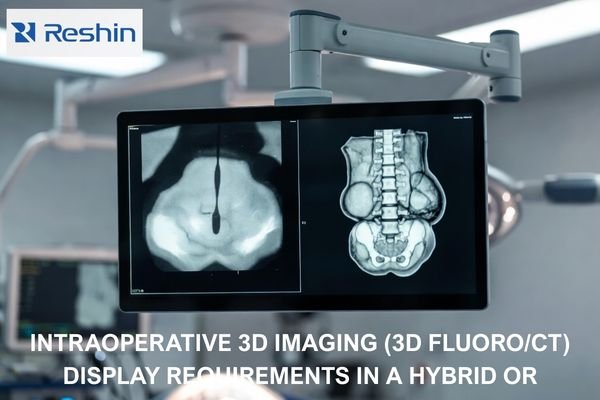
Hybrid OR medical-grade display showing live 2D fluoroscopy and intraoperative 3D cone-beam CT volume side by side

What Requirements Does Intraoperative 3D Imaging (3D Fluoro/CT) Put on Displays?

Intraoperative 3D imaging (3D fluoro/CT) needs displays that keep low-contrast cues visible for navigation, render fine detail without added artifacts during interaction, and stay consistent across sources and viewing positions. Priorities include stable grayscale/brightness behavior, restrained processing (no halos or over-sharpening), reliable tone mapping, and fast, predictable source switching.

Read More »

Ask For A Quick Quote

We will contact you within 1 working day, please pay attention to the email with the suffix “@reshinmonitors.com”

Ask For A Quick Quote

We will contact you within 1 working day, please pay attention to the email with the suffix “@reshinmonitors.com”