Technology Insights

Explore practical articles on medical display sourcing, OEM cooperation, diagnostic and surgical workflows, compliance preparation, and long-term supply planning.

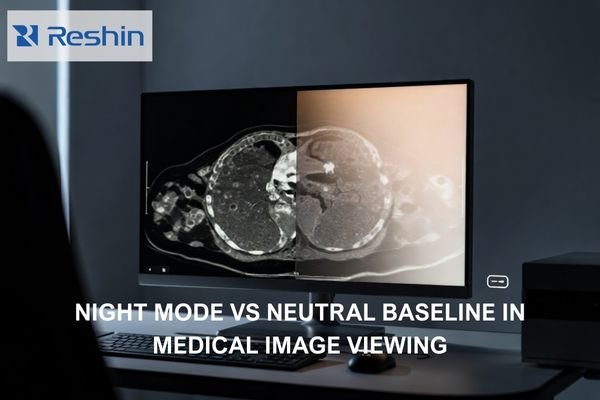
Photorealistic radiology workstation showing a neutral grayscale medical image with a subtle warm Night Mode shift on half the display.

Does Night Mode or “Eye Comfort” Affect Medical Image Viewing?

Night Mode and Eye Comfort features can affect medical image viewing by shifting white point, reducing blue output, and sometimes dimming displays, which can change visual adaptation and perceived contrast. For diagnostic reading, maintain validated baselines and avoid comfort transforms during clinical interpretation, using separation and policy controls for mixed-use workstations. This article explains what changes in the rendering pipeline, how to validate impact in your actual viewer, and how to control the setting so it cannot persist unintentionally.

Read More »
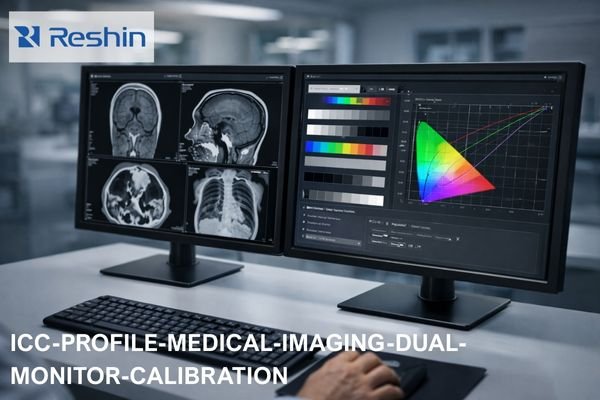
Dual medical imaging monitors on a clinical workstation showing grayscale CT and MRI scans on one screen and ICC color calibration curves and test patterns on the other, illustrating ICC profile management for diagnostic display consistency.

Should You Disable ICC Profiles on Medical Display Monitors?

ICC profile decisions for medical displays depend on your clinical workflow and calibration approach. Prefer disabling or neutralizing OS-level ICC transforms when diagnostic applications and monitors already use validated internal calibration, but consider keeping ICC for color-managed workflows. The key is preventing competing transforms that reduce repeatability across applications and system states.

Read More »
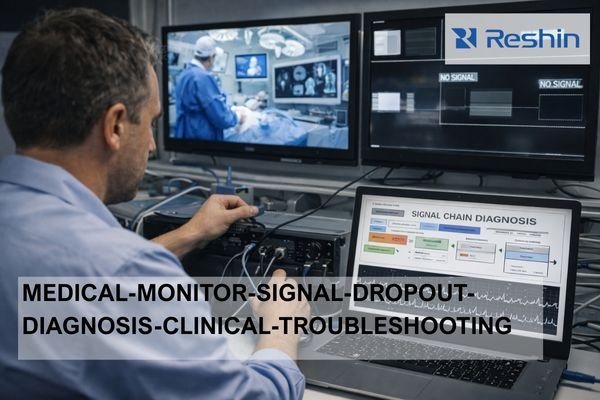
Technician troubleshooting medical-grade monitor signal dropouts in a hospital control room, checking cables while a laptop shows a signal chain diagnosis flowchart and wall displays show surgical video and no-signal warnings.

How to Check Whether Random Dropouts on a Medical grade Monitors Come from the Cable or the Device?

Random dropouts on Medical grade monitors can be diagnosed by testing with direct, short cable connections first to isolate cable issues, then rebuilding the signal chain incrementally to identify device-specific problems. Cable issues typically show physical sensitivity and bandwidth stress patterns, while device issues correlate with specific states, negotiations, and switching events.

Read More »
Operating room endoscopy tower connected to a medical-grade surgical monitor, illustrating timing, color encoding, and EDID/handshake compatibility issues.

What Are the Three Most Common Compatibility Problems When Matching Surgical Monitors with Endoscopy Systems?

The three most common compatibility problems when matching surgical monitors with endoscopy systems are timing mismatch (resolution/refresh/scan format), color encoding and range mismatch (RGB vs YCbCr, full vs limited), and negotiation instability through EDID/handshake behavior via intermediate devices. These issues often appear after switching or rebooting rather than during initial setup.

Read More »
Operating room display showing side-by-side white-light and fluorescence-guided surgery images with mode switching panel

What Special Requirements Does Fluorescence-Guided Surgery Put on Surgical Monitors?

Fluorescence-guided surgery requires surgical monitors to support stable low-level contrast discrimination, consistent color handling across white-light and fluorescence modes, minimal switching latency, and predictable behavior during the frequent state transitions that occur throughout procedures. These requirements extend beyond basic image quality to include system-level reliability, repeatable modes, and stable overlay presentation.

Read More »
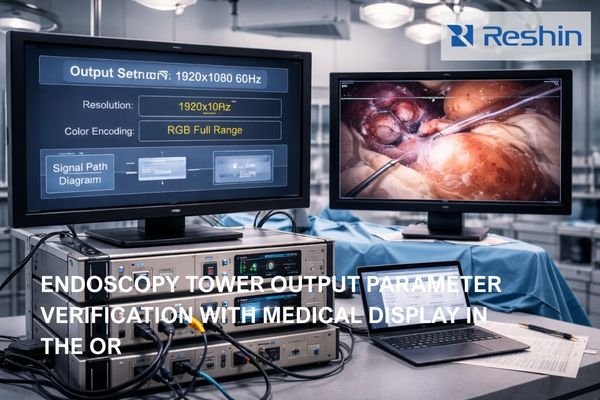
Operating room endoscopy tower with monitor showing output settings and second display showing live endoscopic image for video parameter verification

What Output Parameters Should You Confirm Before Connecting an Endoscopy Tower to a Medical Display Monitor?

Before connecting an endoscopy tower to a medical display, confirm a pre-connection checklist: timing (resolution, refresh rate, scan format), color encoding (RGB vs YCbCr and range behavior), and the exact signal-chain path used in the OR. The goal is a single known-good video mode that remains stable and repeatable across power cycles and input switching during procedures.

Read More »
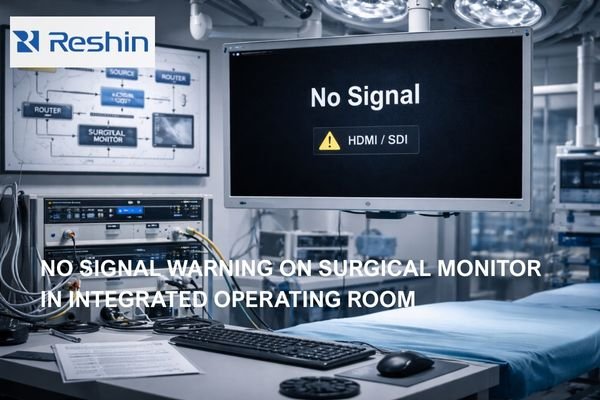
Operating room surgical monitor showing No Signal HDMI SDI warning with OR video routing equipment in the background

How to Quickly Troubleshoot “No Signal” on a Surgical Monitor?

“No signal” on surgical monitors typically indicates the display cannot lock to a valid video mode due to source configuration, signal chain negotiation failures, or device state transitions. Quick troubleshooting isolates whether the issue originates from the source, intermediate devices, or monitor configuration by testing direct connections and forcing standardized, known-good modes.

Read More »
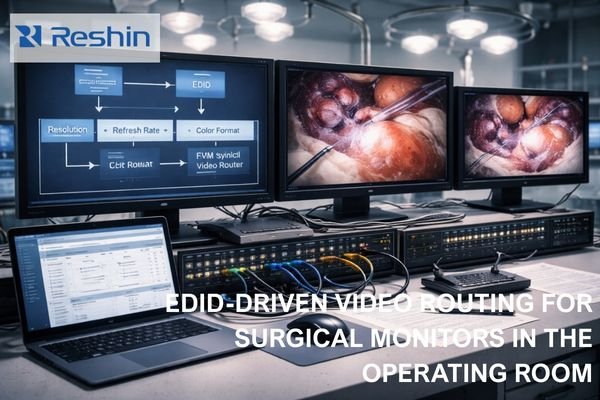
Operating room video workstation with three surgical monitors showing EDID diagram and live endoscopic images over a routed signal chain

What Is EDID, and Why Does It Affect Surgical Monitor Compatibility?

EDID (Extended Display Identification Data) is the capability information that surgical monitors provide to video sources, influencing what resolution, refresh rate, and color format the source will output. In OR environments with complex routing chains, EDID inconsistencies can trigger EDID mismatch behavior—no signal failures, unstable switching, or silent mode changes—reducing workflow predictability when it matters most.

Read More »
Clinical diagnostic workstation with three medical monitors showing handshake negotiation diagram and radiology images

What Is a “Handshake,” and Why Do Medical Displays Fail Handshakes?

A handshake is the negotiation process between a workstation and medical display to establish compatible signal parameters like resolution, refresh rate, and color format. Medical displays are particularly susceptible to handshake failures due to complex signal chains, intermediate devices, and strict consistency requirements that make “works most of the time” operationally unacceptable.

Read More »

Featured Insight

Start with the most useful guide for new buyers and OEM teams evaluating medical display suppliers.

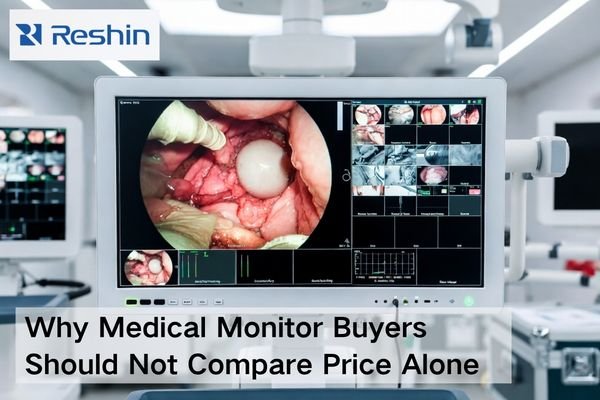
Medical monitor procurement scene showing a medical-grade display, validation documents, connected cables, and project materials beyond price comparison

Why Medical Monitor Buyers Should Not Compare Price Alone

Medical monitor buyers should not compare price alone because a quotation only reflects the visible purchase cost, while the real project cost also includes compatibility risk, validation effort, after-sales recovery speed, document readiness, delivery coordination, and future supply stability. A better procurement decision comes from evaluating total project risk, not just the initial number on the quote.

Read More »
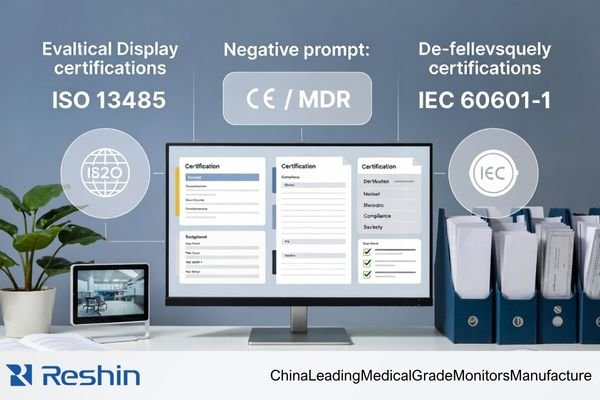
Distributor evaluating a medical display manufacturer’s certifications, including ISO 13485, CE / MDR, and IEC 60601-1 compliance

Which Certifications Actually Matter When Evaluating a Medical Display Manufacturer?

When evaluating a medical display manufacturer from a distributor’s perspective, the focus should not be on the quantity of certificates. The more important task is to identify which certifications and compliance documents actually support medical quality control, product compliance, and documentation readiness. In most cases, ISO 13485, product-related compliance information, and evidence of document traceability matter far more than general company awards or patent counts.

Read More »
Reshin medical display review meeting with buyers discussing product evaluation, specifications, and project requirements in a modern office

Buying a Medical Display from China for the First Time: What Should Be Confirmed

When buying a medical display from China for the first time, the safest approach is to confirm six things early: the exact application scope, alignment between sample and production, documentation support, OEM/customization boundaries, supply continuity, and communication quality. A capable medical display manufacturer should be able to support all six, not just provide a competitive first quotation.

Read More »

Ask For A Quick Quote

We will contact you within 1 working day, please pay attention to the email with the suffix “@reshinmonitors.com”

Ask For A Quick Quote

We will contact you within 1 working day, please pay attention to the email with the suffix “@reshinmonitors.com”