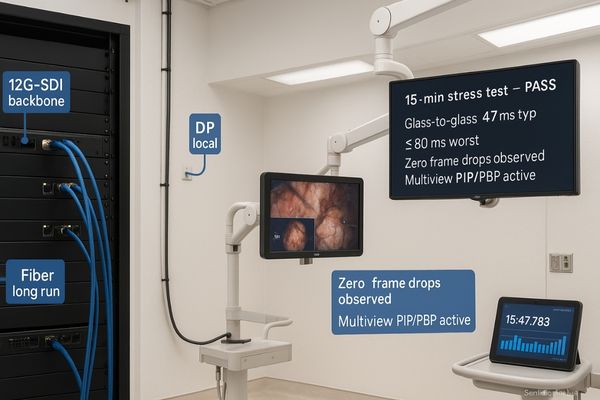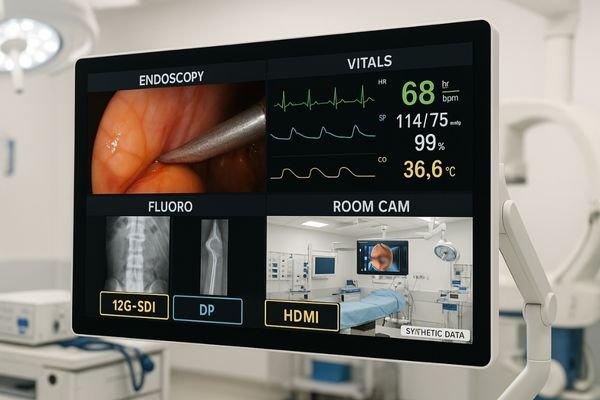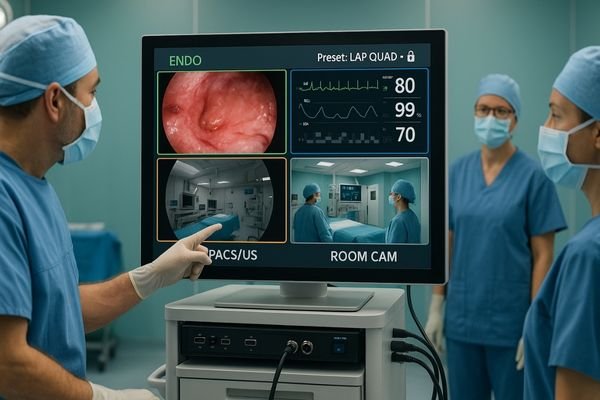
Surgical monitor in an endoscopy suite showing a fixed quad-view layout—Endoscopy, Vitals, Fluoro, and Room Cam—with 12G-SDI, DP, and HDMI labels

Multi-Source on One Screen: PIP/PBP/Quad View Signal Routing and Layout for Endoscopy Suites

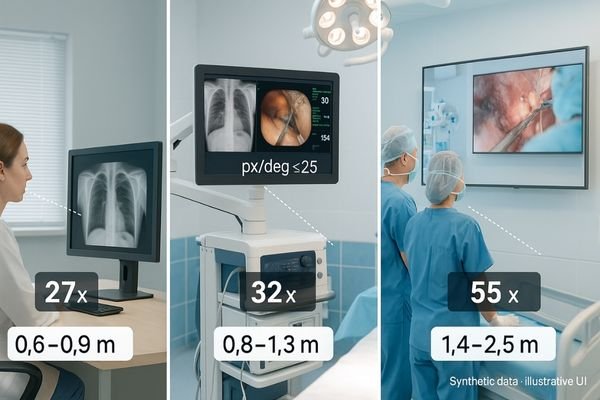
Route with purpose and display with discipline: use 12G-SDI for locked 4K60 runs, DP for low-latency near-field, and reserve HDMI for utility. Pick fixed templates—PIP for reference, PBP for co-primary, quad for team awareness—then size panes to legibility thresholds and label them. Zero-drop switching and verified latency turn multiview layouts into safe, repeatable OR practice.

Read More »
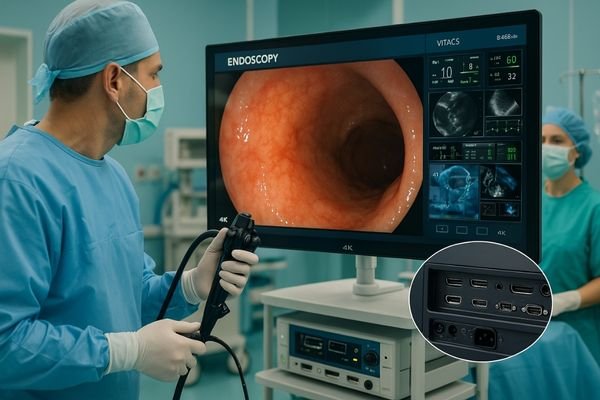
Surgeon performing GI endoscopy while viewing a bright 4K medical monitor with anti-reflection glass, high brightness, and multi-input connectivity in a modern OR

Best Monitors for Gastrointestinal Endoscopy

The best monitors for gastrointestinal endoscopy deliver high image clarity, brightness, anti-reflection technology, multi-input connectivity, and ergonomic design. 4K surgical displays further enhance accuracy and prepare operating rooms for future imaging needs.

Read More »
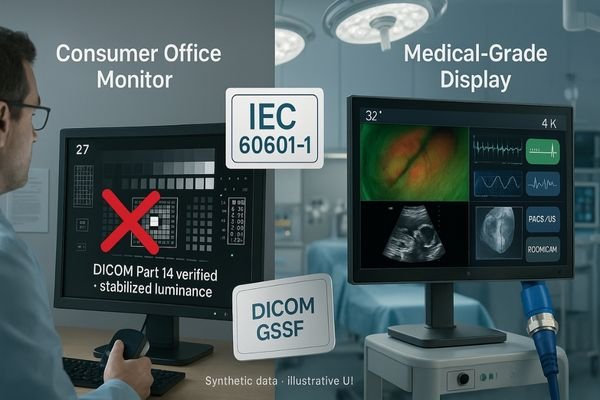
Side-by-side comparison of a consumer office monitor and a medical-grade display in a hospital; IEC 60601-1 and DICOM Part 14/GSDF highlighted with 12G-SDI connector

7 Common Misconceptions About Medical Displays: Are You Falling for Them?

Most “gotchas” come from treating resolution as quality. In practice, safety certifications, AR-bonded optics, DICOM Part 14 with stabilized luminance, ambient compensation, and robust OR connectivity decide clinical truth. Pick the right size and I/O for the workflow, keep GSDF verified on a schedule, and wide gamut only when the entire chain preserves it.

Read More »
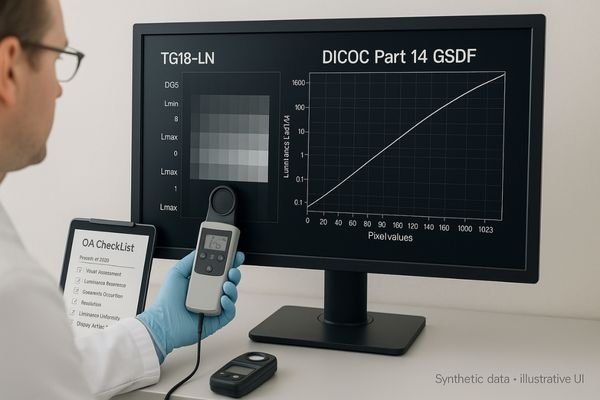
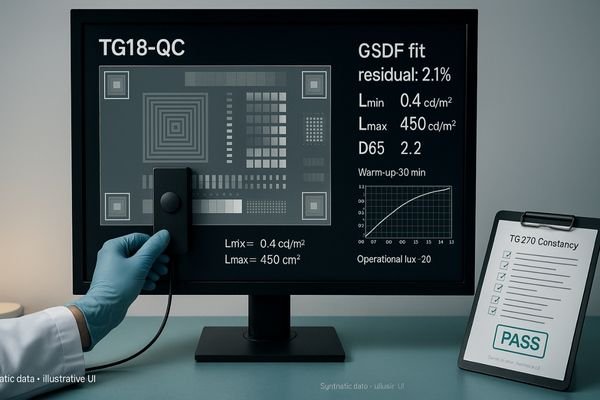
Physicist measuring a TG18-QC test pattern on a PACS diagnostic monitor with a photometer to verify DICOM Part 14 GSDF; TG270 checklist visible

PACS Monitor QA in Practice: How to Verify DICOM Part 14 with TG18/TG270

To verify DICOM Part 14 in practice, warm up the display, set room lux to operating levels, run TG18-QC for a quick visual gate, then measure GSDF with a photometer to confirm curve fit and Lmin/Lmax. Check uniformity (e.g., TG18-UNL), document results against TG270 thresholds, and lock profiles to prevent drift; repeat on a fixed constancy schedule.

Read More »

Ask For A Quick Quote

We will contact you within 1 working day, please pay attention to the email with the suffix “@reshinmonitors.com”

Ask For A Quick Quote

We will contact you within 1 working day, please pay attention to the email with the suffix “@reshinmonitors.com”