Buyer Guides

Explore practical articles on medical display sourcing, OEM cooperation, diagnostic and surgical workflows, compliance preparation, and long-term supply planning.

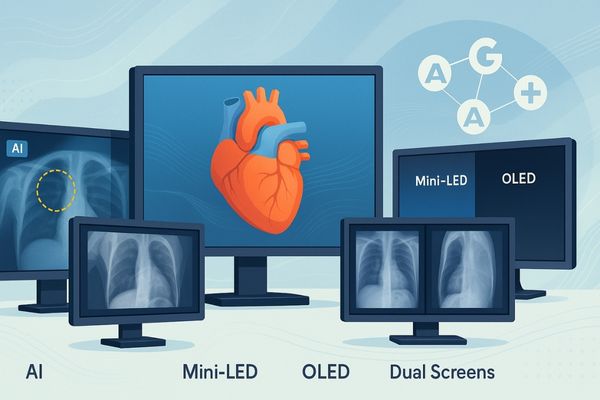
Collage of medical monitors displaying CT scan, mammography, surgery image, grayscale calibration, and connectivity ports, highlighting key parameters like resolution, brightness, DICOM compliance, viewing angles, and system integration.

Key Parameters to Consider When Buying Medical Displays

When buying a medical display, key parameters include resolution for image clarity, brightness and luminance stability for consistent viewing, and DICOM compliance for accurate grayscale reproduction. Also consider viewing angles for collaboration and connectivity for system integration.

Read More »
Surgeon examining high-quality surgical monitor displaying clear tissue image next to blurred artifact example in modern operating room

What visual artifacts are common in low-quality displays?

Common visual artifacts in low-quality displays include color banding, motion blur, ghosting, and uneven brightness. These issues stem from inferior panels, slow processing, and poor calibration, all of which can compromise surgical precision by hiding or distorting vital visual information.

Read More »
Radiologist viewing high-contrast medical images on a Reshin display with bold overlay text listing benefits

Top 5 Benefits of High Contrast Ratios in Medical Imaging

The top five benefits of high contrast ratios in medical imaging are:
1.enhanced visibility of subtle anatomical structures.
2.improved diagnostic accuracy in low-contrast areas.
3.reduced eye strain for radiologists.
4.better differentiation between healthy and abnormal tissue.
5.and critical support for demanding modalities like mammography and MRI.
These advantages collectively lead to higher diagnostic confidence, workflow efficiency, and better patient outcomes.

Read More »
Doctor examining a chest X-ray on a medical monitor while a fatigued colleague rubs her eyes in a bright clinical setting

How does screen flickering impact clinical use?

Screen flickering negatively impacts clinical use by causing visual discomfort and fatigue in clinicians, potentially compromising image accuracy and diagnostic reliability, especially in visually demanding medical specialties like radiology and surgery.

Read More »

Featured Insight

Start with the most useful guide for new buyers and OEM teams evaluating medical display suppliers.

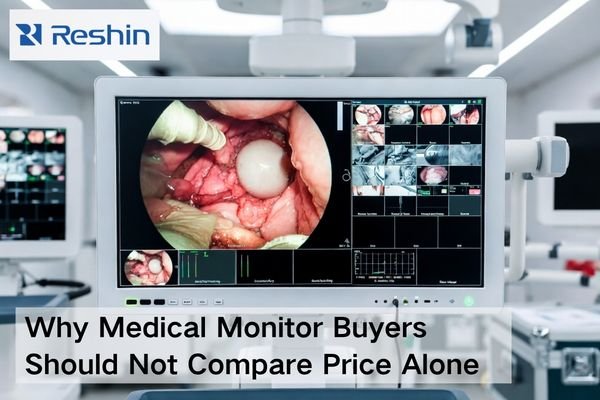
Medical monitor procurement scene showing a medical-grade display, validation documents, connected cables, and project materials beyond price comparison

Why Medical Monitor Buyers Should Not Compare Price Alone

Medical monitor buyers should not compare price alone because a quotation only reflects the visible purchase cost, while the real project cost also includes compatibility risk, validation effort, after-sales recovery speed, document readiness, delivery coordination, and future supply stability. A better procurement decision comes from evaluating total project risk, not just the initial number on the quote.

Read More »
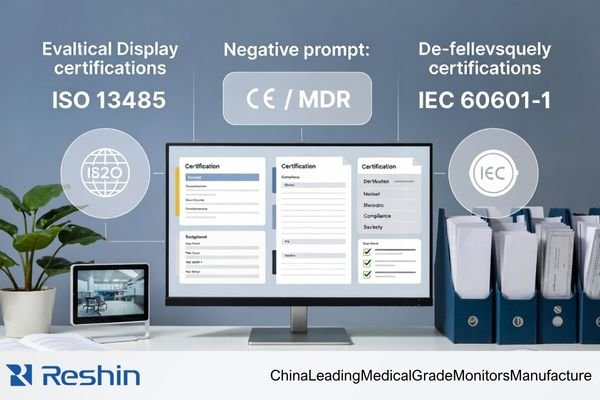
Distributor evaluating a medical display manufacturer’s certifications, including ISO 13485, CE / MDR, and IEC 60601-1 compliance

Which Certifications Actually Matter When Evaluating a Medical Display Manufacturer?

When evaluating a medical display manufacturer from a distributor’s perspective, the focus should not be on the quantity of certificates. The more important task is to identify which certifications and compliance documents actually support medical quality control, product compliance, and documentation readiness. In most cases, ISO 13485, product-related compliance information, and evidence of document traceability matter far more than general company awards or patent counts.

Read More »

Ask For A Quick Quote

We will contact you within 1 working day, please pay attention to the email with the suffix “@reshinmonitors.com”

Ask For A Quick Quote

We will contact you within 1 working day, please pay attention to the email with the suffix “@reshinmonitors.com”